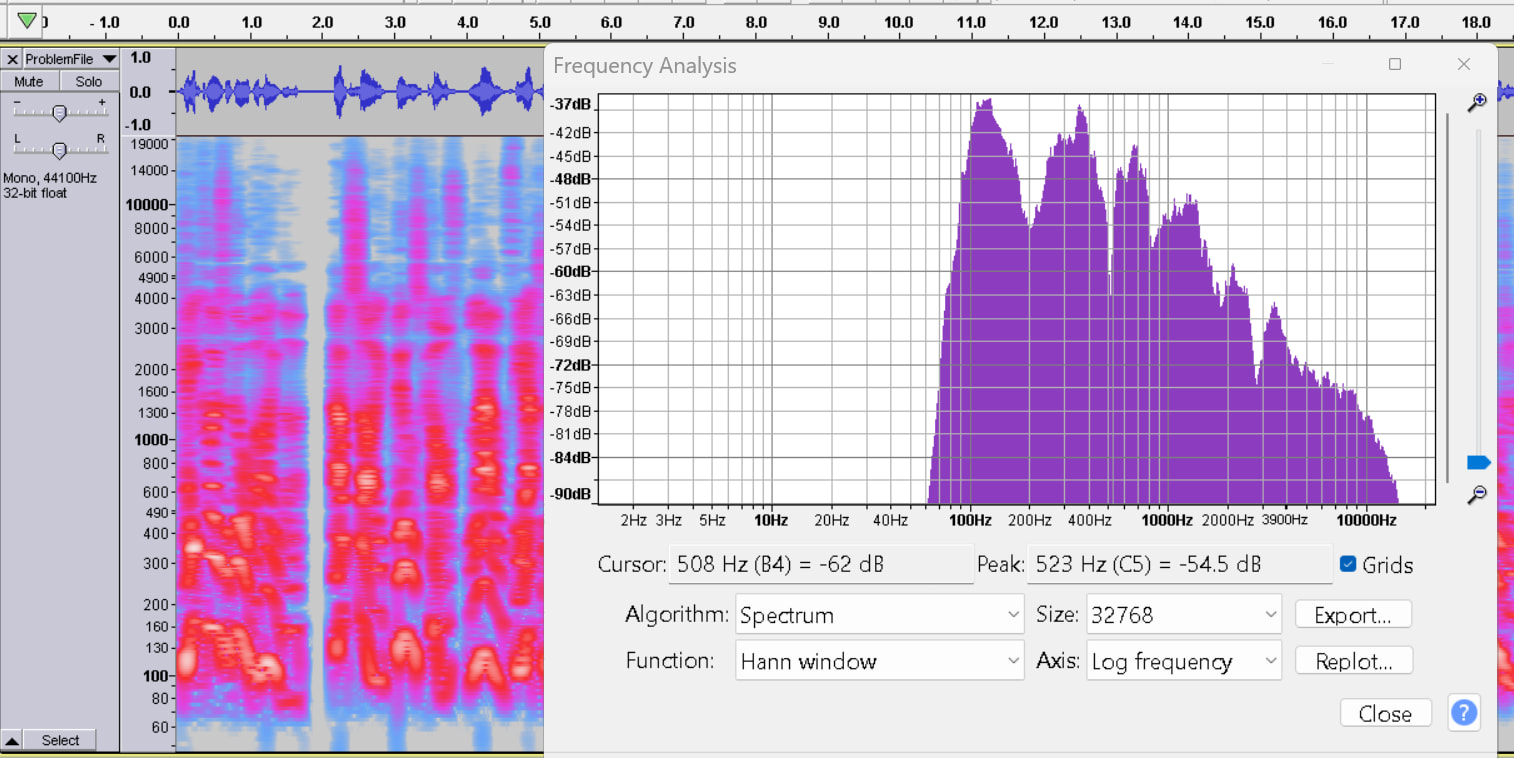
Hi there,
I’m new to the forum, though not new to voiceover. I’ve been doing audiobooks for about 3 years now, and although I’m OK with editing etc, I’m not an expert, and I really need help here.
I’ve recently bought a new computer, as my old laptop was so slow it couldn’t stop crashing (not just with audacity, but generally). My new computer is as fast as anything, but recording has become a bit of a problem. I’ve set it up properly, and the quality is OK, but I’ve recently noticed when I record that something in the way my vowels sound is unnatural, tinny, and sounds like it pitches. I’ve uploaded four short sections of a book I’m currently recording.
You can hear it especially on the “AY” and “EE” sounds.
My wife has said she hasn’t noticed it, so I don’t know if I’m just being my usual perfectionist self, but its driving me crazy.
My PC is a Dell Slim ECS1250, Amp is Focusrite Scarlett Solo 4th Gen, Mic is a RODE NT1 and the Audacity version is 3.7.7
My sound editing is basically the usual instructions to get it up to ACX standards, so - Filter Curve EQ (low rolloff for speech), Loudness Normalization, Limiter, De-Esser, Noise Reduction, but I can still hear it before I’ve done all of that.
I’ve also turned off the settings from the PC that try to clean up recordings, which helped slightly with plosive sounds, but I can still hear the whine in the vowel sounds.
Any help or suggestions is much appreciated!