Not necessary: abandon that notch filter and use the multi-tool in Audacity’s spectral editing, it functions as a notch-filter …
GREAT idea Trebor BUT… when I chose the tool (that doesn’t have sub-menu as in your gif example), NOTHING happens ! No configuration window appears and nothing happens !!! Well, I don’t know what is happening with audacity on my pc but… it behaves quite erratically ! 
Best regards
iBenny
F-I-N-A-L-L-Y !!! I repaired it ! EVERYTHING works now ! The notch filter, the Pluck, the multy-tool spectral edition… EVERYTHING !!! and the decimal symbol setting was NOT the problem here… 
Best regards
iBenny
I have two copies of SpectalEditMulti, that’s why I have a sub menu, (normally no sub menu there).
There is no configuration window, it just notches the region of the spectrogram selected.
The vertical dimension of the rectangle selected defines the Q …
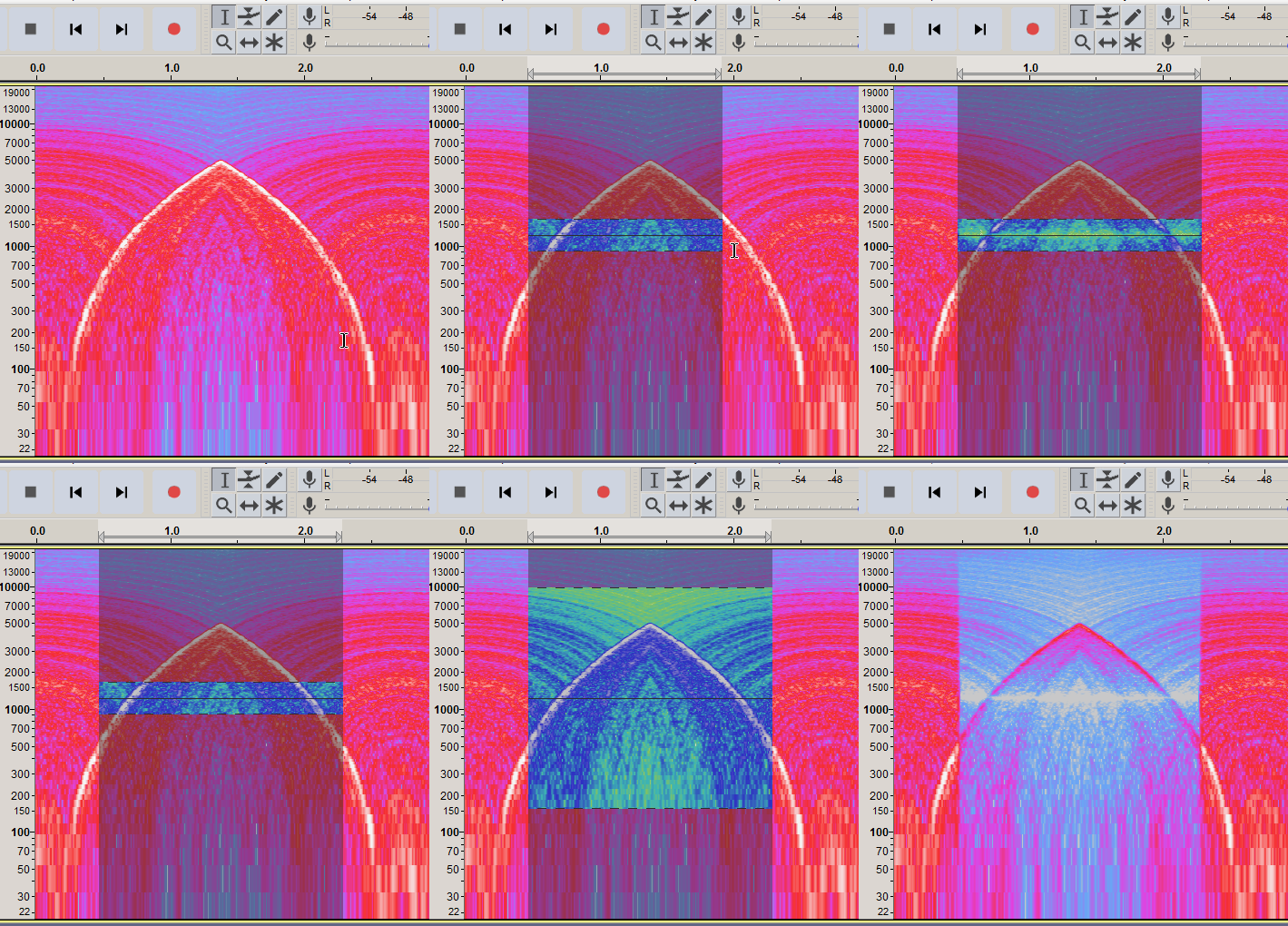
Glad to hear that!  Do you care to share?
I guess Steve you’re not interested to know how I did it ? 
Best regards
iBenny
Steve is out right now.
for one day/week/month ?
Best regards
iBenny
I had installed Audacity in a custom folder. I uninstalled it and reinstalled it in the default folder and the issue was resolved !!!
Best regards
iBenny