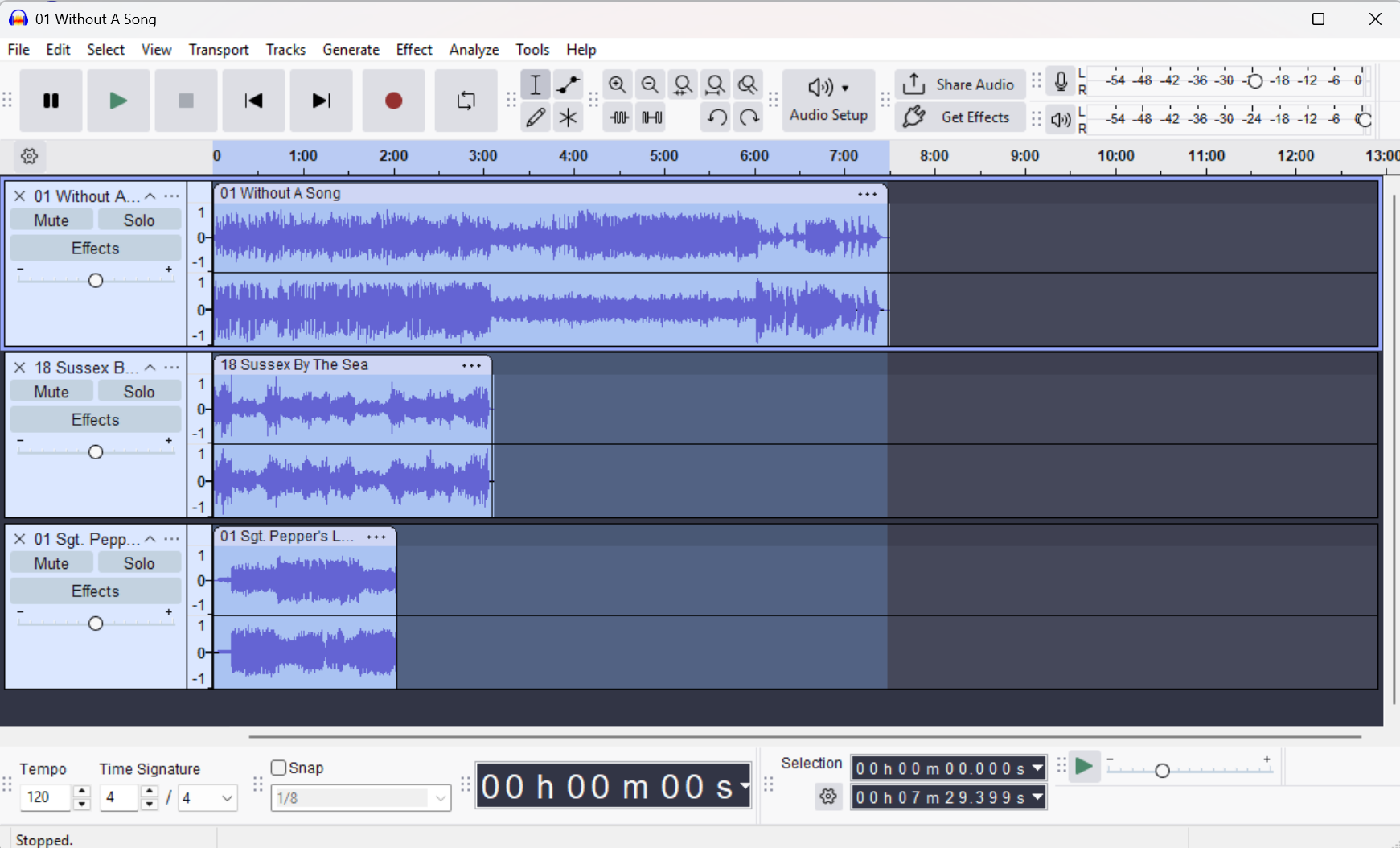
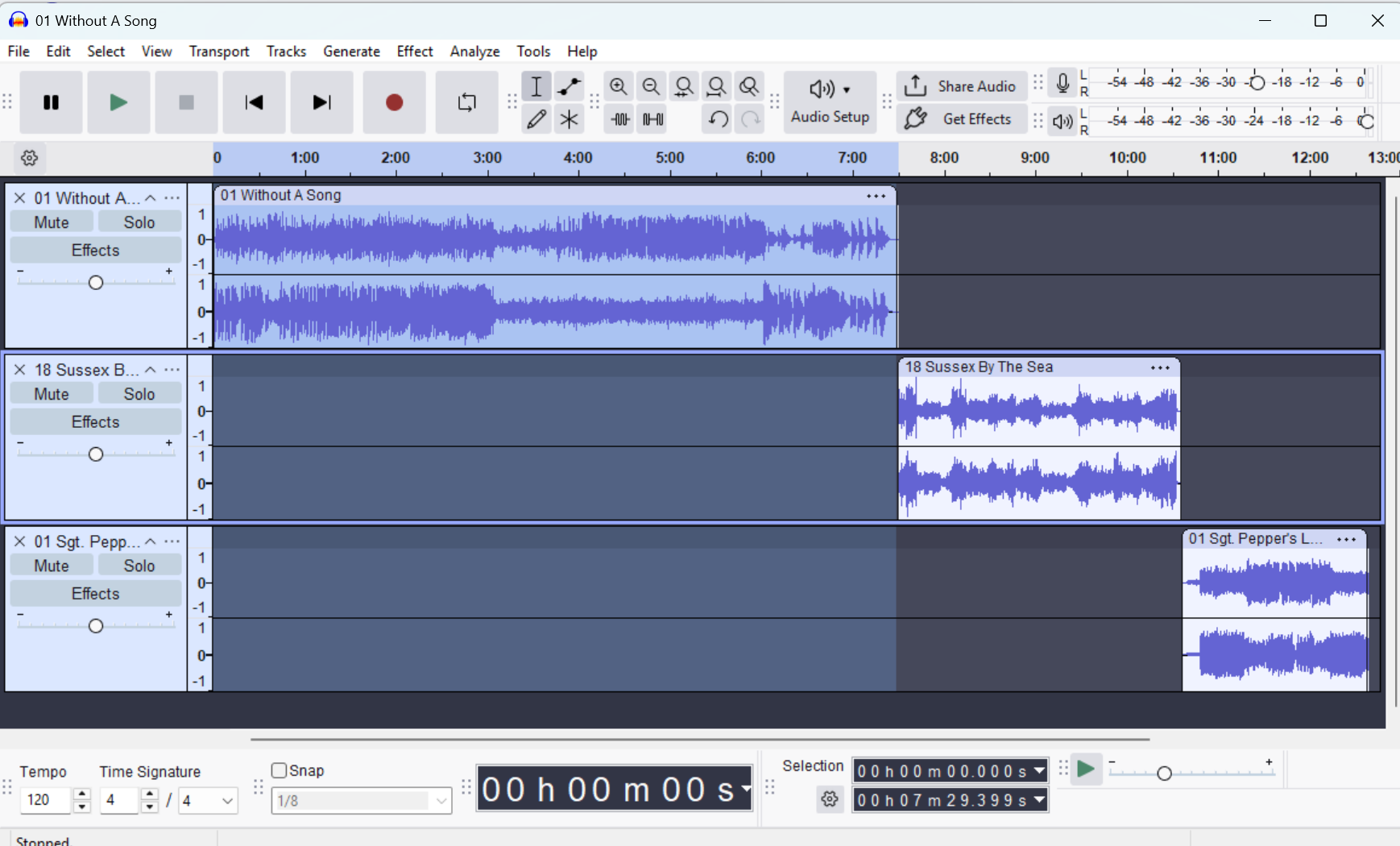
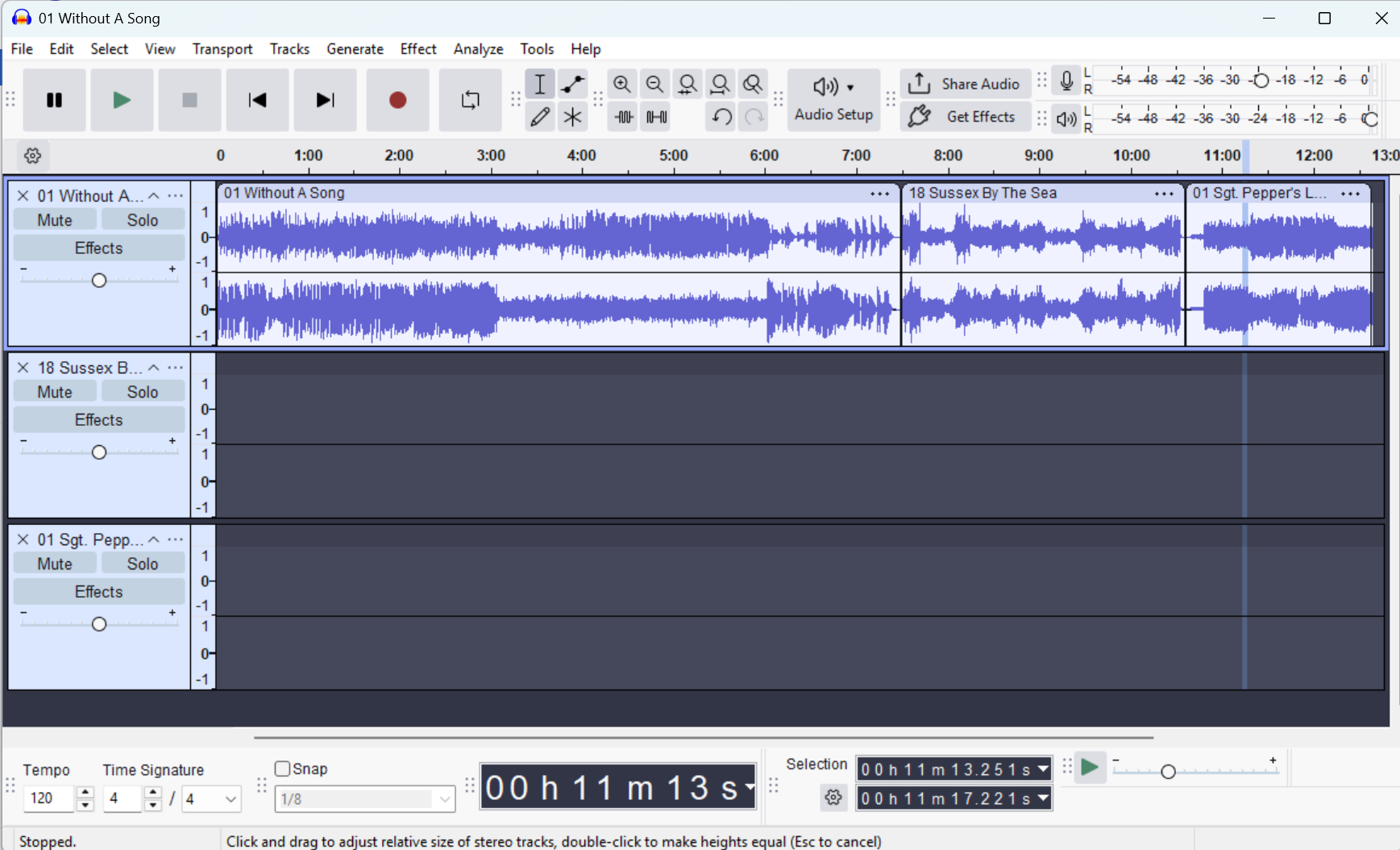
New to Audacity after using Adobe Audition for years. When I used Audition, I would append all mp3 files into a single track (I know how to do this in Audacity). In Audition the names of each mp3 would show and the top. This is important because I’m dropping in radio breaks after a set of songs and without seeing the mp3 name, I have to listen and figure out where I am in the file. Any solution for this?
One other question too - I have a intro song that I use under my opening break, In Audition I used a command called Mix Paste - I simply copy song intro and mix paste over my break then their is an option to set the volume of each audio. How do I accomplish this in Audacity.
Each song exists a a separate “Clip” on the same track and shows the name of the original audio file. You can, of course delete the unwanted empty tracks.
Note that you can readily work with the project as it is at Stage 2 - there you have the benefit that not only does the clip have the audio name, so does the track.