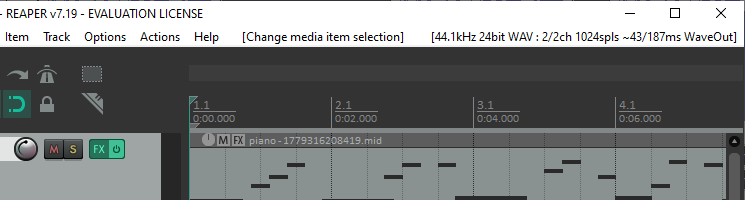
Other sound editing programs I have used display the total length of the current track (as well as the cursor position) prominently, without first requiring selection of the entire track.
Please add this to the UI or at least provide an option to display it.
An easy and intuitive way to do this might be to split the “Time Toolbar” the same way the “Selection Toolbar” is split, with the default to display the cursor position above and the total length below.
+1 When loading an audio file I usually want a quick feel for how long it is, but there’s no place where that information is shown. If you need to edit to a specific length, then a live track length or total length would be indispensable. (Using Ctrl-A to select all loses your current cursor position.)
While I have never felt the need to know the total length without being able to CTRL+F (Fit to Width), perhaps it would help with some accidental exports that contain a lot of silence on the right.
Perhaps those wishing for this feature could elaborate on their use case, to help the devs understand.
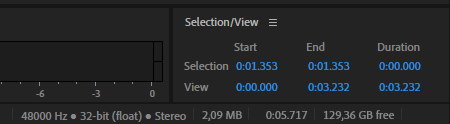
Turns out Audition shows a bunch of useful information in the bottom right corner with an economically small font size:
(Grey bottom text has the total length, not the Selection/View widget)
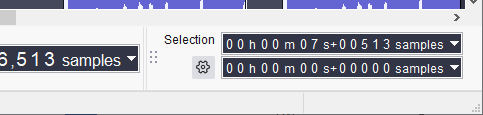
I for one would welcome being able to check at a glance what the sample rate of the project is. And it seems that Audacity has free real estate in that same area: