I have given up on audacity 4.0 (and the update 4.0.1 sounds like it has solved nothing much) for now i have wasted a day trying to get the paste to work as it did previously. I have never jumped in at a cross over point like this from version to version and it feels like one should not bother for a couple of months at least until all the glitches are resolved. For the moment I am just very unhappy that I’ve wasted my time with something that has a very simple action (like not playing a highlighted section) failing to work in the way it did with version 3. What a waste of time!
apologies I mean ‘play’ at highlighted section not ‘paster’
‘paste’!!! sorry so frustrated can’t even type now!
You must be frustrated, as you can’t even remember that you can edit your own posts!
I have found it a bit frustrating, but I am persevering. I know it will get there.
1 Like
I’ve never posted before (I don’t think) so I didn’t realise you could edit after the fact! Having calmed down, I may persist with 4.0 because it’s happening whatever, but I’ve just noticed another feature that seems to be missing (my terminology will be incorrect). At the bottom of the screen to the far left and right used to be small triangles that allowed one to move the track ahead to the right of where the track was playing to see what was coming which was useful (for audiobook editing anyway), you still can grab the bar which shows where you are but that is more tiresome and one has less control. So I am at the moment adding to my frustrations and hoping it will feel right later.
There is no Transport menu in Audacity 4. Are you hallucinating?
Thank you.
While you’re at it, can you make it so that double-clicking a clip or selecting a clip by clicking in the header will make that the selection, including moving the playhead? Currently it shows as a selection but cannot be played by Shift+Space. One can carefully drag from one end of a clip to the other and that creates a selection that can be played by Shift+Space, but that is visually and functionally the same as clicking in the clip header.
1 Like
It is called teething issues. Both you and Au4 are having them. I have only been using Au3 for about a month before Au4 came out, so I have had a steep learning curve and teething issues with the new one. This was the reason I made this post, which you are commenting on.
Now, where are these arrows? I can’t seem to see them. I know that if my playhead goes off the screen, the screen scrolls. But both have scroll bars at the bottom. I am, however, using a Linux version of the app.
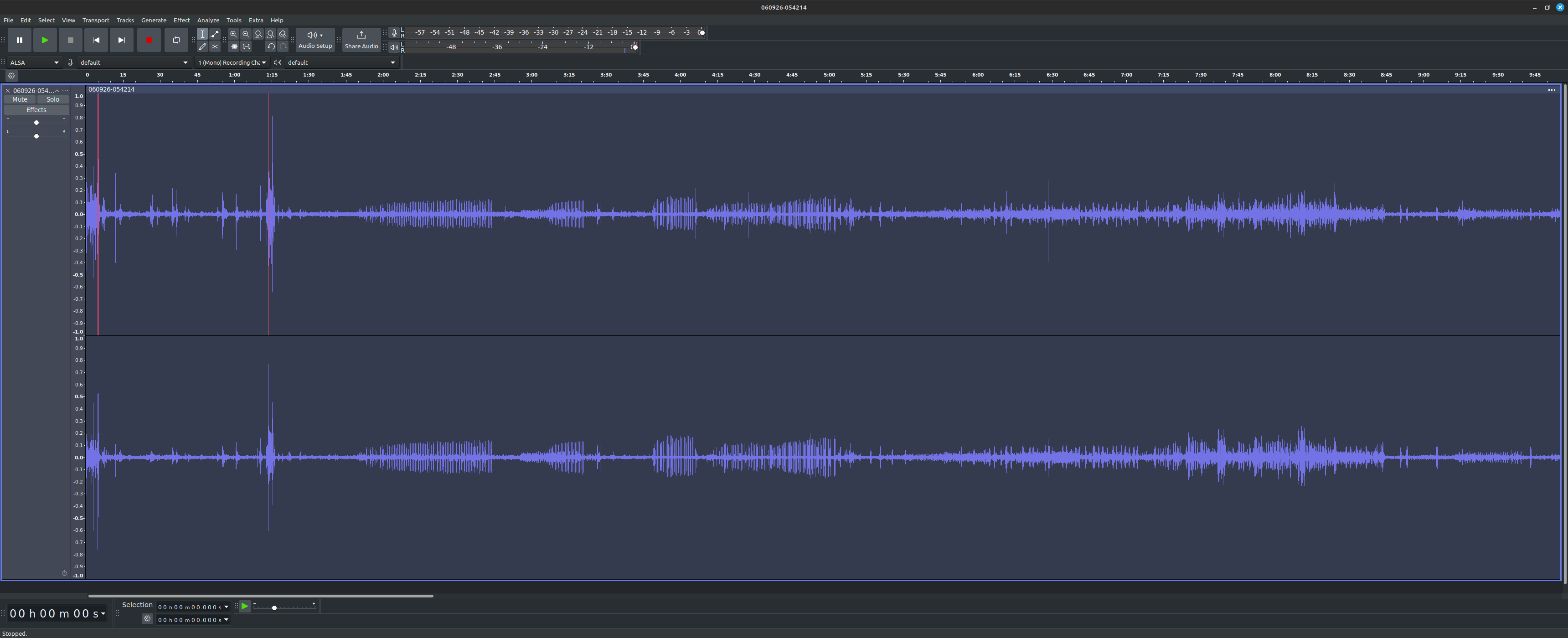
As Mudskipper noted in his post above yours, it is possible to play the selected audio, and he gives tips on how to set up the shortcuts.
sorry for that! i am
Are you an AI bot?
Well, it’s either that or Yoda.
1 Like
no! why you ask that?
I use this software not as a professional sound engineer but as a volunteer reader for an hour or so each week. I also write the guides for others in our group all of whom are of a similar skill set for software. Setting up preferences or shortcuts when it used to be so simple to edit small sections right click to highlight, play highlighted section only, find error beginning and end, delete. Please bring this back asap!
1 Like
See post by Mudskipper, above. They’re working on it.
1 Like
One more user who struggled to find this very useful feature.
Hold up. EDIT: When I went to assign “space” to “Play selected,” it said that conflicts with space to stop recording. So wait a sec… I have a whole lot of muscle memory from a whole lot of software where “space” is a toggle between play/record and stop states. Surely Audacity 4 could be forgiving enough to allow that a spacebar, when playback is stopped, should use the user’s chosen shortcut mapping, but when recording, it could just stop recording. It doesn’t have to be all or nothing. It’s really weird that you can’t have space = play/stop, stop playing and stop recording. Really weird.
Hold up. EDIT EDIT: Now I can start playing the selected range with the spacebar, but now I can’t even stop playing using the spacebar, which was not the case at first.
I mean, I would like to give the development team as much benefit of the doubt as I can for an incredibly difficult interface rewrite. But, janky play/stop behavior is a really fast way to drive away users. I’d expect really low tolerance for interface consistencies in this area.
hjh
1 Like