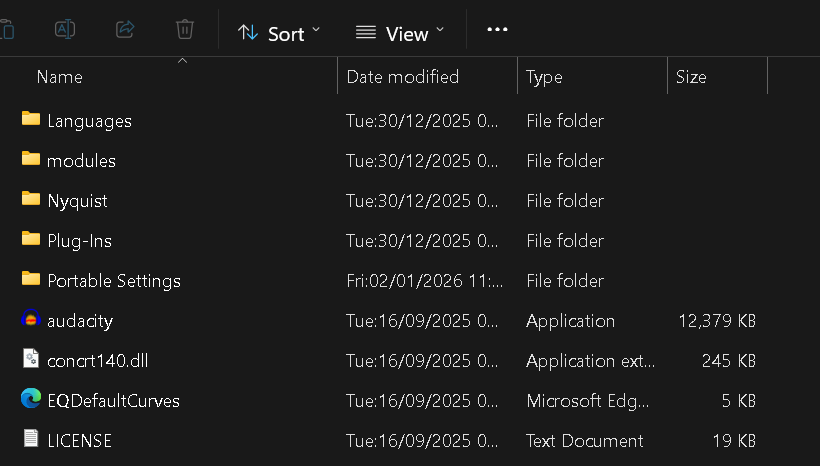
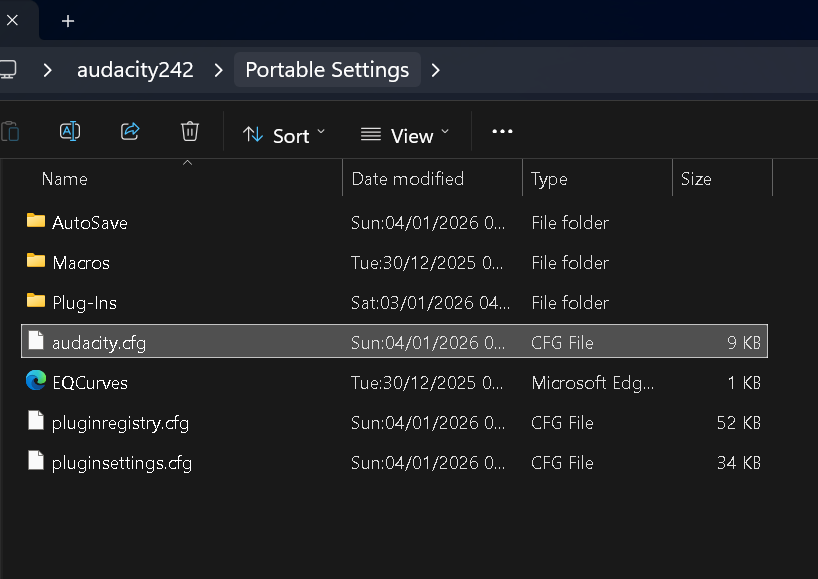
Install the in two different folder names, for example install 3.7.1 in a folder called “Audacity 3-7-1” rather than the default “Audacity”. I have many different versions installed all the way back to 1.0 all in differently named folders.
“Create a folder called “Portable Settings” on the USB stick. On Windows this goes at the top level alongside the application and other folders”.
Can u tell me where in Windows is considered the top level?
In my pc, my directory is as follows:
C:\Windows
So should I create “Portable Settings” folder as follows?
C:\Windows\Portable Settings
I don’t need to take Audacity to another device. All I want to do is to install two different versions of Audacity in my pc hard drive. So is “portable settings” something I need to use?
I have all the old versions of Audacity as I used to be one of the QA bods on the old Audacity Team before Muse took over the project. I used these old versions for regression testing, so for each test I always purged the Audacity settings folder back to OOTB factory settings.
When I was actively using Audacity on live projects (digitizing my LPs and tapes) I kept a saved version of the settings folder with all my preferences settings in it and restored that when I wanted to do production work.
I got some courage to install Audacity 3.7.7 by creating a new folder called Audacity 3_7_7 under C:\Program Files.
So now there are two folders: one is Audacity (contains Audacity v3.5.1) and another is Audacity 3_7_7.
So far both versions seem to be functioning properly.
I had saved cofiguration file “audacity.cfg” from v3.5.1
When I copied “audacity.cfg” from v3.5.1 to C:\Users[your user name]\AppData\Roaming\audacity, I forgot that I had to first close Audacity 3.7.7 before doing the copying.
So what I did was to close Audacity 3.7.7 and re-copied my “audacity.cfg” from v3.5.1 to C:\Users[your user name]\AppData\Roaming\audacity.
I tried waxcylinder’s method by creating a different folder name for v3.7.7 and then copying my config file from 3.5.1 and everything seems working alright.
Audacity is forwards compatible. Backwards there can be a problem: when you use the older version after using the newer version. If they share the config file in AppData the newer version of the config can be incompatible with the older version of Audacity.
I use two different versions of some applications, also Audacity’s, and I download them at PortableApps.com, where you must first download their own Platform and Platform_exe folder in the drive you choose. You will open its Audacity_exe from their Platform.
Yes, it does mean that. The PortableApps Platform installer will create the Portableapps folder where it will install the applications you download. The Platform application will list your downloaded applications, which you may even start from there.