I record streams unattended. Sometimes I’m gone or asleep for hours longer. Audacity keeps on recording. How can I schedule it to stop at a future time?
See this section in the Audacity Manual: Recording - Audacity Manual
Peter
Thanks. Is the ‘Selection Toolbar’ that thing at the bottom of the display to the right of the timer? Is the top the beginning of the selected region, the bottom the end? If I set the top to 0 and the bottom to 1h 1m 37s, will it stop recording 1h1m37s?
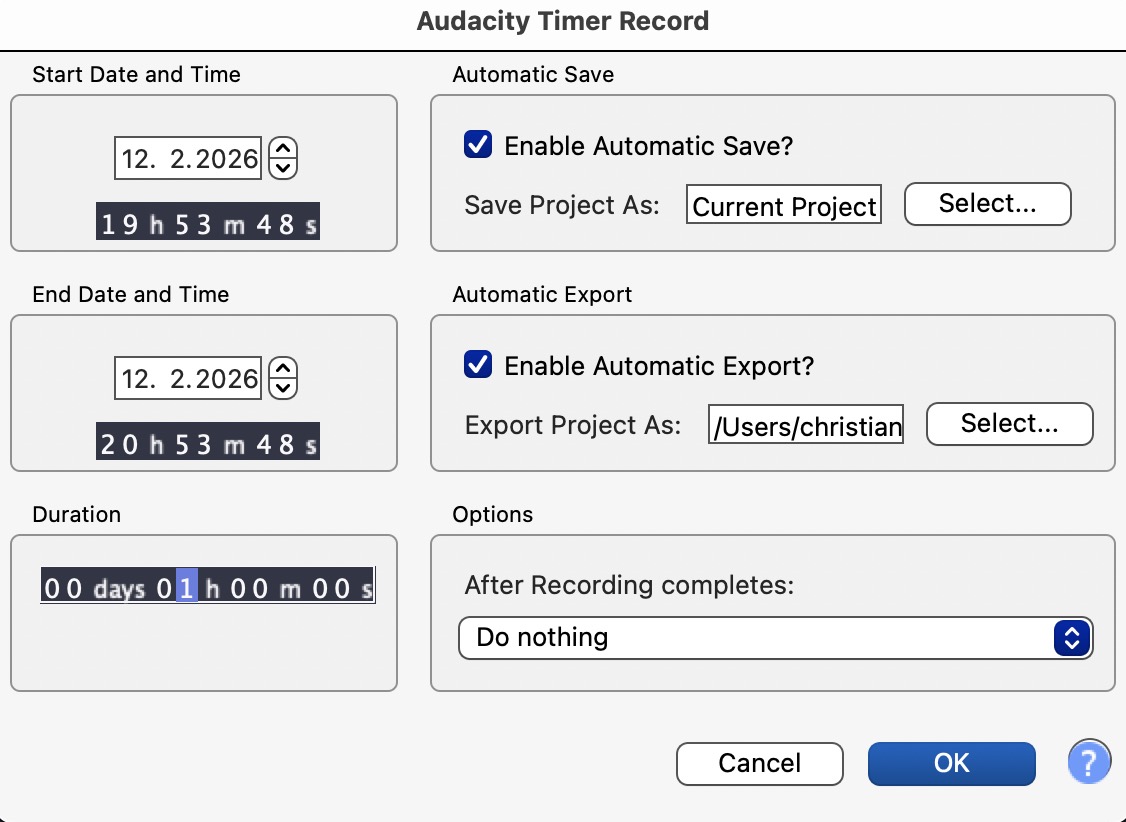
That’s what I thought, but it turns out that if I start record with shift-r after setting it it does stop at that time.