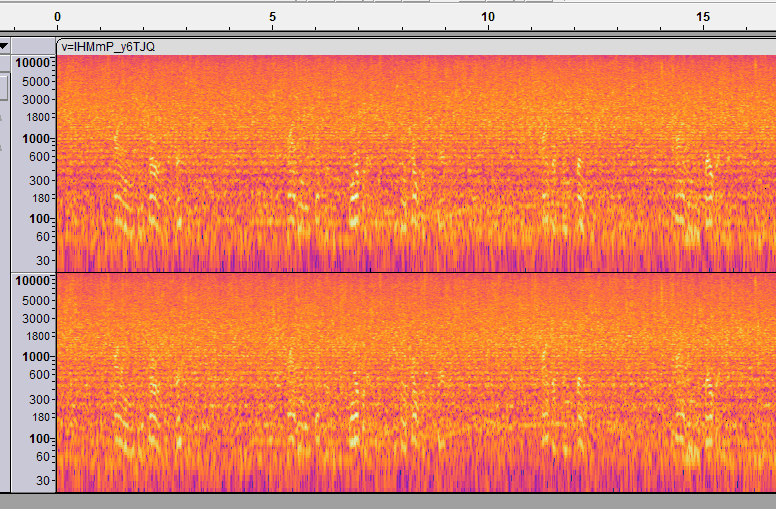
Okay so without getting into the topic of subliminal messages working or not, I want to know how to get this same audio effect/balance that this video linked here has: https://youtu.be/lHMmP_y6TJQ?si=SsFK2LjhFOvfDBxN
I’ve tried to recreate my own with mobile apps or even audacity but it always seems as if my affirmation audio file is too clear to decipher. Has there been some sort of eq placed on the affirmation audio in that YouTube video I linked that makes them less easy to detect? I was also thinking that maybe it could be that the noise they used is in the frequency ranges of human speech. But anyways any help is appreciated!
You might be overthinking it a bit. That kind of effect is usually just a mix of low volume voice, layered noise, and some EQ to blend it into the background. Try adding white noise, lowering the vocal track, and cutting certain frequencies so it sits under everything else instead of standing out. It takes some trial and error, but you’ll get close.