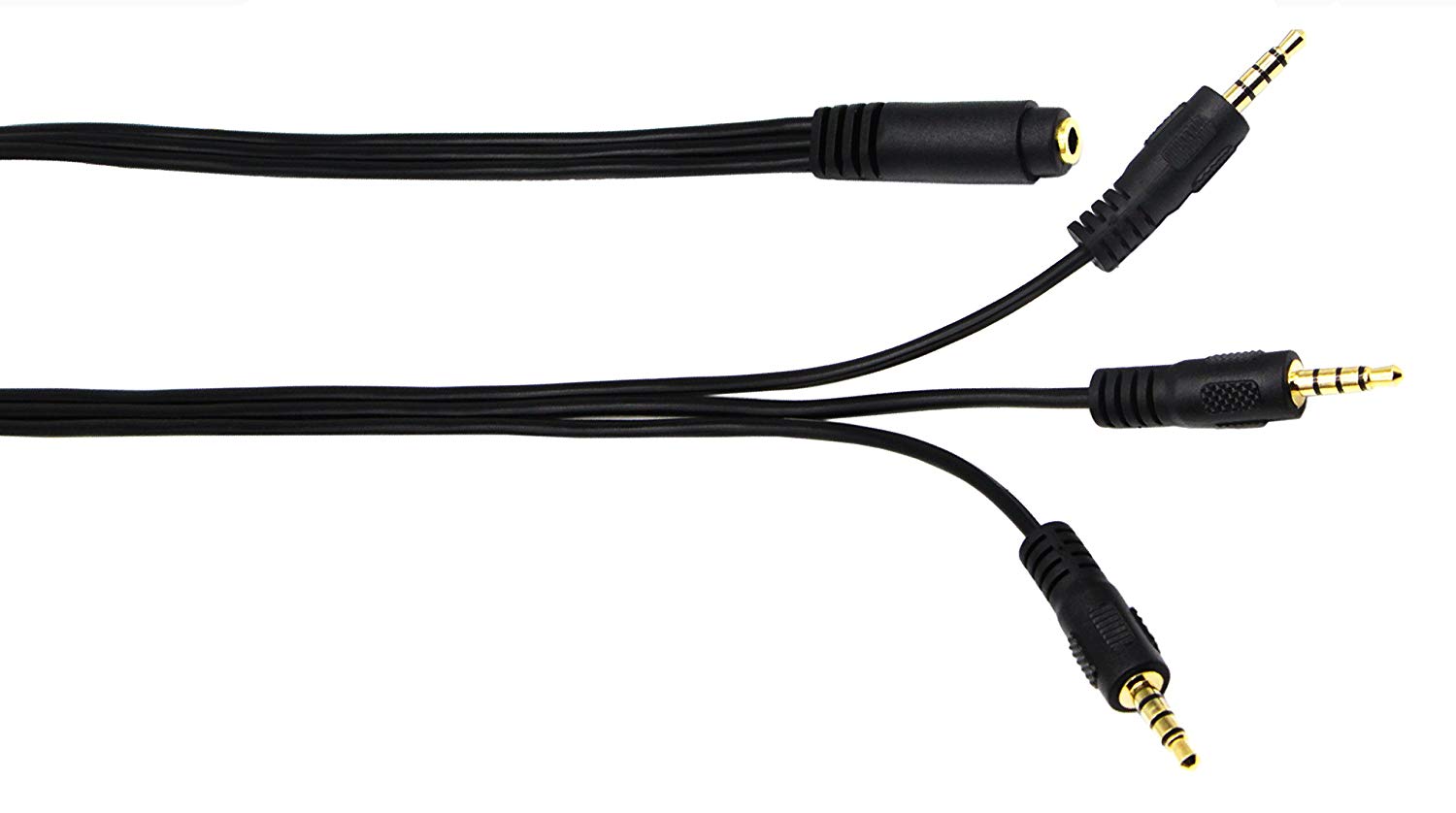
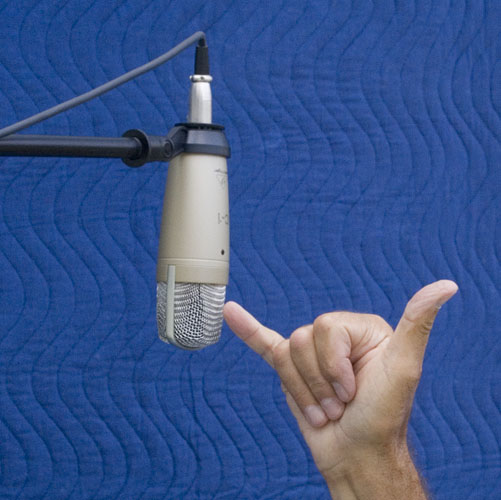
Let’s get the basic mixer working.
Plug the mic into channel 1.
Gain at around 3:00 o’clock
Compressor off
The next 5 knobs at zero or in the middle.
Bottom knob “Level” at around 3:00 o’clock.
All the rest of the Level knobs across the bottom at infinity—all the way down.
Aux Return at infinity or off.
Main Mix in the middle.
You don’t even have to listen yet. Speak and the bouncing light sound meter should flash all four green. I’m guessing this is different from the way you have it because your test track is low volume.
Now run Audacity. Click in the recording meters and they should start bouncing to your voice. You should be able to reach -10dB to -6dB like this.
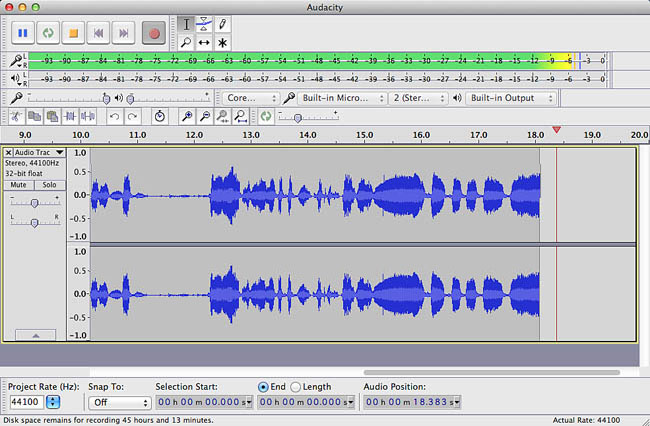
If you press record, the blue wave tips should reach about half way or slightly less.
When you get it that far, plug the headphones in and advance the Phones/Control Room knob until you can hear yourself comfortably.
Now cut another voice test.
Let me know if any part of that doesn’t work.
Did you pick up the headphone order—way down at the bottom? It’s highly not recommended, but you could, if necessary, shoot a sound track without listening to it. Too many new users think if they can hear anything, it’s all going to be OK. It may not be. You must get your meters and volume indicators correct to make a good recording.
I need to go read through that again. There is a very serious problem with documentation. Nobody knows what to call that bi-directional headphone mix other than “Zero Latency Monitoring” which doesn’t quite cover it. So they leave it out.
And it’s not “just the higher-end mixers,” either. The lowly Behringer UM2 lets you listen to both directions at the same time as does that stereo interface UCA202.
Koz