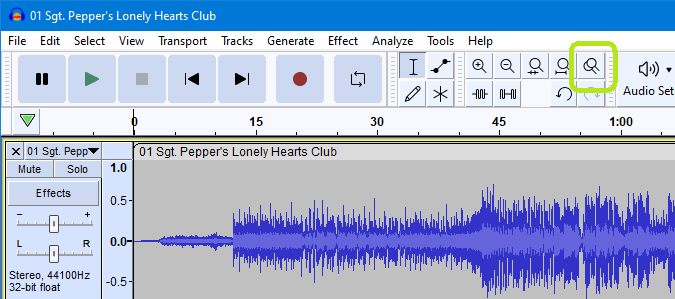
The popup that reads “To use draw tool, zoom in further…”
Hi, helpers.
Would it be possible to add a “Don’t show me this again” button to this popup? I promise I took the advice to heart the first time.
Failing that, can it at least stop popping up when I’m already zooming in!
Reproduction:
In Cursor mode, set the time scale to a resolution too coarse for drawing.
Select Draw mode. So far so good, no popup yet.
Start zooming in with the mouse wheel.
“Hey you, try zooming in!” appears.
For info: I’m removing clicks from a track and this popup is really slowing me down. (I know there’s a click removal feature but it’s not giving the result I want. Manually removing them works fine.)
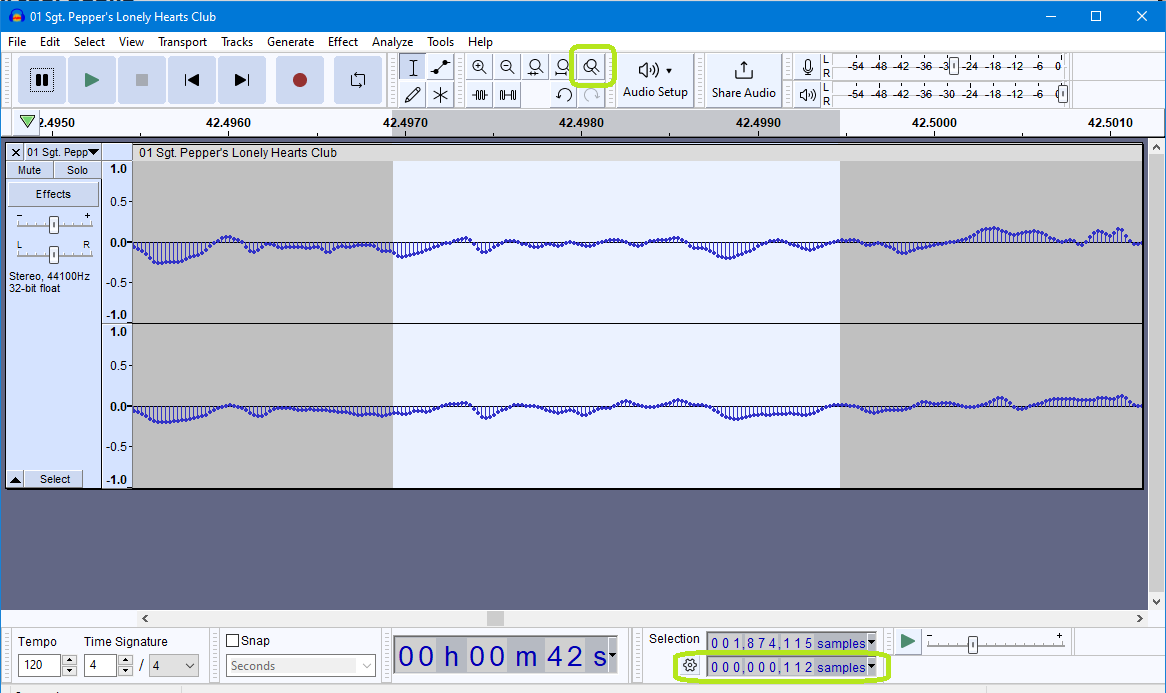
And if you set you selection toolbar to
a) work in samples and
b) Show start and length of selection
Click on the cogwheel in the Selection toolbar to do this
Then you can easily see when you have 128 samples or fewer.
This was always my technique when making a lot of repairs.
Our plan is to get rid of the tool mode and simply let you draw the waveform once you’re zoomed in enough (basically what the multitool mode does). That way, it won’t error you as much.