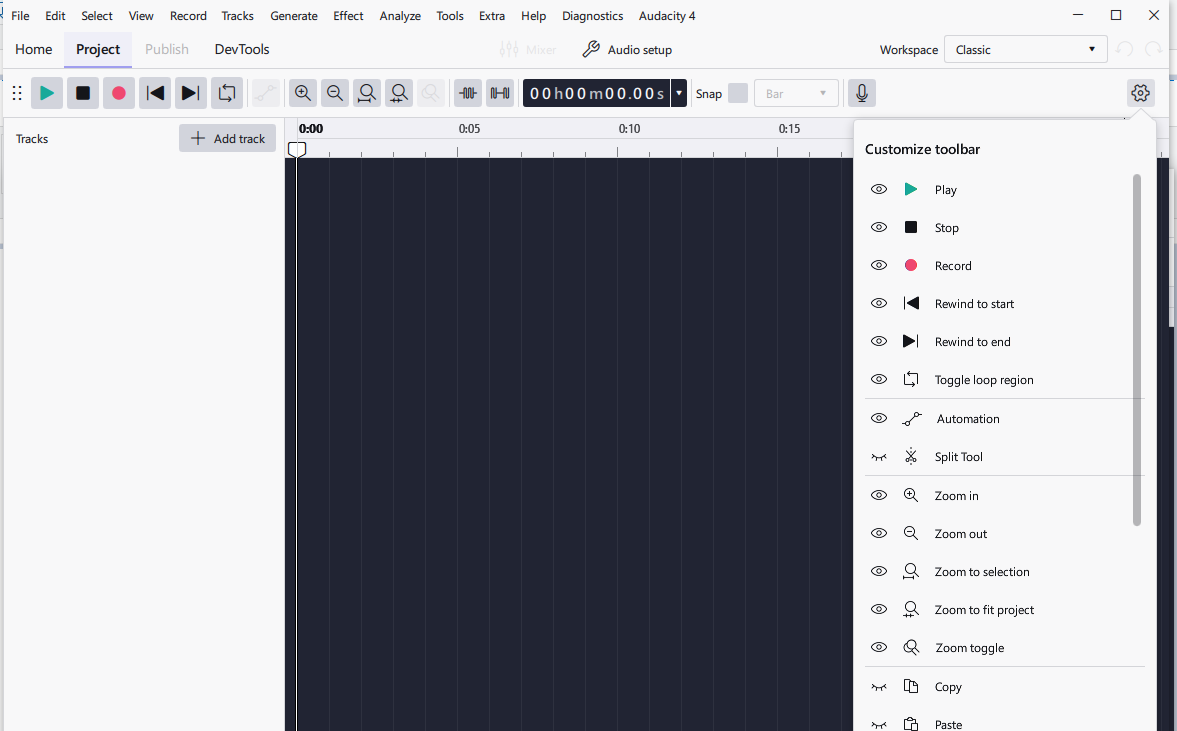
I do not see any way to configure toolbar, i.e. to add more buttons related to the commands already in menu. How about adding this feature to already feature rich Audacity!
Optionaly, if any one has found a way, kindly let me know!
I do not see any way to configure toolbar, i.e. to add more buttons related to the commands already in menu. How about adding this feature to already feature rich Audacity!
Optionaly, if any one has found a way, kindly let me know!
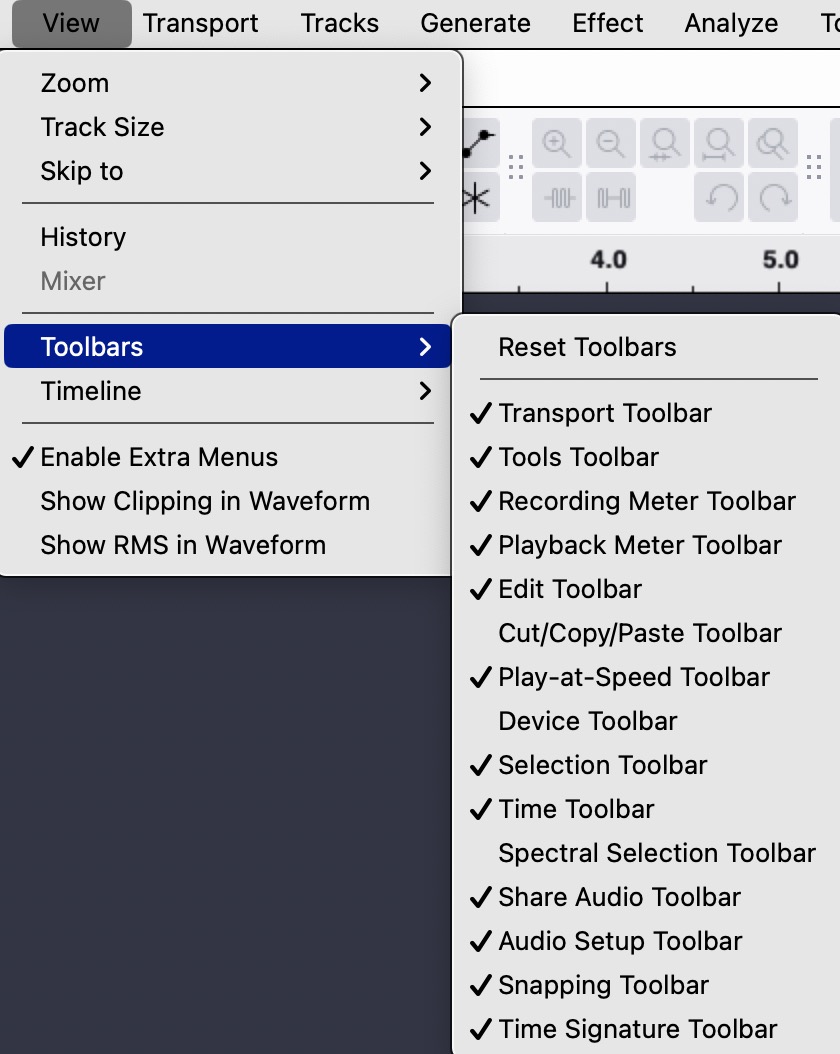
You must have a different Audacity than anyone else:
You can, after you have activited the desired tool, arrange it freely on the top or on the bottom of your track display.
Thank you for your reply. I already have latest Audicity 3.7.5 64 bit version.
The thing you suddested is already there and I have explored it too. But I need a new button for other commands, like for ‘Amplify…’ dialog box. I have already configured a shortcut to this command in preferances, but I prefer to click a single button in place of pressing three-four keys to invoke the dialog box.
I am using this functionality in MS Word, and I find it more useful. If you know a workaround, kindly let me know.
And thank you once more for replying so quickly.
–Ashwin
You could add shortcuts for the effects you need most often (in the program’s “settings” menu). But I am not sure whether it is possible to create buttons for your tasks.
This topic was automatically closed after 30 days. New replies are no longer allowed.