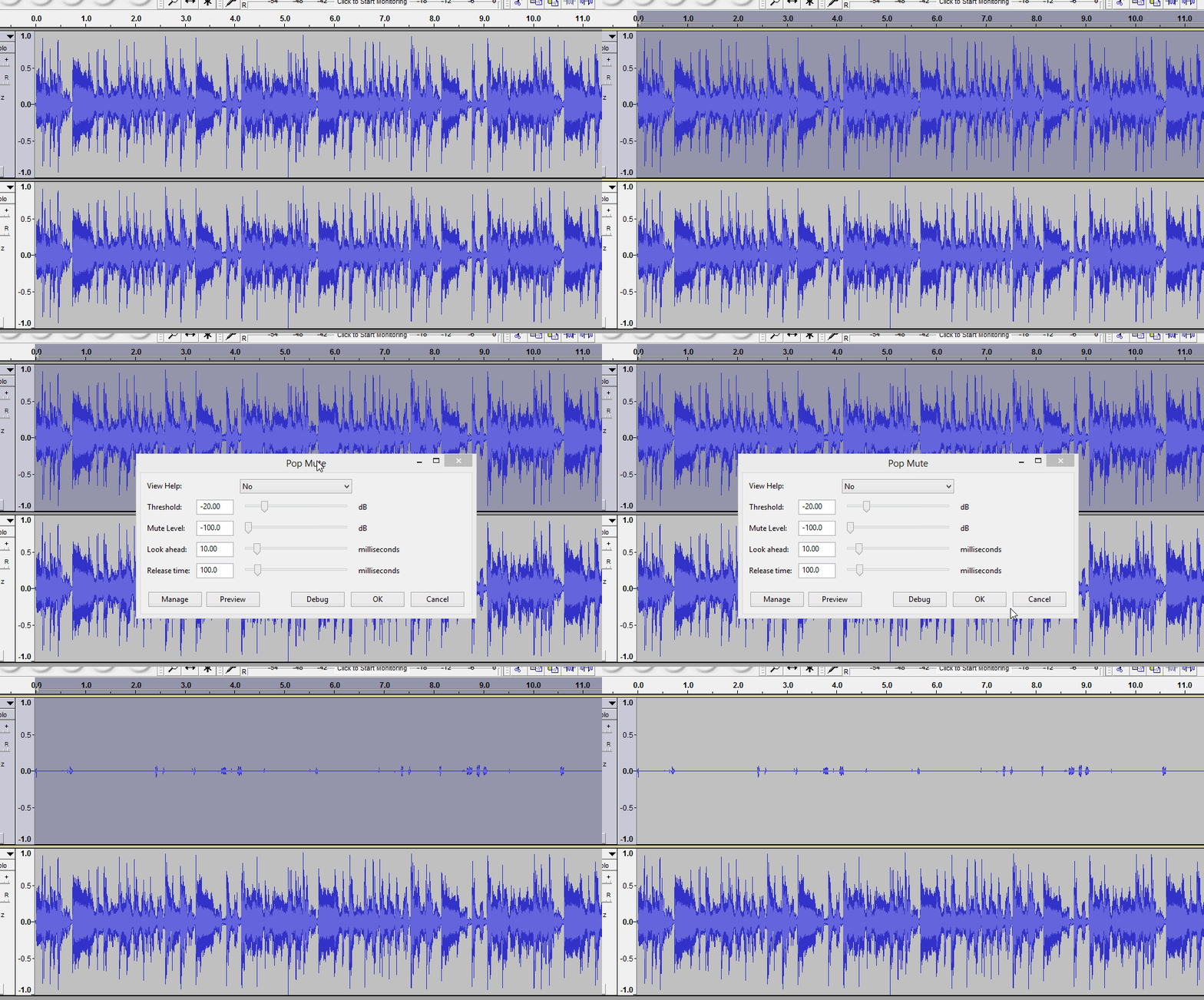
I have accomplished my primary objective of creating a silence file with a python script. My programming skill will always be very rudimentary as I am unfit to be a competent programmer.
So my python script suffers from many limitations. The complete and operational program is at the stackoverflow website. If perused, the difficulties encountered could be found out.
Therefore, my automatic question would be:
could the objective be accomplished automatically by a script from the terminal with audacity?
It would be unreasonable to assume that it can’t be accomplished with Audacity, as I can always manually create a silence file by choosing the silence sections by hand, watching the waveform.
So could I please be suggested a script which uses audacity from the terminal that could process a .ogg audio file from the HDD in chunks and write the necessary chunks back to the HDD under the same directory as that of the main .ogg file, using the RAM optimally and minimally for the work?