I’m using Audacity 3.7.7. I found the following bug. I would appreciate it if you could fix it.
First, drop file A. Next, drop file B. This is to compare the waveforms of the two. After that, delete file A from the editing pane (I just wanted to see it for reference). Then, when I edit and export file B, the file name generated is “File A.”
I think it should actually be exported as “File B.”
I would appreciate it if you could fix this bug. Thank you.
It’s not a bug, it’s a “feature”.
It happens because when exporting the whole project Audacity defaults to the name of the project, not the name of the track.
When you import a track into an empty unsaved project Audacity sets the project name to be the name of that track (observe the top of the Audacity window when you do that).
When you import your second track the project name does not change. And when you delete your first track the project name still does not change.
Peter
Thank you very much for your quick response.
I understand your answer. I will think about the operating procedures for my usage.
Thank you.
@AudaMaann
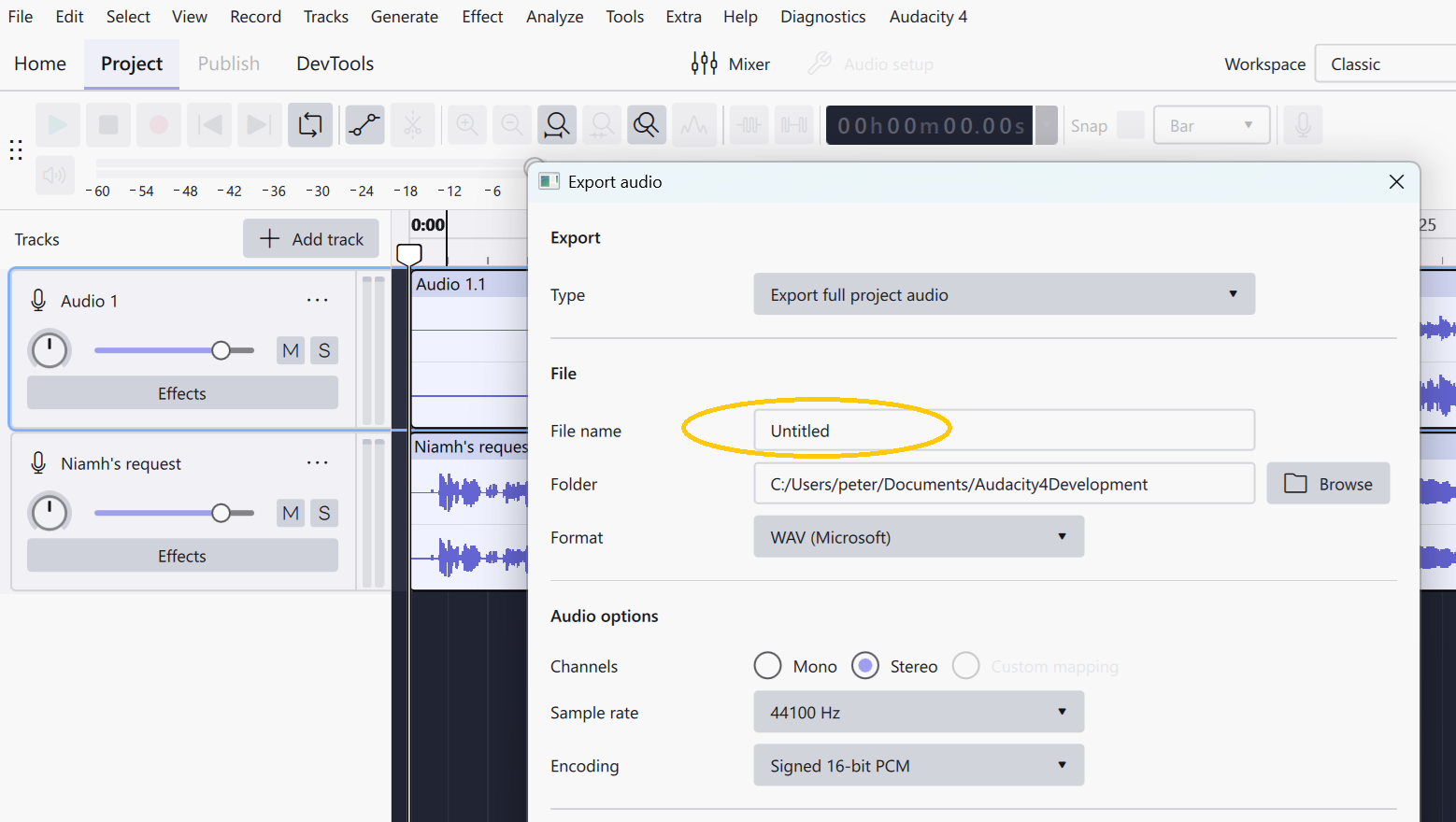
It seems to be changed for the upcoming version 4 of Audacity where the default export filename shows as “unknown” and is not derived from either of the imported tracks.
I’ll post an image here later, but first I’ve got some other AU4 alpha testing to do and a possible regression issue to log.
UPDATE
BTW the issue I just logged was: Track name and Clip name inconsistency when using drag&drop versus Import command · Issue #10201 · audacity/audacity · GitHub
Peter
Thank you for the additional information. I see, it looks like the next version will be able to avoid problems like accidentally changing the file name to something else without realizing it.
Also, thank you for the title of the problem you reported. I will take that into consideration.
I look forward to the next version with anticipation.
Thank you very much.