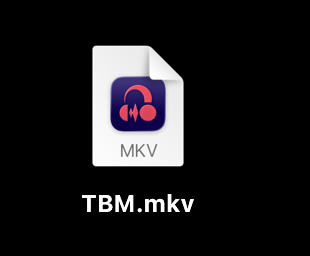
This was posted in the Audacity 3 section by someone else, posting it here for proper visibility and so it can get addressed. Original post: Audacity 4 File Type Defaults changing MP4 Files to be a default of Audacity Without Permission
When Audacity 4 got installed, it forced changed/set a bunch of file type associations to itself (without asking I might add), including video files. The OP from the first thread’s example was MP4s, mine is MKV and FLV files.
What’s worse is even after going in and setting them back to always open with VLC, the icons aren’t changing, something broke.
This is 1000% a bug that needs to get fixed. 2018 Intel Mac Mini Sequoia 15.x.