I’m running windows 11 pro on a iMac 18.2
audacity is 3.7.7
In audio setup, you can choose the host: MME, windows direct, and WASAPI
I remember a while ago troubleshooting some issue I had with a mic or some device, and WASAPI was the way to go. I guess when I updated audacity it reverted back to MME on my older notebook, and I never noticed till now. So I did the same just now changing the macs audacity host from “MME” to “Windows WASAPI”
the trouble I’ve seemed to run into is, when selecting a playback device, I have 3 choices…
• Speakers (iRig USB)
• Speakers (Yeti Stereo Microphone)
• Speakers (Cirrus Logic CS8409 (AB 15))
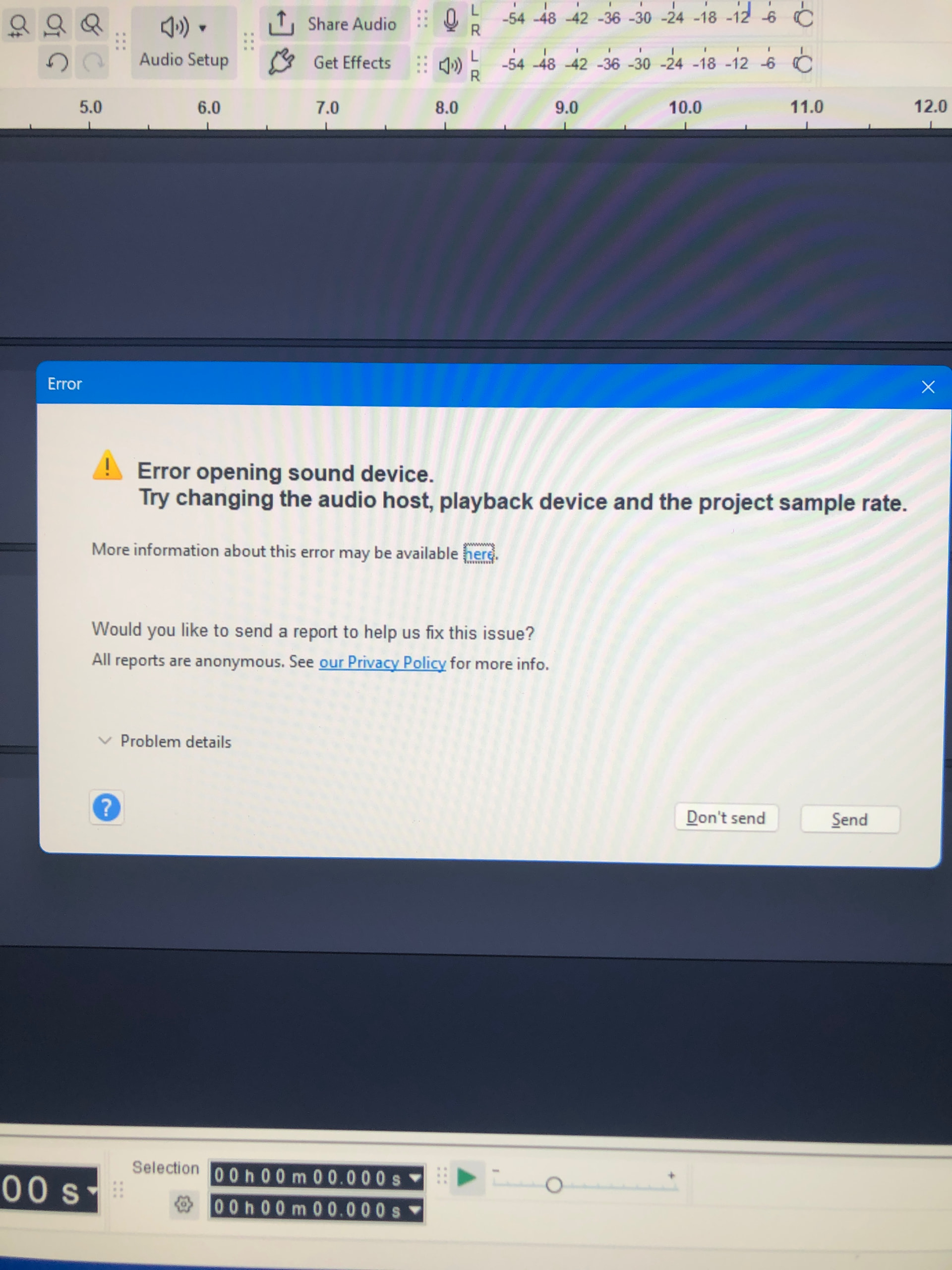
The first two options work in WASAPI. The 3rd one though does not. It works in MME, and windows direct sound. I get this error message when I try playback under WASAPI using the internal speakers
I hear WASAPI is the better host to use so any recs to have playback using the internal speakers using WASAPI would be awesome