Hi,
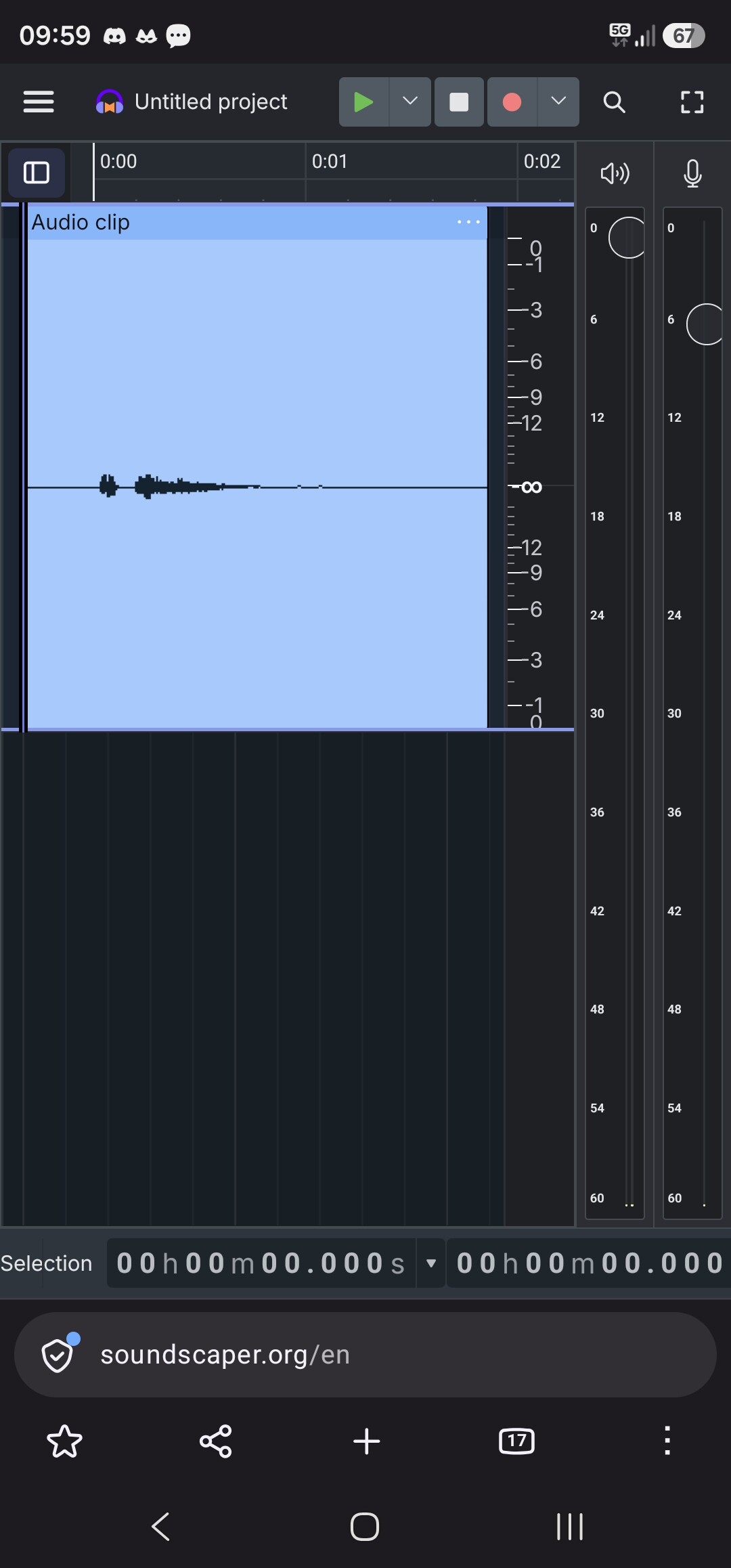
In the new Audacity 4 the left coloumn where the tracks data are shown (the sound amplification of that track, the solo and mute option etc), is much wider then in audacity 3, and there is no possibility to modify it’s size (to make it smaller) - and this aspect is highly disturbing for me.
I would like to use Audacity on the right side of the screen, while on the left side I have the document I am reading (recording), however the new Audacity layout makes that in this case most of the Audacity window (which is just 30-40% of the screen width) is just this Track data bar, and almost no place remains for the actual sound track to be visible, making it unusable.
Please, resolve the issue, so that the separator between the track data bar and the rest (the actual sound tracks) can be moved, making the track data bar bigger or smaller on need.
Thank you very much for this feature. I hope it is easy to implement but can be really useful.