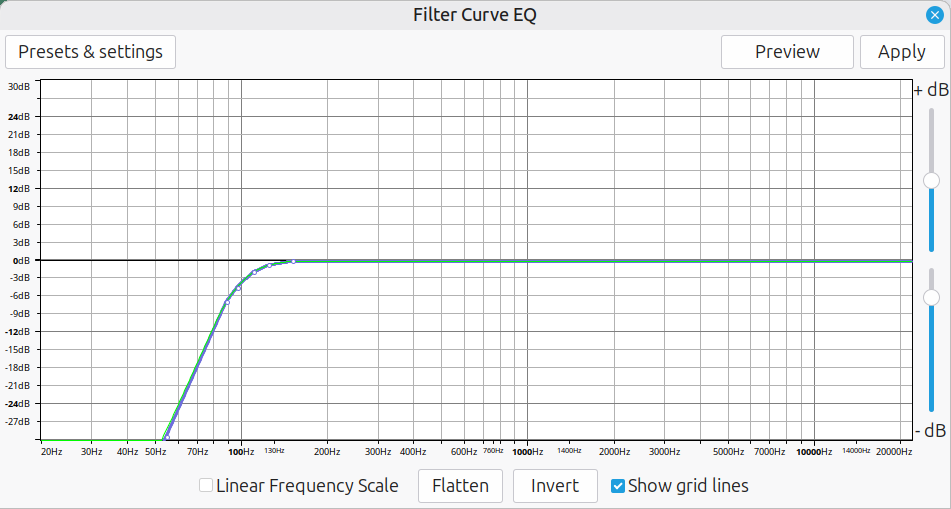
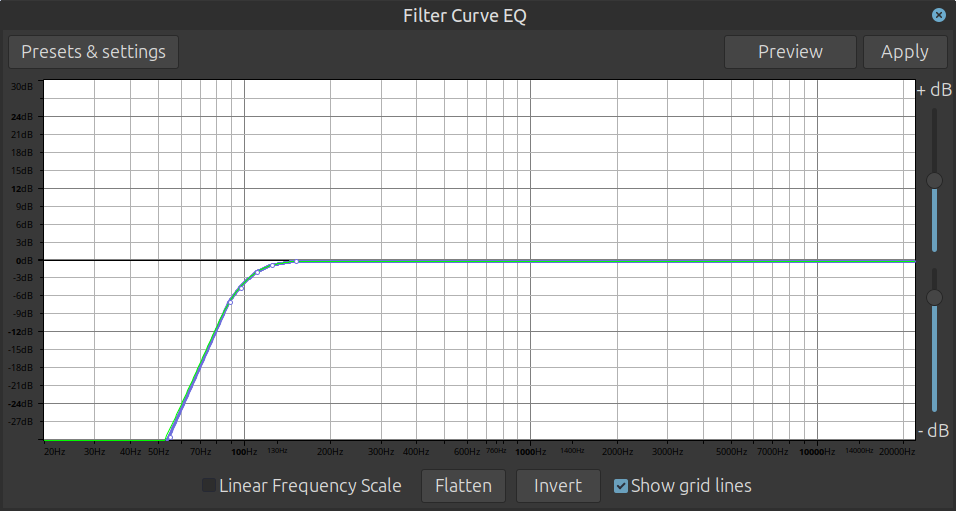
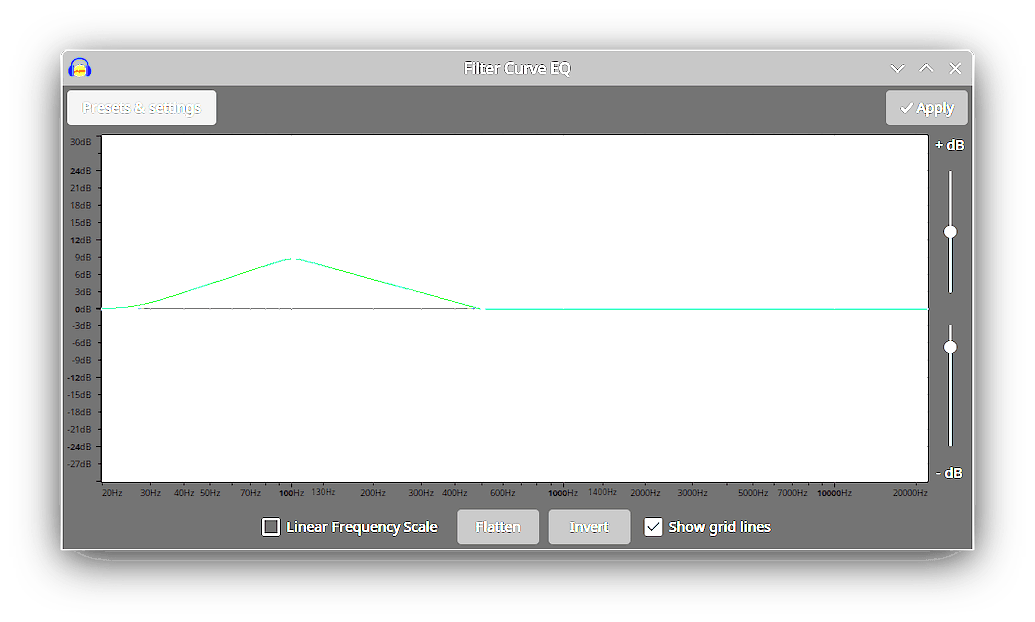
All of the screenshots of Filter EQ parameters that I find in the forum have nicely annotated axes with number in Hz and db, but I am flying blind:
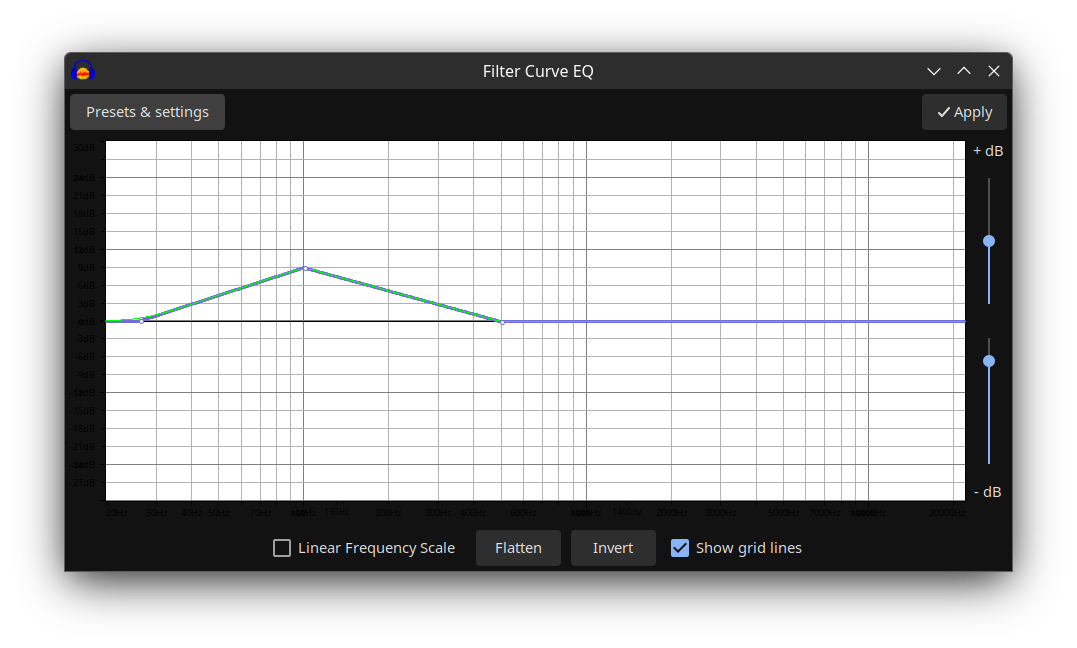
How can I get those nicely labelled axes?
I am running Audacity 3.4.2 under Ubuntu Studio 24.04.1 LTS
All of the screenshots of Filter EQ parameters that I find in the forum have nicely annotated axes with number in Hz and db, but I am flying blind:
How can I get those nicely labelled axes?
I am running Audacity 3.4.2 under Ubuntu Studio 24.04.1 LTS
Perhaps a problem with the theme you’re using - either the Audacity theme settings or an incompatibility with your Desktop theme.
I’ve tried all of the available Audacity themes without success.
I’m using KDE Plasma 5 with the Ubuntu Studio Dark theme.
Can you recommend a theme which should show the labels?
What happens if you temporarily switch to a light theme for Plasma?
I switched to the standard Ubuntu Studio (light) theme and tried all of the Audacity themes in turn, without seeing a change to the Filter Curve EQ parameter window layout. Comparing it to the screenshots in other forum posts, it seems to me that the window doesn’t even have the needed margin space for axis labels. Maximizing the parameter window doesn’t help in this regard.
This is your screenshot after I’ve increased the contrast in dark areas - the numbers are present, but the dark background is masking the black text.
I would have reported this as a bug, but I won’t because Audacity is switching to a different GUI framework (from WxWidgets to Qt), so colour management will be totally different in Audacity 4. Still, it’s good to know why it’s happening.
I have installed Audacity 3.75 under Windows 11 Pro 25H2 and don’t have the problem with an “ordinary” dark theme.
However, switching to a “High Contrast” dark theme also causes the axis labeling to disappear.
This topic was automatically closed after 30 days. New replies are no longer allowed.