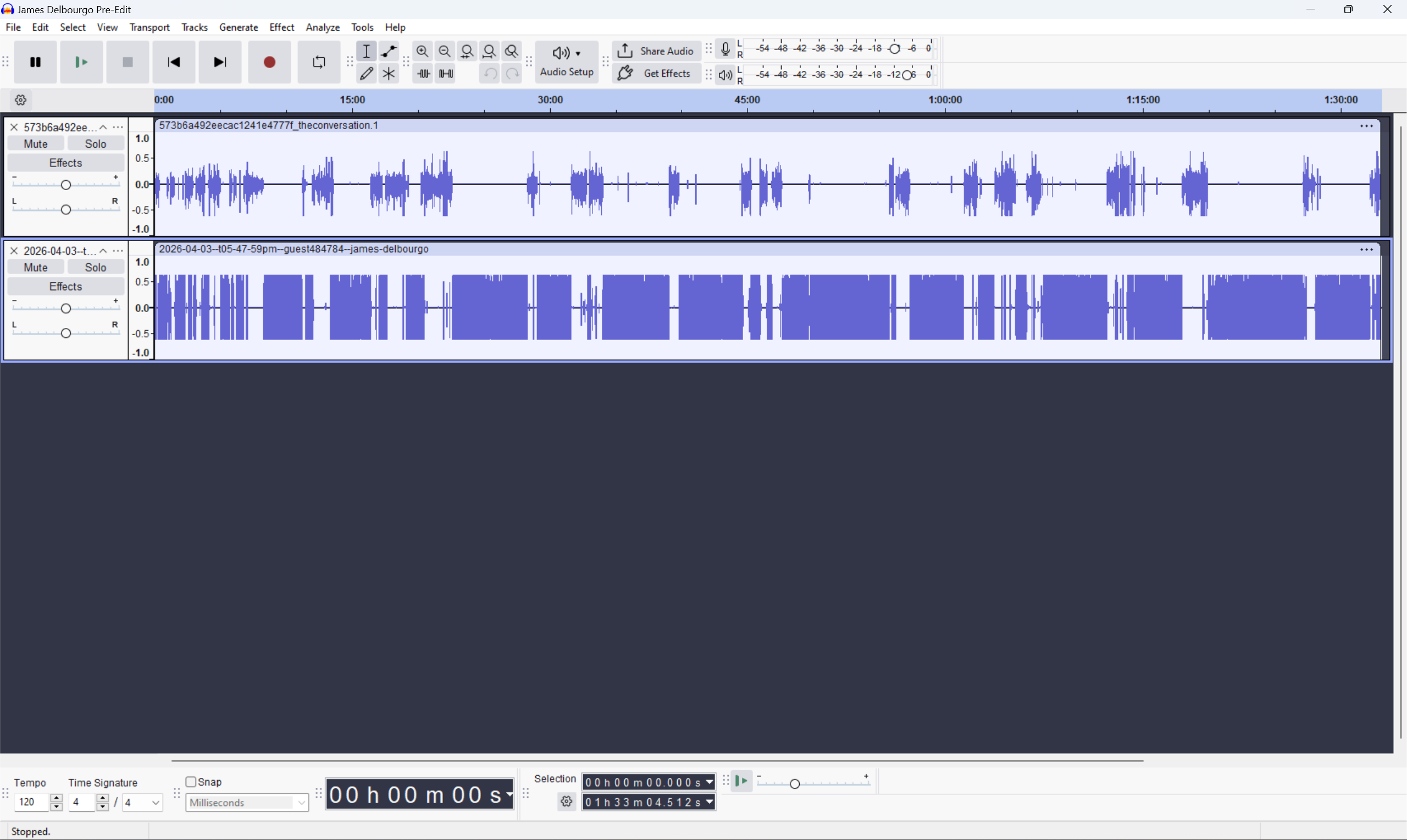
Hi all- I did see a post on this from 2021, but want to see if there are any new protocols:
This is the mp3 file, exported from a WAV file, which has hot peaks…
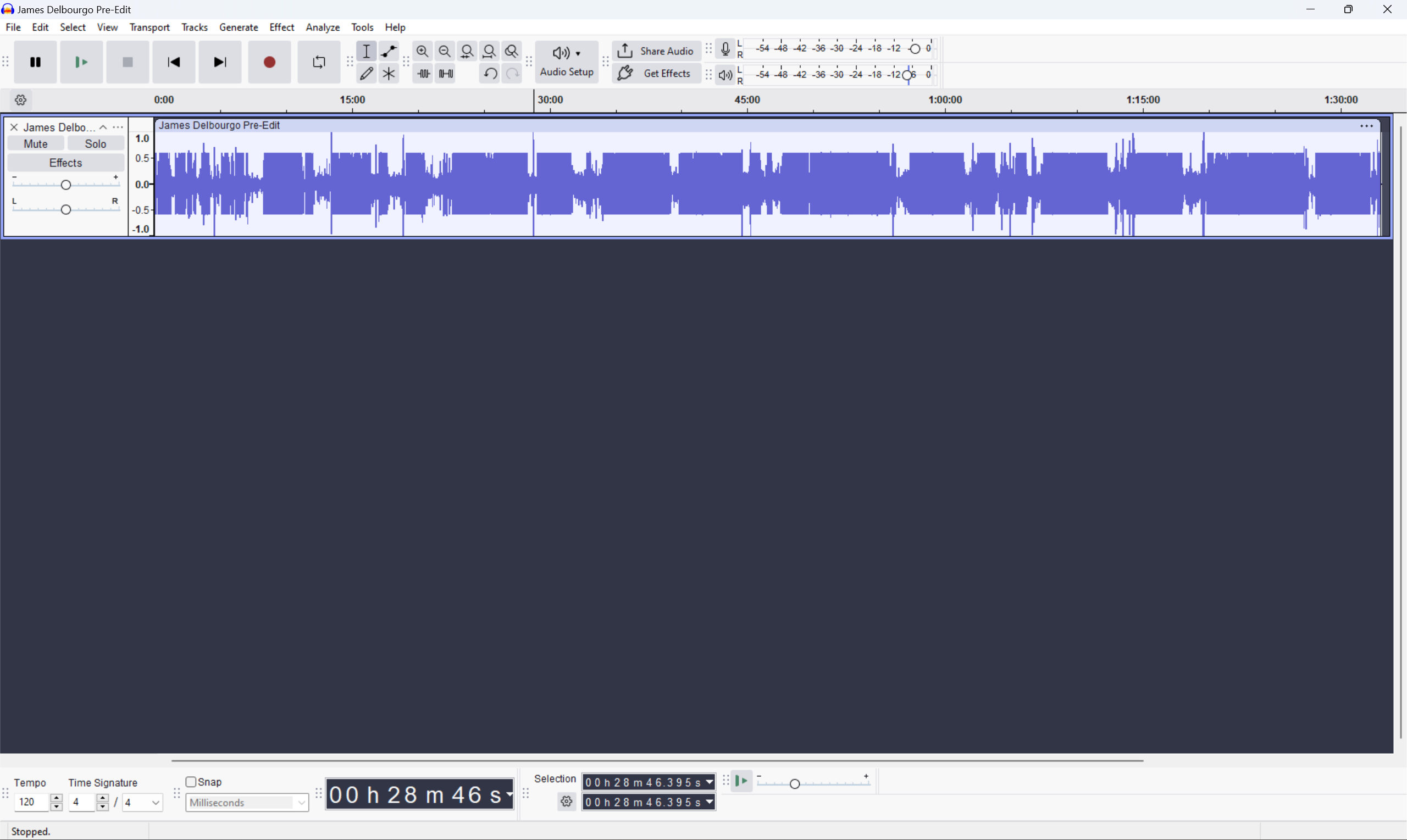
But on the AUP file, I don’t see them (below). Recommendations?
Hi all- I did see a post on this from 2021, but want to see if there are any new protocols:
This is the mp3 file, exported from a WAV file, which has hot peaks…
But on the AUP file, I don’t see them (below). Recommendations?
MP3 is lossy compression (imperfect). Some peaks get higher and some lower.
Some people normalize for -1 or -2dB peaks before converting to MP3.
The “good news” is that MP3 can go over 0dB without clipping. You can still clip your DAC if you play it at “full digital volume”. But as far as I know this slight clipping isn’t audible.
I don’t worry about it. MP3 is lossy anyway… Many (most) MP3s that I’ve ripped from CD “show clipping” in Audacity. It’s not really clipped but Audacity is showing potential clipping.
…Cutting and playing a vinyl record has a similar effect on the peaks. This leads people who measure “dynamic range” to think the record has wider dynamics. But the peaks are too-short to affect the sound of the dynamics.
Thank you so much for all that, much appreciated.
So my takeaway, if I understand you correctly, is that even though the MP3 in audacity is showing hot peaks, when I upload that mp3 as part of a final mix for a podcast, the listener is unlikely to experience those peaks as hot, essentially?
The peaks are still relatively hot but if they use a digital volume control to lower the volume, the digital-to-analog converter won’t clip.
If they have the digital volume at max (or if their hardware setup doesn’t have a digital volume control) and are adjusting the analog volume, it will still be clipped.
Or, if your podcast is on Spotify or YouTube or any of the popular platforms, they use loudness normalization which tends to lower the volume (digitally) and/or if you have (potential) clipping it will lower the volume.
And like I said. I don’t think the slight clipping is audible and you’re probably not trying to get “high-quality” music on a podcast.
P.S.
It looks like you are also mixing. Mixing is done by summation (analog mixers are built-around summing amplifiers). So THAT makes higher levels. You can lower the volume on the tracks before mixing, or you can export temporarily as 32-bit floating point WAV (which won’t clip). Then, re-import the mix and Amplify or Normalize for peaks around -1 or -2dB to allow for the MP3 effects.
Or… I’ve never used this, but you can try Tracks → Mix → Mix and Render and then Amplify/Normalize before exporting.
awesome- thank you so much for all that. I’ll try a couple of those and see which works best. And to your point about normalization on platforms, I do notice that some of the shows are too low, so maybe compensating up generally is better(?). Anyway, thanks again and will let you know if a good solution emerges to the hot spots.
There are some tricks but it’s hard to “beat the system.” Their goal is to make everything about the same volume. But it’s a linear adjustment and one adjustment for the whole file/program, The loudness adjustment will be based on the loudest parts, so more constant volume may help. And you may have short-term peaks that don’t perceived loudness but they can limit how much they can turn-up your program without clipping.
In the conversion to mp3 the file ‘'grows” a little bit. I do a lot of vinyl rips and my way of working with that is to normalise to -0,3dB. That’s enough for 90% of the files. Sometimes there is still some clipping in the mp3 but not audible. You can try different settings ofcoursce. For me -1dB or -2dB is way to much.