Volume leveling using "Chris' " dynamic-compressor-for-audacity-1.2.6

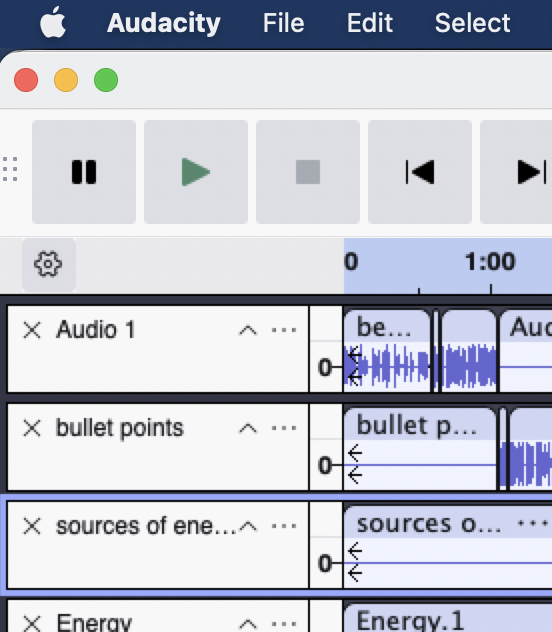
Volume leveling using "Chris’ " dynamic-compressor-for-audacity-1.2.6 created a number of “filler” elements before and after the track clips I put there.

It works amazingly and I was curious as to what are those extra elements within the tracks, and why did my aup3 file explode to over 6 gigs (32 minutes, 9 mono tracks, none of which are that long in and of themselves.)

Nyquist plugins convert any empty space to silence …

The introduction of non-destructive editing in Audacity v3 uses much more memory than previous versions.

So, theoretically, I could edit each track as I have been doing, move them to one track, sequentially, then run the volume leveling to just one track so as to not increase the file size to an absurd level?
Absurd file sizes are unavoidable in Audacity 3.

BTW Audacity3 has a built-in compressor which can be adjusted in realtime
https://manual.audacityteam.org/man/compressor.html#Realtime

You can delete the AUP3 project when you’re done and after you’ve exported as a standard audio file.

This topic was automatically closed after 30 days. New replies are no longer allowed.