I have been using Audacity to record an Audiobook. Works great and I like the simplicity of the platform.
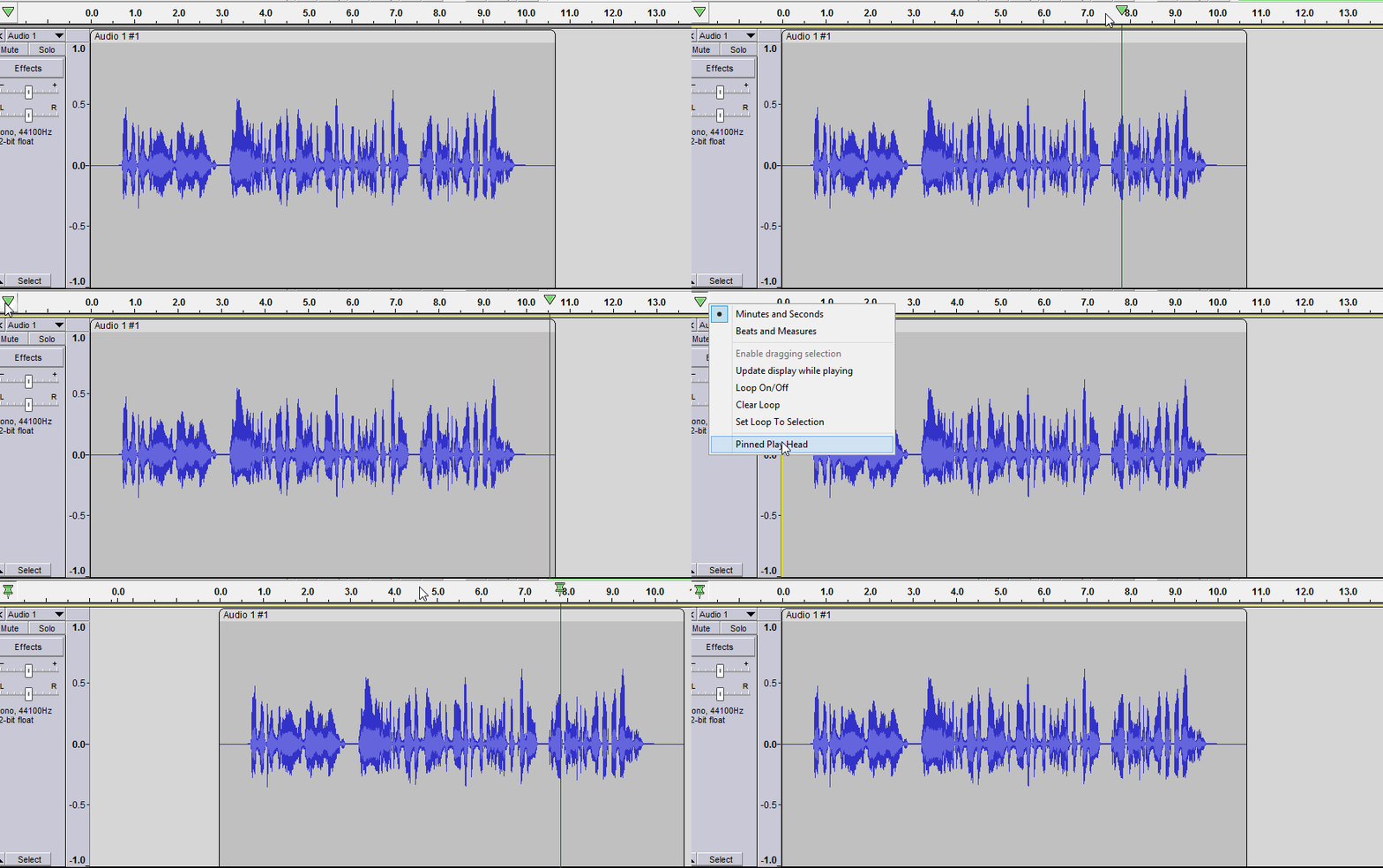
I have to do a lot of editing as I go along and one detail frustrates me: When I try to place the playhead/cursor on the wave form, too often one of two things happens: either the waveform / cursor jumps (usually to the left) or the waveform itself jumps under the cursor, and I have to keep putting the mark down. Is there anything I can do to keep this from happening?
One more question while I’m at it: sometimes I need to make a ‘mark’ at one end of a section so that I can come back to it when I have found the other end of that section. Is there any way to leave a ‘marker’ in the first spot?
I did solve my original problem, but now I’ve encountered a new one.
I got a new, more conventional mouse (a left-handed Logitech m650) and, indeed, nothing jumps when I place the cursor.
However, I’d gotten pretty accustomed to using the trackpad surface of the Magic Mouse to scroll the entire wave form across the screen. I seem to have lost the ability to do that with this new mouse.
Can somebody who uses a conventional mouse tell me how to scroll left/right through the entire waveform?