Hello! How can I remove everything that higher than for example 7000 hz on the spectrogram?
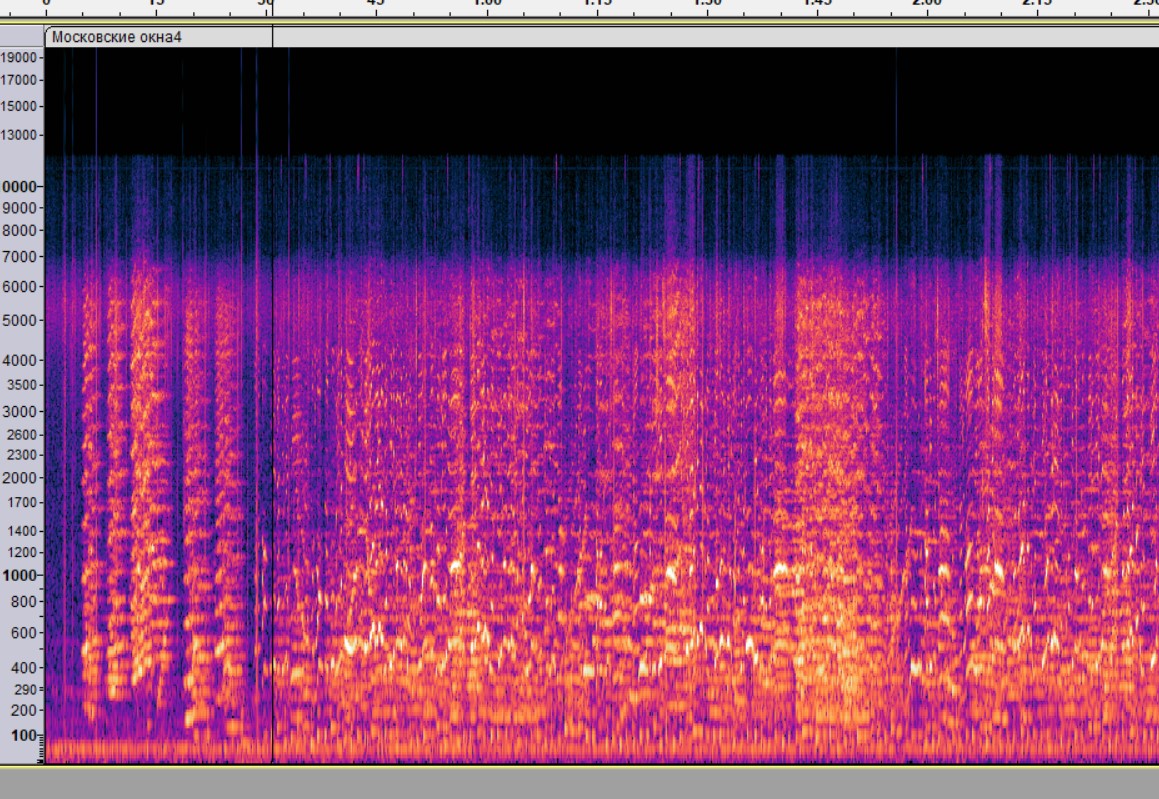
I can’t understand how to select the area from 7000 hz to the top edge for the entire track?
The easiest way would be to apply a low-pass filter at 7000 Hz. The second easiest way would be to mark the higher frequencies and use the Spectral Delete effect
Thank you, I guess I understood!
This topic was automatically closed after 30 days. New replies are no longer allowed.