if we place the cursor at the exact point (hey, + or - several ms) that some music starts in the waveform, what is heard upon (say) pressing space is music corresponding to the waveform fractionally after that point - put in another way, sound corresponding to the waveform at the point is not heard - to hear it, the cursor has to be placed, playback has to start, a bit before the point
knowing what happens, easy to deal with, only minimally bothersome
we are currently using 3.7.5, but the same thing happened back in 2.n.n…
we have tried all 3 Host options - including closing Audacity and reopening it after a new selection, just in case that might matter - with no change, no difference
what we have seen today is that speakers or headphones matter - the problem occurs with speakers, but not with headphones (again, all 3 Host options)
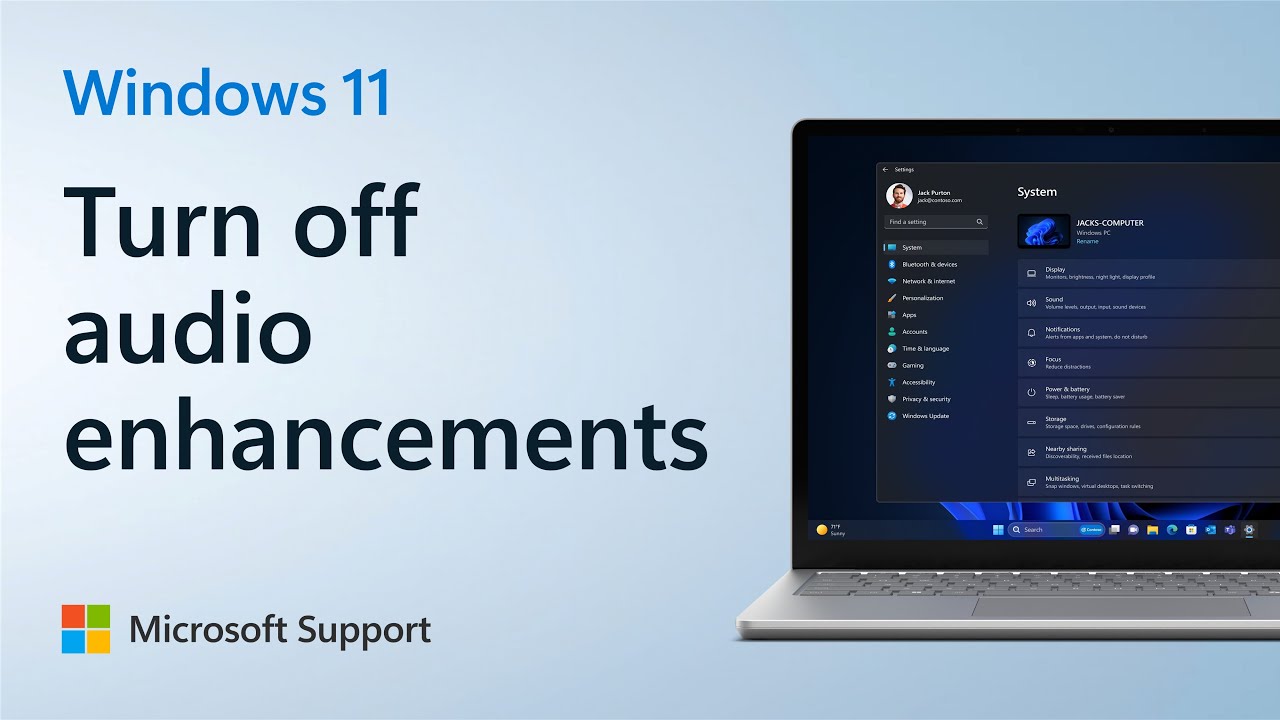
thanks again, Trebor… but your link leads only to information about input / microphone… even though you mention “playback audio enhancements”…
once again, the “phenomenon” occurs only with speakers, not headphones
since we came to understand what was happening and how to deal with it, it became more of a question, perhaps to be left unanswered… and less so a bother…