When I playback my recorded phone conversation using MS365 Teams with Audacity, I can hear the other end but I cannot hear my own voice. The other party can hear my voice alright.
Can someone tell me how I can record and hear voices of both parties?
I’ve read some of the Q&A regarding this.
If that is not possible or difficult with Audacity, can someone recommend a free recording software to record MS365 Teams call?
How many people are in the call? Some of the tricks depend on knowing that number.
Zoom has provision to record your calls and provide sound files to you. Check with MS Meat.
Are you in a reasonably quiet room with headphones connected to your computer? If so, you can set an iPhone on the table next to you recording the room (you) in Lossless (perfect quality) Voice Memo. Combine the two files later.
That’s how I shot this restaurant interview
How well do you know the person at the other end? Get them to record your side on their machine. Is it required that the other side not know they’re being recorded?
The phone call is only one to one and the other party does not mind the recording. He records his side also because of company regulation/compliance reason.
Yes, I am in very quiet room and I use a small headset connected to Windows PC.
I use Android. I have done by talking thru one smartphone and using another smartphone to record the conversation coming from the speaker.
I know I have the right tools (hardware included M-Audio 192-4) but can’t get to have my side of the call recorded.
When i record using Audacity v3.7.7, I can record the other party’s voice but when I speak with my headset mic, my voice doesn’t register.
Last time I did this with two computers and a small sound mixer.
The machine on the right is dealing with the bi-directional Skype voice transmissions. Perfectly normal. The one on the left is recording my microphone and the right computer’s speaker feed.
This was a quick engineering test.
Denise doesn’t sound like she’s four time zones away does she?
I would investigate the conference packages that claim to supply you with theatrical sound files.
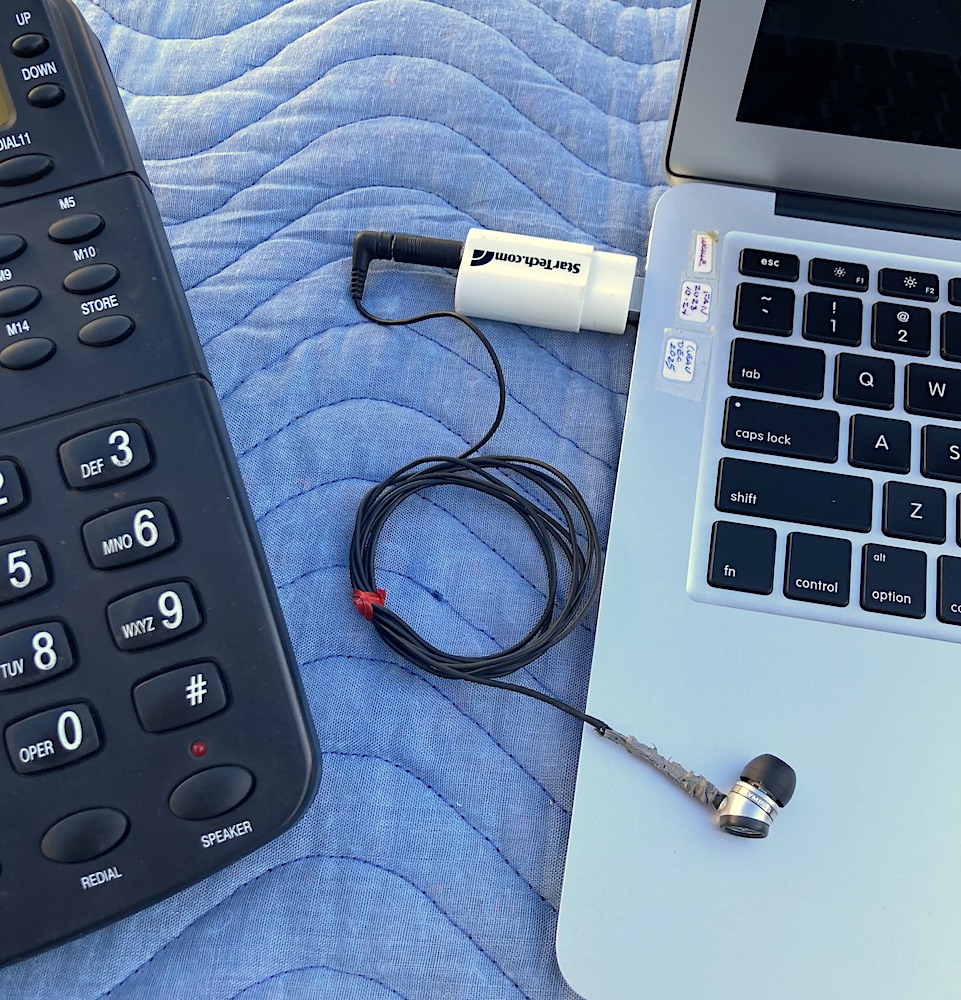
I never actually produced the workup on this, but this is what happens when you have a special purpose microphone that can record both sides from a plain telephone.