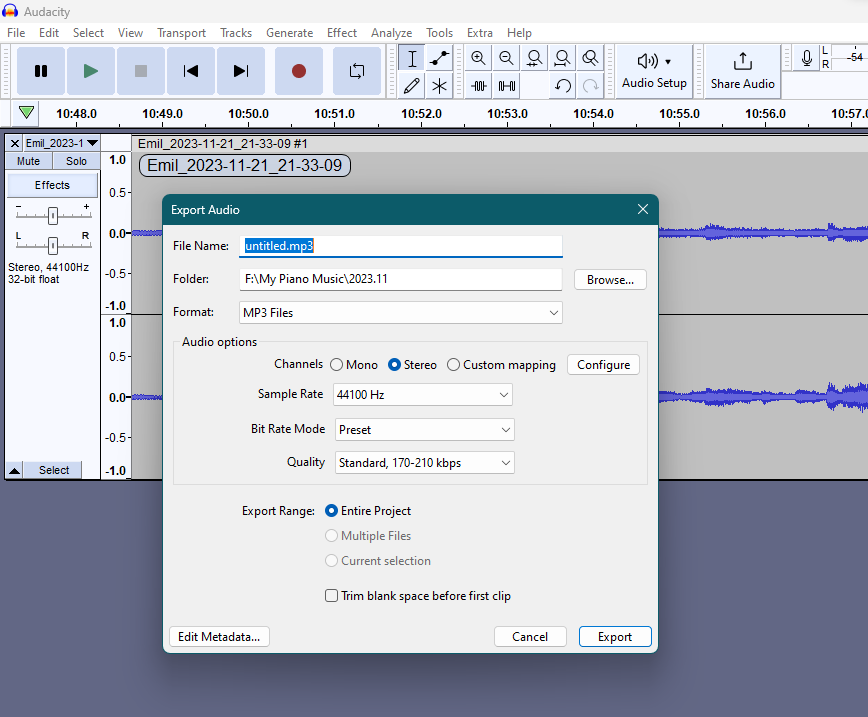
One workaround is to select the clip, press Ctrl+F2 to bring up Rename Clip, then press Ctrl+C (or Ctrl+Insert if you prefer) to copy the name. Not ideal, I agree: but may be a tad faster for you.
I agree, it does seem daft to have a clip name and not use that as the default file name when Exporting just that one clip. If you have lots of tracks and/or clips, then yes, untitled is as good a default name as any, but not for a single clip—which will always have an existing name of some sort, auto-generated or not.
[After a recount… LOL!]
Actually, it would need to be the track name used as default Export file name, not the clip name (D’OH!)