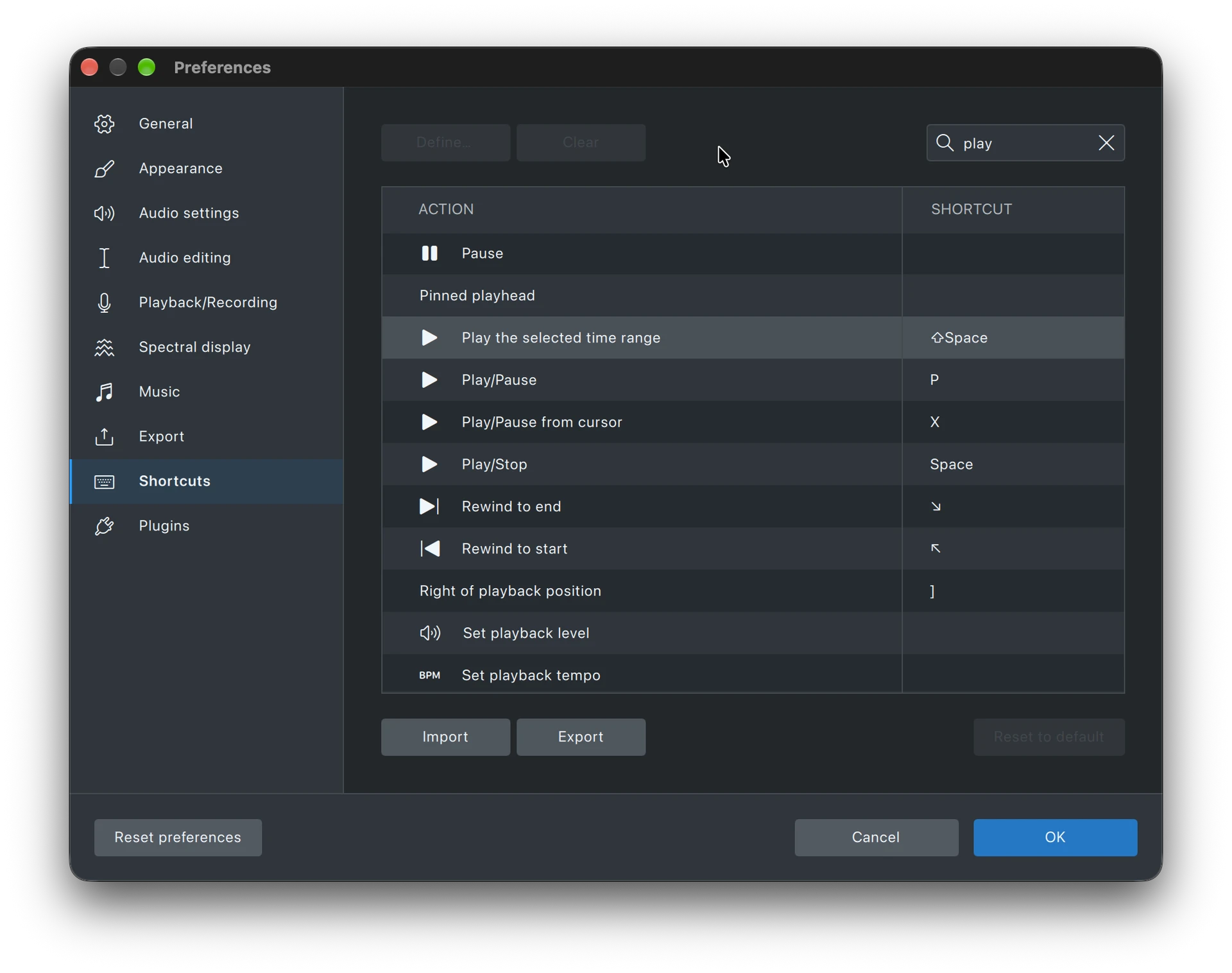
V3 enabled the right mouse click to highlight a part of a track, then use the green play arrow button to play just the highlighted selection. Ideal for editing. This seems to have been mentioned in various similar ways but no solution given yet.
Have a look at this topic.
Scroll down to the post by Mudskipper where they advise how to set up shortcuts to get the Audacity 3 behaviour back (more or less).
Could you describe how that works? When I right-click on a track (to get the context menu) I don’t see any selection options.
My apologies - left not right.