Subject: Re: Find Peaks plugin
WaveParseCoreDemo_x64_042292026.aup3 (1.1 MB)
Hello Steve,
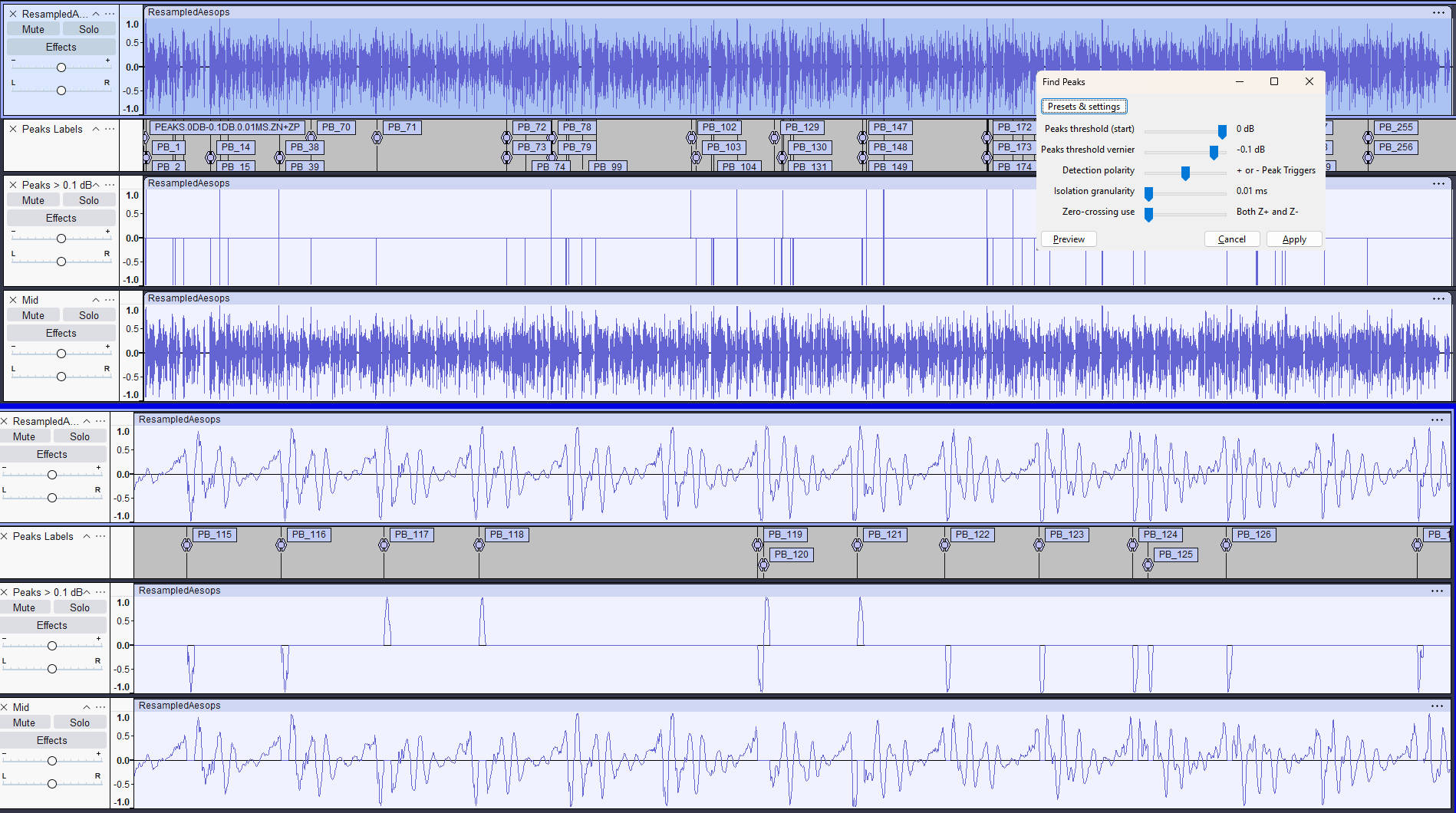
Thank you for your request to show and tell. I apologize for my use of “Find Peaks”, a plugin name closely associated with you; I apologize for being unaware. I am relatively new to the effort: I am a retired embedded systems engineer (both hardware and firmware), freelance now as a copyeditor, of all things. Well over a year ago, a client sought help with his audiobook, and I became aware of ACX standards and some of the problems with meeting them. I prototyped WaveParse in Word’s VBA, if you can believe it, to the point where it was useful, and it worked. Even then, I wanted to bring the idea into the Audacity world, but life got in the way.
The idea is to achieve ACX compliance by parsing the audio into the three components that ACX cares about, cutting carefully at zero crossings; then the three are adjusted independently using only gain, and remixed to an ACX compliant track.
I apologize abjectly for first, being unaware of the collision of names with my use of “Find Peaks”, and second, for the collision itself and the possible confusion it might cause. I removed the download ZIP immediately; there are only three users, and I will notify them of the problem. Today I will recompile the plugin (and the other one with similar name, “Find Floor”, and rename them to “Locate Peaks” and “Locate Floor”.
To answer your question directly: No, this is not a modification of your plugin, at least not intentionally (I still have the VBA implementation). My WaveParse suite is a from-scratch implementation with the nine core elements written in C++, designed specifically for a gain-only workflow to meet ACX technical requirements. There are about thirty support plugins written in Nyquist. I do plan to make the code public as soon as it’s fully stable. I have no plans to monetize the effort.
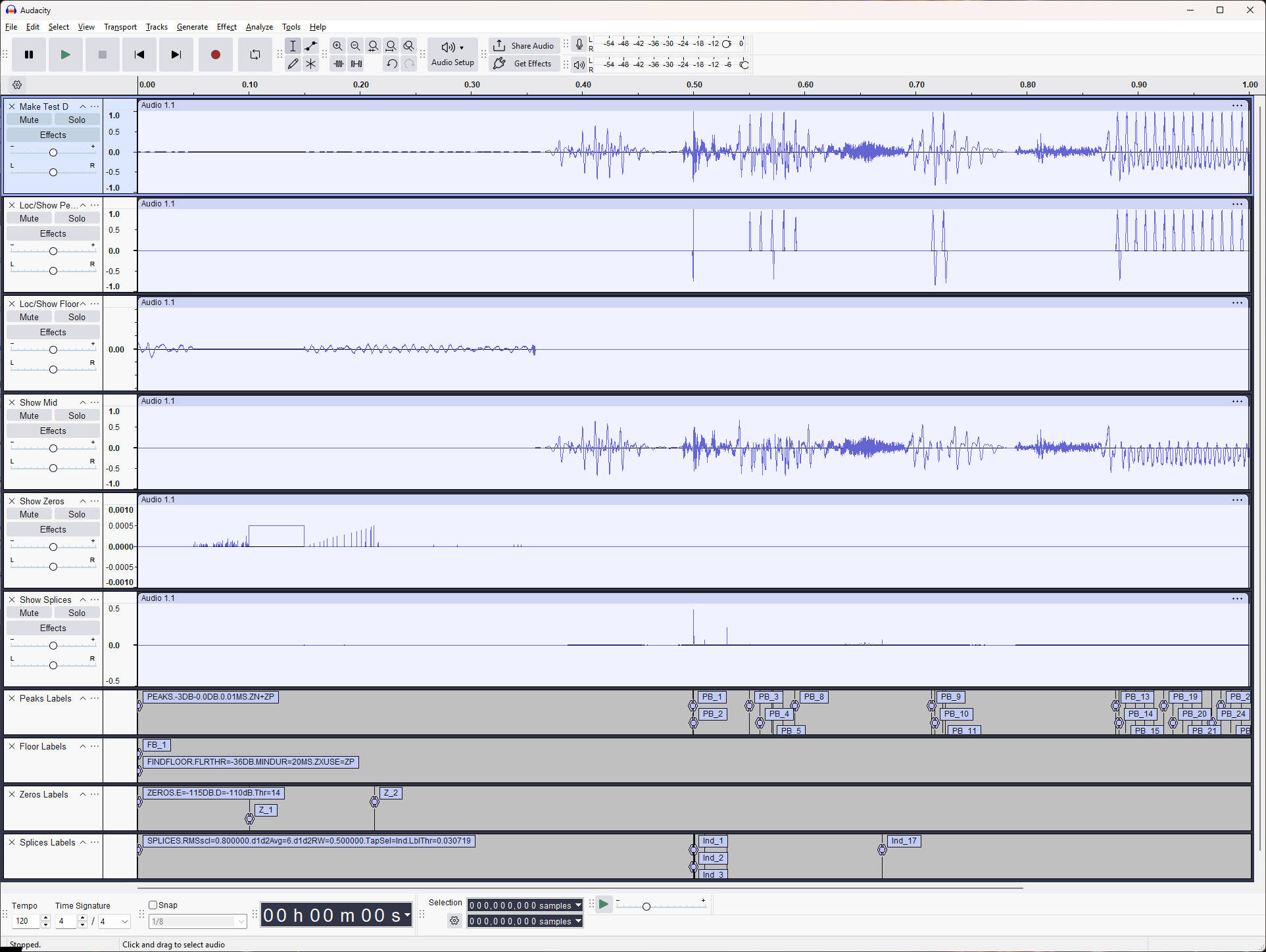
I have prepared a small project that shows the output of seven of the nine core functions; the two not demonstrated are “Wave A/B Audit” and “Wave Stats”. The base track is a one-second sampler created by the “Make Test D” plugin. Its purpose is to provide support for the learning curve, so it demonstrates most of the capabilities of WaveParse. That project is attached, and I have included an image of the way it looks on my monitor.
I’d be honored to have you investigate the WaveParse suite once it’s back up with the new plugin names. I’m pleased that I’ve been able to fulfill my dream of bringing a useful technique to the community. It overcomes what I perceived as the difficulty involved in meeting ACX requirements when the adjustments to any of the three affected the others. And I wasn’t fond of the distortions induced by compressors and the like, anyway.
Mark Gardner
(markgardner620)