Interface: Focusrite Scarlett Solo 4th Gen (XLR input, gain halo lights up green, direct monitoring works)
Microphone: Fifine AM8 (dynamic, XLR only — no phantom power needed, 48V is off)
DAW: Audacity 3.7.5 (latest)
What works:
macOS System Settings → Sound → Input shows my voice registering when I speak.
QuickTime Player successfully records my voice when I select Scarlett Solo as the input.
Direct monitoring through Scarlett headphones works, halo lights flash green.
What doesn’t:
In Audacity, Device Toolbar is set to:
Host: Core Audio
Recording Device: Scarlett Solo (Core Audio)
Recording Channels: 1 (Mono)
Playback Device: Scarlett Solo (Core Audio)
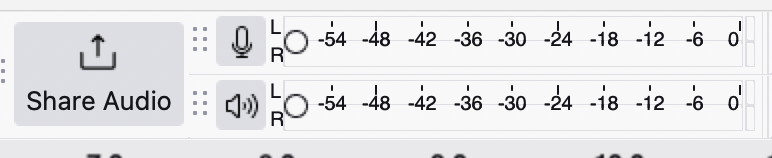
Still, no levels move on the Audacity recording meter and recording produces a flat line.
“Transport → Rescan Audio Devices” didn’t help.
Microphone permissions for Audacity are enabled in macOS Privacy settings.
I already tried a clean reinstall of Audacity (removed app, deleted config files in ~/Library/Application Support/audacity and prefs in ~/Library/Preferences/).
Question:
Is this a known issue with Audacity 3.7.5 on macOS Sequoia with Scarlett Solo 4th Gen devices? Since QuickTime records correctly, it seems Audacity isn’t handling the input even though macOS is. Any fixes or workarounds?
Billw58, thanks, but I’ve tried that too. Just didn’t work. I was able to record through QuickTime as a test and I can hear through the headphones, it just won’t register the voice in Audacity. I appreciate you trying to help.
As I posted multiple times now, I’m bringing a new machine up and I’m installing Audacity 3.6.2. The 3.7.x series have been having too many really entertaining problems.
When you start having problems like this, it’s not the worst idea to stop recording on the computer.
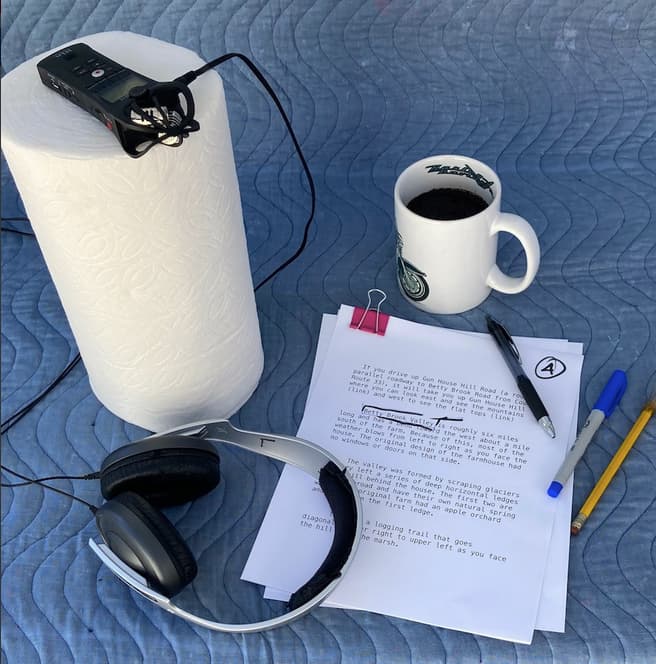
This is my Zoom H1 recorder set up for full studio configuration. Note the furniture moving pad on the desk and I’m recording in my quiet bedroom.
I just posted a Zoom Conference recording featuring clear presentations of all sides in WAV (Microsoft) format from a tiny Olympus WS-823 recorder. No pictures of this yet. This puppy fits in my breast picket for live recordings.
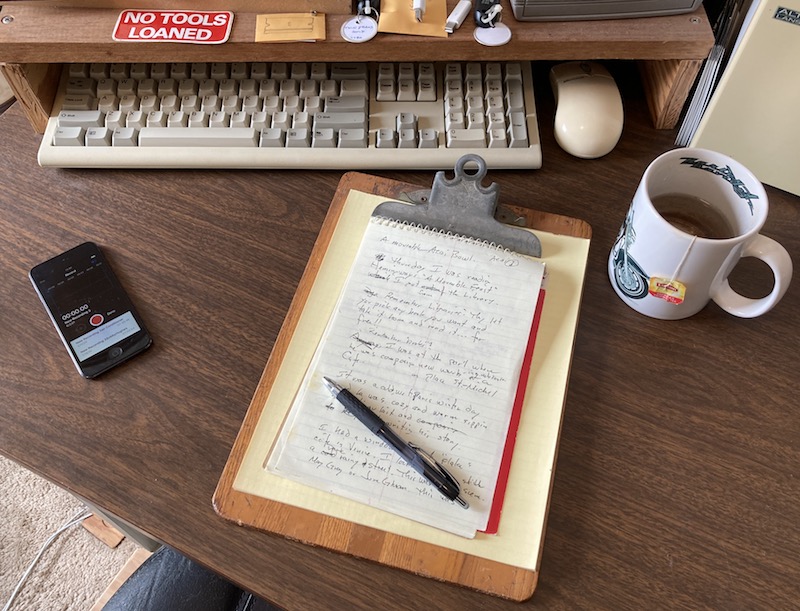
And just to do it, I recorded a voice test on my iPhone Lossless Voice Memo which, after Audiobook Mastering and gentle noise reduction, passes ACX Audiobook Submissions Standards.
That’s not just being sloppy. That’s Pressure Zone Configuration. It doubles the useful volume of the performance and halves the noise. You just have to be careful not to set your coffee cup down too hard, and yes, this is in my quiet bedroom.
Koz
(I know this is the wrong place for this post, but I can’t find any place that would be right for it.) I recently came across something using the Audacity name and logo on the Apple App Store, at https://apps.apple.com/… read more
What was the last Audacity that worked? Do you still have the installer? Here are the old ones:
I would not choose any of the 3.7.x versions. It is said that the versions starting with 3.7.1 are current, but I wouldn’t choose 3.7.0, either. The Zero and One versions tend to collect all the development mistakes.
After you get the desired installer, you should move or delete the preference and settings folder.
Desktop > Go > Go To Folder > ~ /Library / Application Support
Find the audacity folder (lower case intentional) and either move it or delete it.
Now back out, Delete the current Audacity and run the new installer.
Since you can hear yourself on headphones plugged into the Solo, can you speak loud enough to make the knob turn red? Never blow into a microphone, but you can speak or yell as loud as you want.
This is my first time to ever use any DAW. The only version of Audacity I’ve ever tried is this version. I can yell through the mic and make it turn red, I can also record my voice in Audacity using my AirPods and my MacBook mic when the Solo is disconnected.
It was a Focusrite and Sequoia connection issue. There is a setting in Focusrite Control 2 where you can combine inputs 1 and 2, because Sequoia will only allow you to access input 1.
After clicking the “combine” in Focusrite preferences, it’s now showing up in Audacity.