I am just getting started in voiceover and in editing audio with Audacity. I have been a web designer for years, so I am tech savvy, but audio jargon is still new to me.
I am using a Samsung Q2U connected to my Windows laptop with USB.
I am in my bedroom closet.
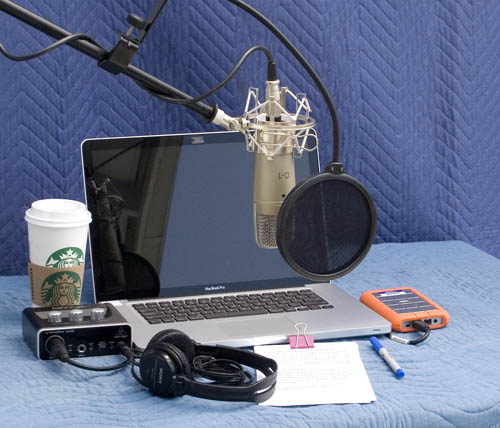
I have the microphone about 4 inches from my mouth coming in at a 45 degree angle from the right to reduce plosives, and a pop filter 2 inches from the mic and 2 inches from my mouth.
I always get an RMS around -26 when I first record. I copy some of the room noise from the end that has a floor below -60 and put it in at the beginning, which tends to be above -60.
I apply this macro I set up with chatGPT help:
-Normalize (ApplyVolume=“1” PeakLevel = “-3” RemoveDcOffset=“1” StereoIndependent=“0”)
-Compressor (attackMs=“5” compressionRatio=“4” kneeWidthDb=“5” lookaheadMs=“1” makeupGainDb=“0” releaseMs=“100” showActual=“1” showInput=“0” showOutput=“1” showTarget=“0” thresholdDb=“-18”)
-Amplify Ratio=“1.25”
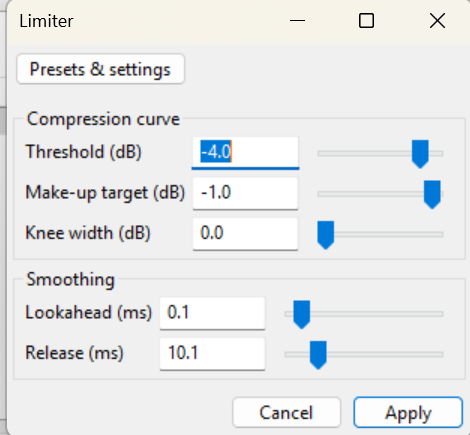
-Limiter (kneeWidthDb=“0” lookaheadMs=“1” makeupTargetDb=“-3” releaseMs=“10” showActual=“1” showInput=“0” showOutput=“1” showTarget=“0” thresholdDb=“-3”)
I save the files as Audacity AUP3 projects, then export to MP3 in the end (mono, 44100 Hz, 256kbps).
I make sure my clips pass the ACX Audio lab.
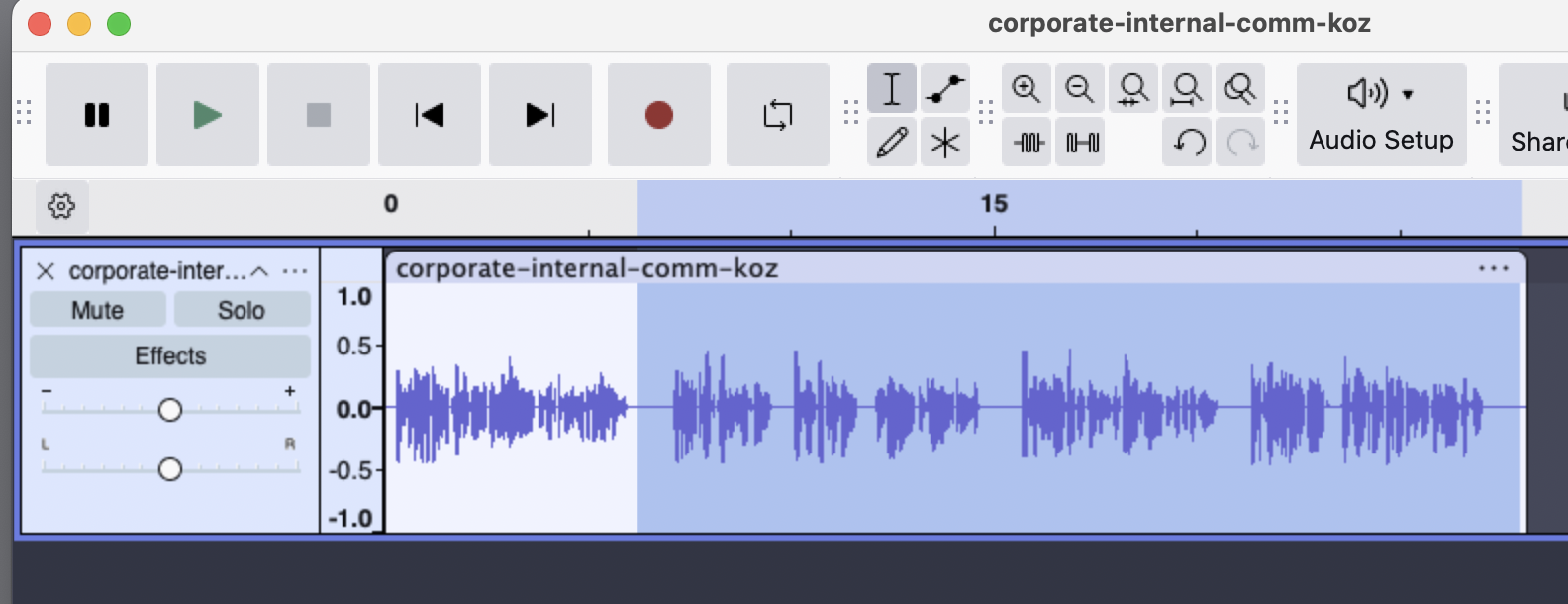
I would appreciate any further feedback before I start auditioning. I’m concerned my plosives are still bad. If I move the mic any farther, the overall RMS is low, then I have to amplify too much. Please be very specific about how I make any changes you suggest (menu steps, where to get additional macros you suggest, etc). Thank you!! Here is a clip:
Thank you, Trebor. I removed my Limiter and added the VO limiter preset, but it also uses 0.0 Knee Width. Here are its settings. What tweaks would you suggest?
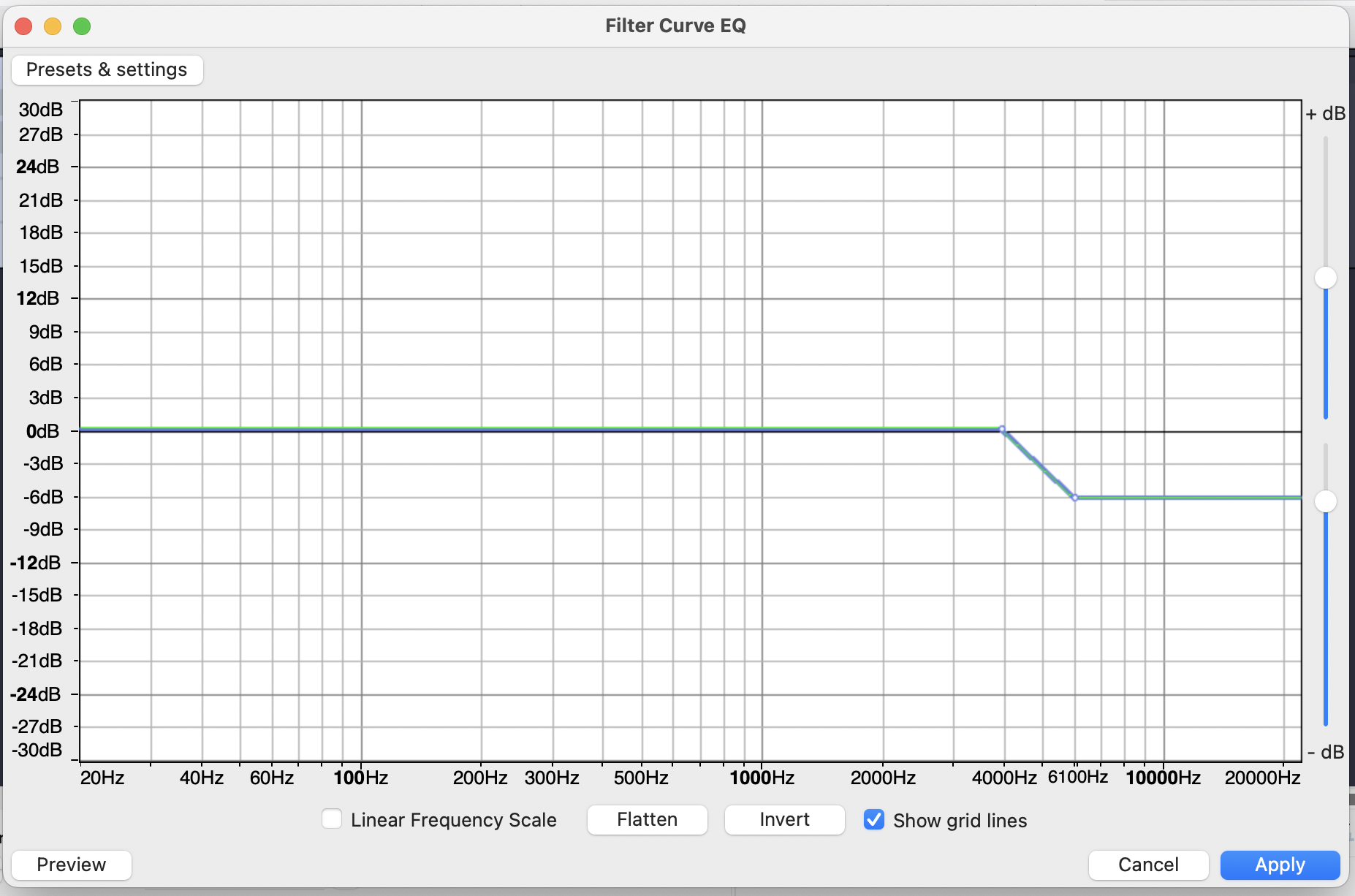
In my theatrical opinion, your voice is bright and borderline harsh. That’s not difficult to fix with gentle equalization. And yes you are popping your “Ps”.
You are using a “dynamic” microphone. That’s fancy speak for “Moving Coil.” your voice vibrations move a coil of wire in front of a magnet. Poof. Sound signals. These microphones are robust and hard to damage, but they tend toward low volume—as you’re finding. The other name for these things is Rock Band Microphones.
We note that posting for audiobook service is slightly lower volume than some other services. As a fuzzy rule, if you can pass the audiobook tests, you can submit almost anywhere else.
I found the Audiobook Mastering Macro that I wrote a million years ago.
That should automatically squeeze and adjust your voice volume to pass ACX-Check. We will note that it applies one correction to a whole chapter, it doesn’t follow you word by word.
Apply that to the Audacity Macro system—if it still has one.
I’m going to be a little fuzzy here because I have a new office computer and it came out of the box not feeling well. As we go.
If you’re narrating an explainer video, rather than an audio-book, then AI processing may be acceptable, e.g. Adobe Enhance (freemium). It does de-ess, de-plosive, de-reverb, de-noise, but can sound artificial, like your competitor, speech-to-speech AI.
Thank you so much for that macro! I imported it and applied it to the raw version of that audio clip. It raised the RMS too high (-16), so I did a -6 amplify to put it at -22 and peak amplitude of -6.9. Here is the result. Better?
Your setup is already good,the issue is gain staging not gear.If you’re hitting -26 RMS raw that’s too quiet so you’re over-fixing it later.Adjust input gain so normal speech peaks around -10 to -6 dB while recording.Plosives usually get worse when you increase distance so don’t move mic back,instead keep it close but slightly above mouth angled down.Your processing chain is also overkill,Normalize + Compressor + Limiter is enough,skip Amplify if recording level is right.Fix recording level first and everything else gets easier.
This has nothing to do with volume. This is me being theatrically obsessive.
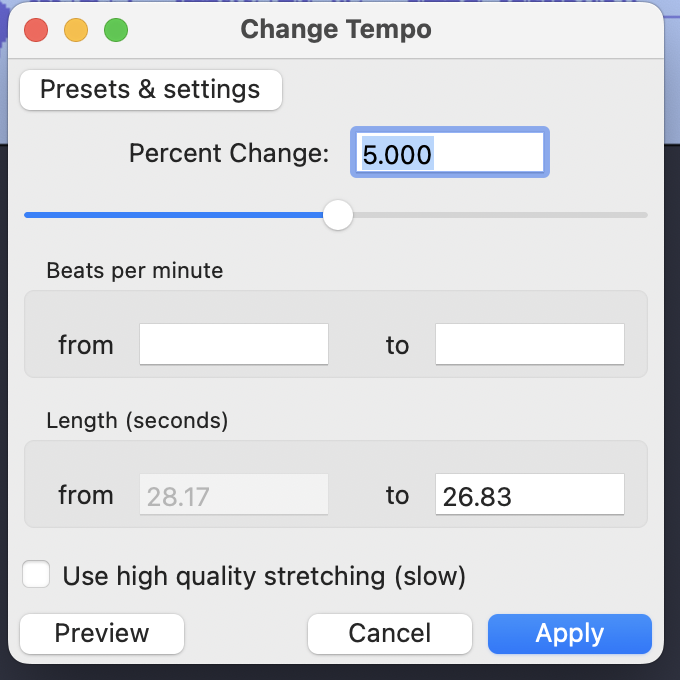
The first 6 seconds is as you presented it. The rest of it is running 5% faster and with most of the harsh crispness filtered out. Sounds more like a pro announcer, doesn’t it?
Before I jump in, we need to note that it’s a terrible idea to do theatrical production in MP3. MP3 gets its tiny, convenient sound files by rearranging musical tones in the performance and leaving some of them out. If you do that several times, the show starts to sound gargly and trashy.
You can’t stop it and you can’t fix it later.
I do everything in WAV (Microsoft).
Also, computer makers have determined that it’s a good idea to leave parts of filenames out. You may see MyMightlyGreatSoundFile, but it’s real name may be MyMightlyGreatSoundFile.mp3. Force your computer to show you filename extensions.
This is another edit pass. I took out many of the awkward pauses and gaps. I even took out one “and.” Note the presentation is a second shorter. Remember the first phrase is the original work.
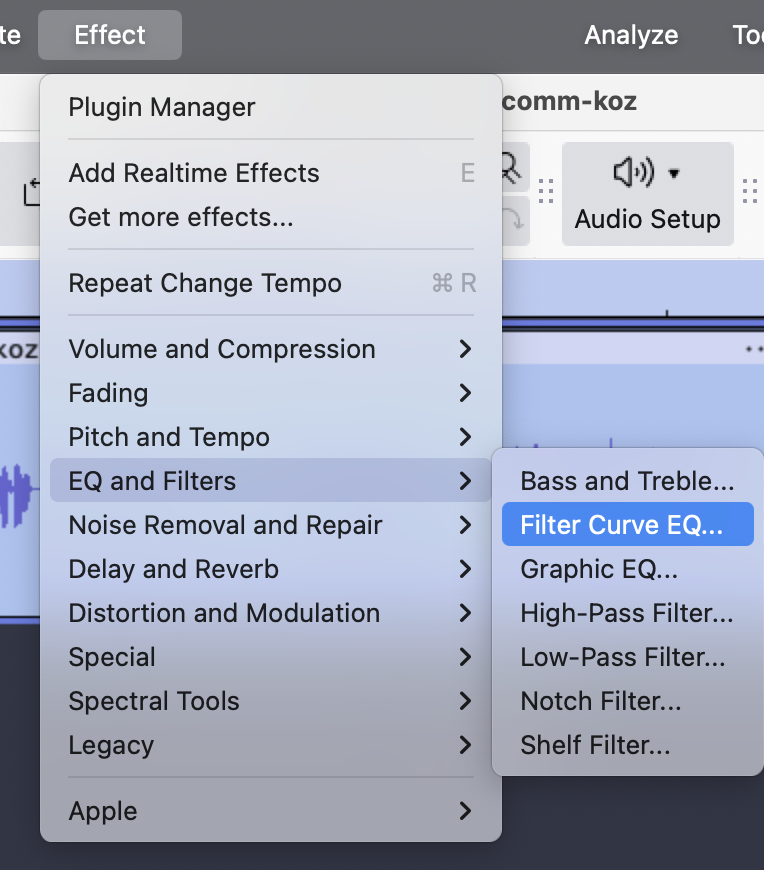
Thank you! I found some tutorials on Youtube about the Filter Curve EQ and that helped me figure out how to do what you did lowering the treble. I incorporated that into the macro you gave me. I also installed the ACX Check. Thank you for taking the time to give me this feedback.
Another note. A lot of the stuff in that post can be ignored if you announce better. Read faster. Don’t leave little gaps, etc. You need to come across as someone who knows exactly what they’re saying and doesn’t drag or leave holes. You are the expert when you read a commercial.
I don’t remember if I recommended good quality stereo headphones. That helps you maintain stable volume because you can hear the presentation as you go.
Just a quick comment to say that I’ve found my post-production/editing needs are far reduced by ensuring quality right back at source: A professional large-diaphragm mic (+ pop filter) with professional outboard soundcard (via XLR analogue audio jacks; the soundcard does the digitisation). This review of your Samson Q2U suggests the Focusright Scarlett (which I also use & recommend!) + AT2035 mic. (I use a Behringer B2 Pro - very good blind-test reviews from a panel of pro engineers).