I just bought a dedicated laptop to record dog vocal activity while im not home. I use audacity 3.77 and have a usb samsonq1 mic.
1 how to make sure that the mic will pick up even the small whines?( dog will be from 1meter to 10 meter)
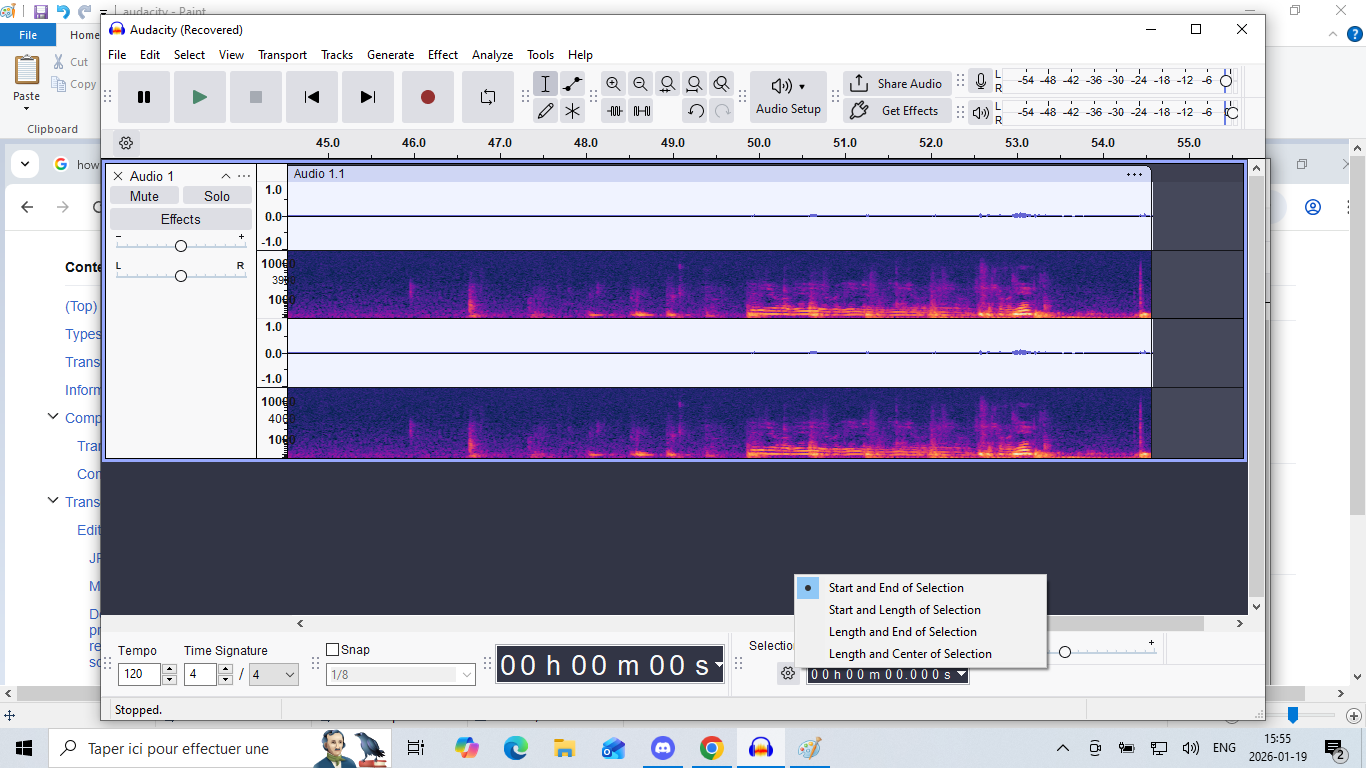
2When I look at the bleu line I can barely see the places where louder event happened. how do I make it so that the big barks are more easily differentiable vs the small whines?
3 When I add the multiview, i see the bleu wave even smaller… what can I do?
4Any advice on how I should proceed generally? The recording will be from 20min to 4 hours long. the ssd is 240gb but I would like not to have too heavy files. amd processor a12 9700p, 8 gb of ddr4.
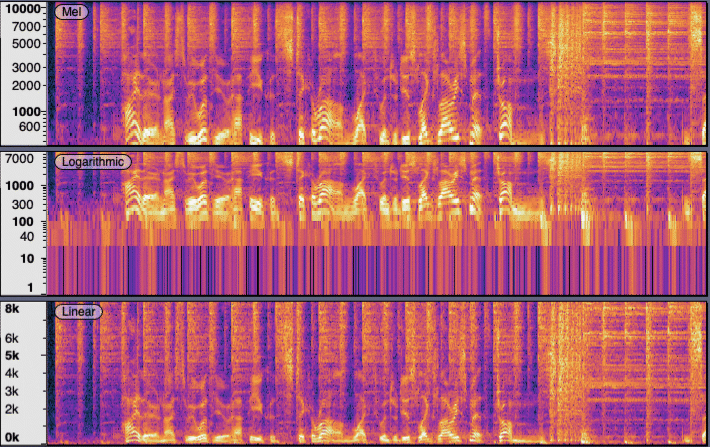
Hi Trebor Thank for the info, I will try the logarithmic when I will have barking. Can this option be selected after the recording or whenever?
I would like to still have the blue line to see. But now it is just tiny dots using 5 pourcent of the height of the rectangle . Why ? I would like to see high waves that use 90 pourcent of the height of the rectangle
HI I made a 6 hours recording with samsom mic. it is a 3.6 gb aup file. Im trying to put it on a usb thum 32gb. ex fat. it takes forever. 2hours now and estimates another 1hour 30 but it always gets longer.
do you knwo why. I clicked back up project to the usb and the usb port and key is 3.0 …
I don’t know why it’s taking so long… Sometimes USB is slow and it seems to depend on the particular thumb drive…
if you export as 16-bit WAV it should be half the size or smaller. (Project files use 32-bit floating point and they can contain additional “undo” information.)
CD quality audio is 16-bits x 44.1k samples per second x 2 channels. There are 8-bits in a byte so that works-out to 176K bytes per second or about 10MB per minute. (Mono is half that.)
FLAC (lossless compression) is usually a little bigger than half the size of the WAV.
A “good quality” MP3 (lossy compression) should be about 1/10th the size of the project.
Taking a very long time to fill a jump drive is often a sign of a counterfeit that is modified to look larger than it really is. Try using a different jump drive.