I am using AI to split a mp3 song file to two separate files with vocals on one and the instrumentals on the other. How can I put those two files into Audacity and save them to a single mp3 file with the vocals on the right channel and instrumentals on the left. (If you are wondering why I would want to do that, I can then play the file and hear both through headphones and sing with the artist but input only the instrumentals and my mic into my Tascam recorder and end up with a karaoke recording of just me and the music.) Thanks
Pan one track all the way left and the other track all the way right.
To the left of the track waveforms are some buttons and controls. One of those controls is a slider that pans. Slide one all the way left and the other all the way right.
I did that but when I export the file it plays both through both channels so I must be doing something wrong?
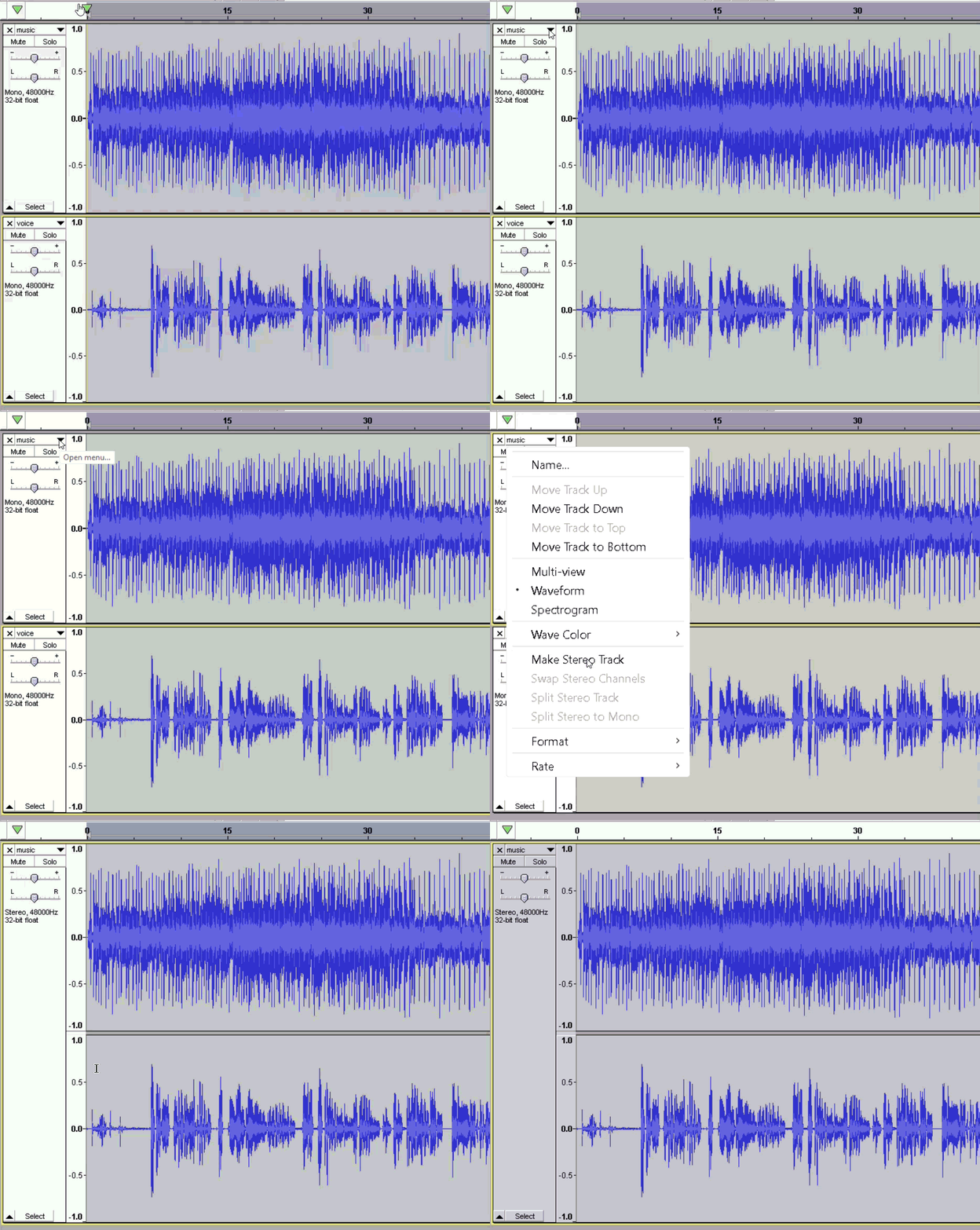
Make the two tracks into a stereo pair … https://manual.audacityteam.org/man/splitting_and_joining_stereo_tracks.html#joining
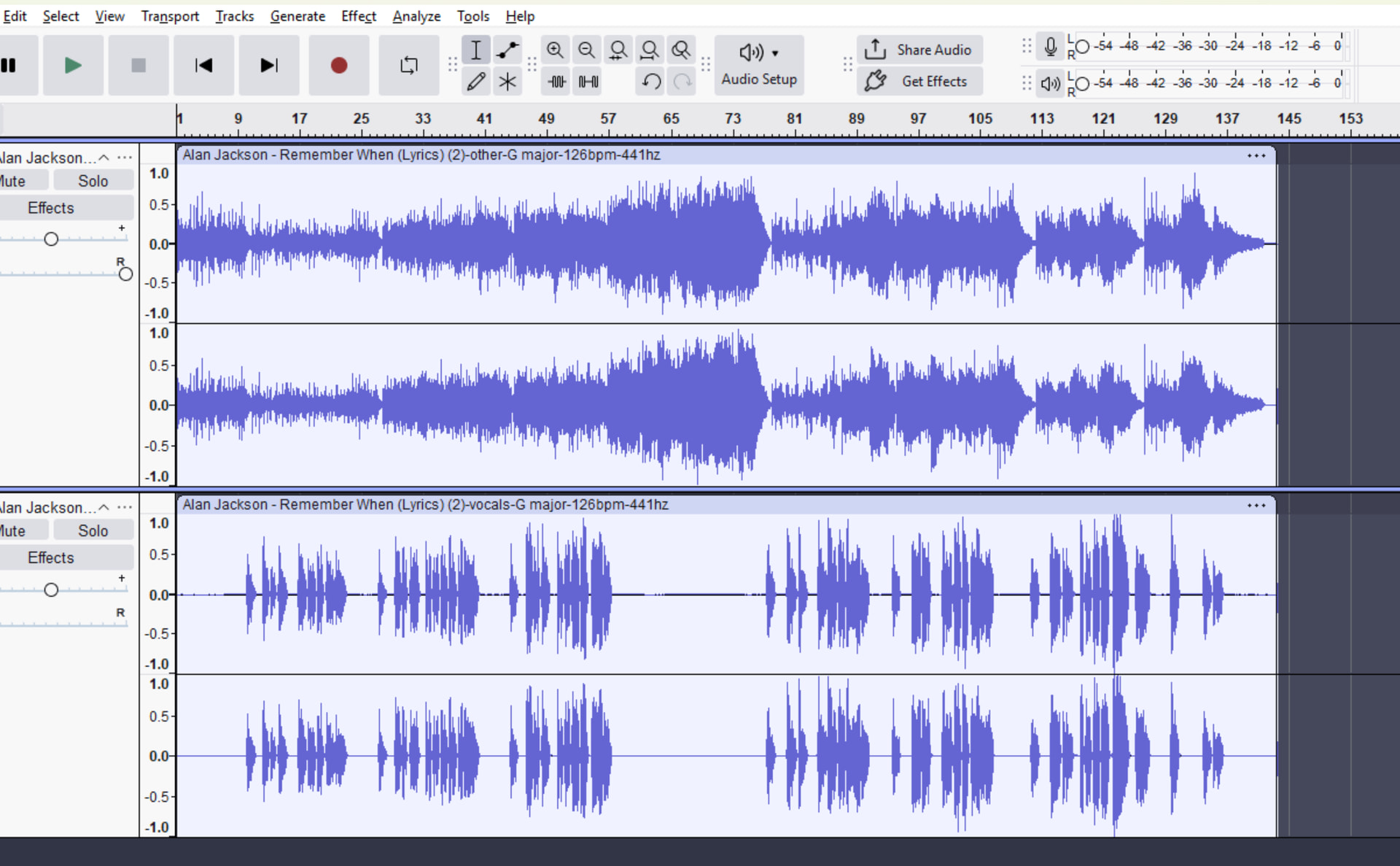
Before you export, do you have two mono tracks, or two stereo tracks? In other words, are there 2 waveforms, or are there four?
Not if you have the option to use WAV … Transcoding - Wikipedia
As Adam Savage would say on Mythbusters, “well, there’s your problem.” Panning only really works when combining two mono tracks.
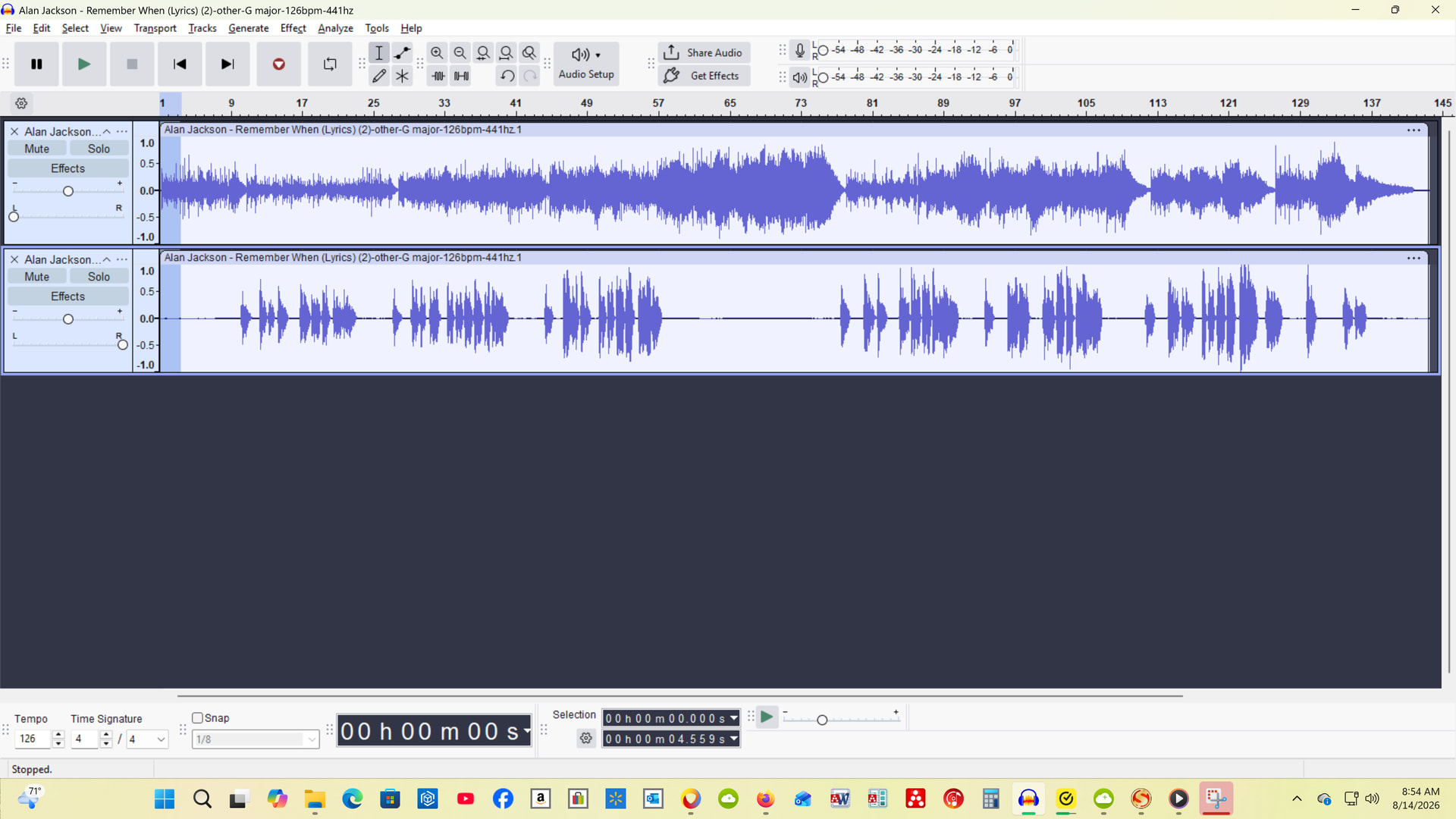
You could mix each of the stereo tracks into one mono track, but they look identical to me and mixing takes time. Just separate the stereo tracks into two mono tracks and delete one of them. Do the same with the other stereo track. You will then have two mono tracks. You can pan one left and the other one right and they will be mixed when you do the export.
There may be another problem, but I won’t confuse things by bringing it up yet. It may not effect you.
ok, I did that and when I export the tracks are not separated because I hear both in left and right channels… pretend you’re talking to Sgt Schultz and that “I know nothing” and please walk me through the details of how to. thanks
Playback “audio enhancements” can allow crossover from left and right channels …
https://www.makeuseof.com/windows-11-is-enhancing-your-audio-and-you-should-probably-turn-it-off/
Those are obviously different waveforms.
Are you listening on your computer, or on your cell phone? It doesn’t matter, but something like this is more prevalent on cell phones.
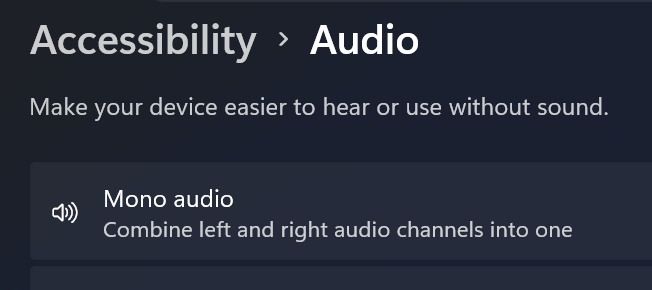
There is a setting that combines both channels into one when you listen. This is so you can listen to something with only one earbud in. I think that is what is happening to you. Finding that setting may be a challenge.
First let me say thank you to all that have tried to help. Next let me yell CRAP! I am doing all this on my PC so in case it was Windows 11 tricking me I tried to turn off the advanced audio settings but that made no difference. So I copied the exported audio file to a memory stick and played it through my AV receiver and the file is indeed split with vocals to the right channel and instrumentals on the left channel. I have wasted days messing with this! Thanks again because now with your help I can proceed with my project. Thank you!