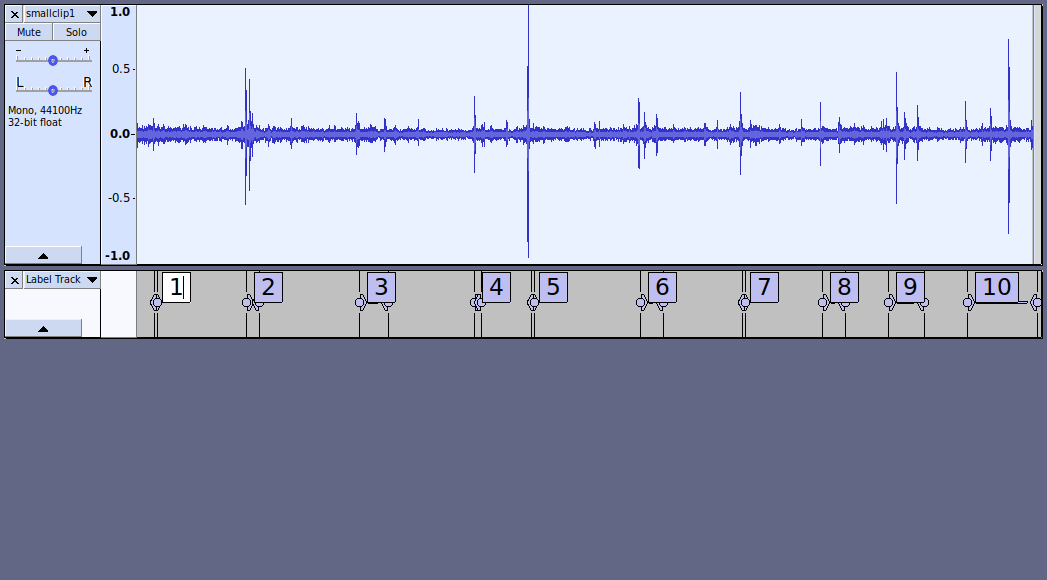
Your microphone / hydrophone appears to have a frequency response up to about 16 kHz. (You can adjust the vertical scale to see this region: Spectrogram View - Audacity Manual)
Below about 5 kHz, there’s a lot of other sound, making it difficult to pick out the “snaps”. So we need to concentrate on the frequency band 5 to 16 kHz.
We don’t need to do anything with frequencies above 16 kHz because there’s virtually nothing there.
I’d suggest mixing the track down to mono, so that audio in both channels gets treated the same (“Tracks menu > Mix > Mix Stereo down to Mono”)
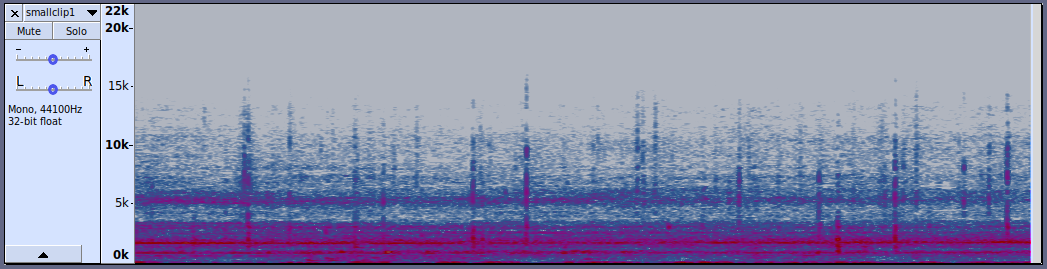
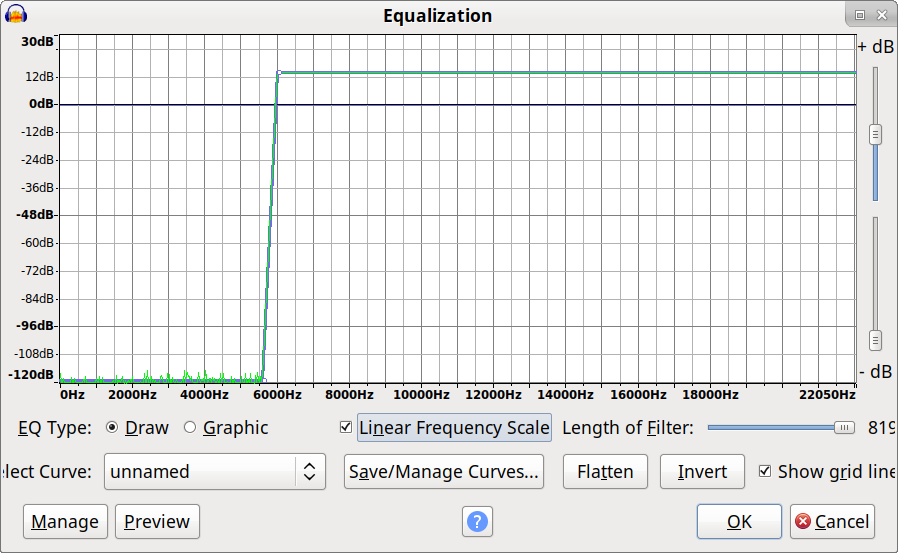
Here’s the track again after applying a very steep high-pass filter using the “Equalization” effect at around 6 kHz, with about 14 dB gain in the pass-band:
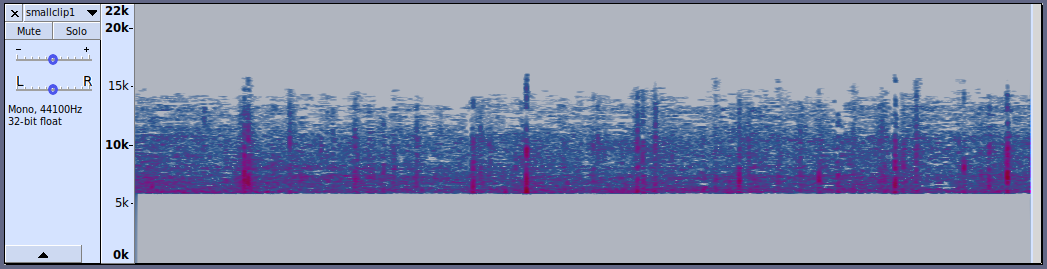
And now, amplified with the “Amplify” effect (default settings) in normal “Waveform” view:

I presume that the bigger clicks are shrimps that are close to the microphone, and faint clicks are shrimp further away. Does that sound reasonable?
If so, then we need to decide what level to consider as “within range”. We are limited by the noise floor, so in this case I’d suggest a noise floor setting of around -18 dB (You will need to experiment with this figure to find the optimum for your recordings)
(If you are testing multiple audio files, and you want to compare one file with the other, then you will need to use exactly the same Amplify and “noise floor” settings for each file).
So now, I’ll use “Sound Finder” (Sound Finder - Audacity Manual) with these settings:

And this is the result:
(It’s not perfect, so you need to estimate the amount of error).