Hi. Recently hopped back on the Audacity train from V2. The updates look amazing and the GUI is so much more intuitive. Running v4 beta 2.
I’m trying to record a multi-track recording (it’s a 5.1 audio file, so 6 mono tracks). The recording works as expected - I select the 6-channel audio source and a 6-channel audio destination. I hit record, all 6 channels record correctly. But I noticed the per-channel audio meters are wrong while recording. It looks like they all are mirroring channel 1. At times when ch4 is silent (it’s LFE in this case) the meters are as loud as channel 1 (left front). Minor GUI issue, functionally it’s fine - and when I play back all of the per-channel meters are correct.
But now for the real reason I’m posting: I need a way to play back the channels! Right now Audacity is stuck in stereo playback. This isn’t just a problem for surround - if I want to do any kind of multi-channel playout (I’ve seen asks in these forums from people trying to do live stage shows, surround projects, etc) I can’t. And while I understand the old argument of “It would require ASIO”, at least in Windows 10/11 it doesn’t anymore.
In this particular case I’m using VB-Audio Matrix which is a fantastic tool that lets you do multi-channel routing back and forth from any number of ASIO, Virtual ASIO, WDM (WASAPI), MME, and even Kernel Streaming sources among others. So it does all of the converting for me. It’s also how I’m doing native multi-channel playout - I’ve created several Windows audio sources/destinations of 6 channels at 24-bit 48khz. After the Matrix does it’s thing, for my playout it eventually spits out to Dante Soundcard as ASIO.
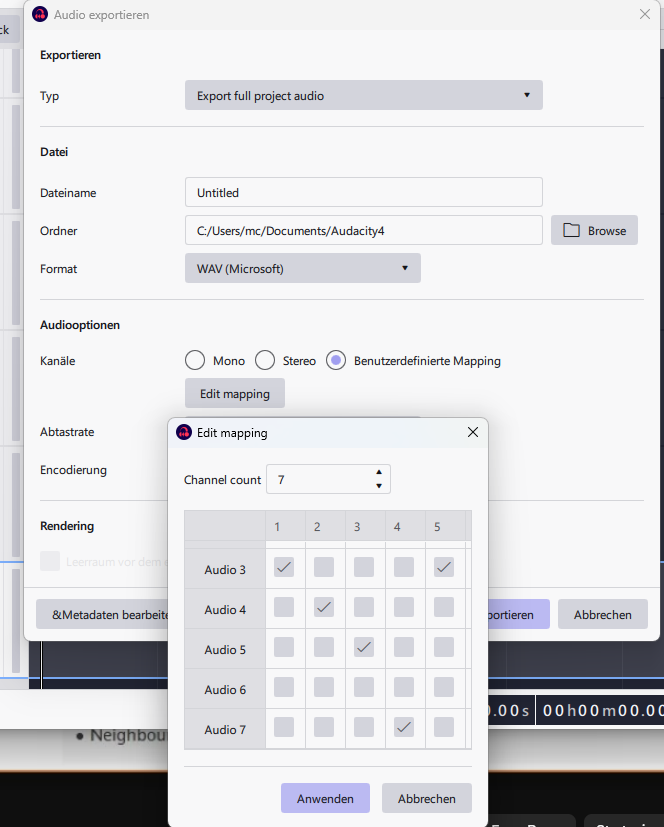
The only piece of the puzzle that’s missing is multi-channel playout. Now I understand that there’s workarounds for saving multi-channel files (in this case I’m trying to make 6-channel WAV, MP3, and FLAC files) by using FFMPEG. And that’s cool. But I can’t play the sound out to manipulate it in any sort of multi-channel way. The same limitation keeps me from being able to mix a file in multi-channel.
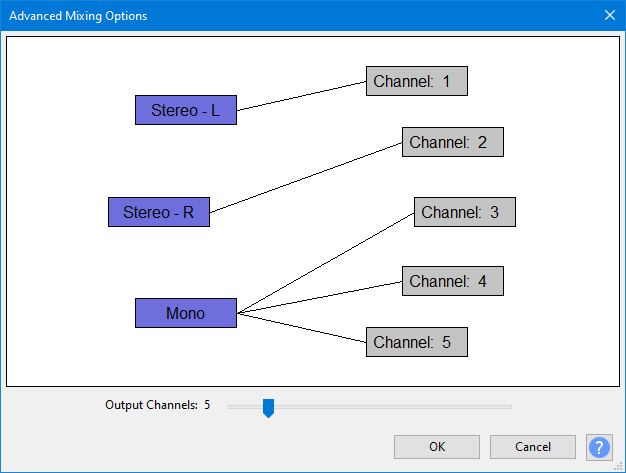
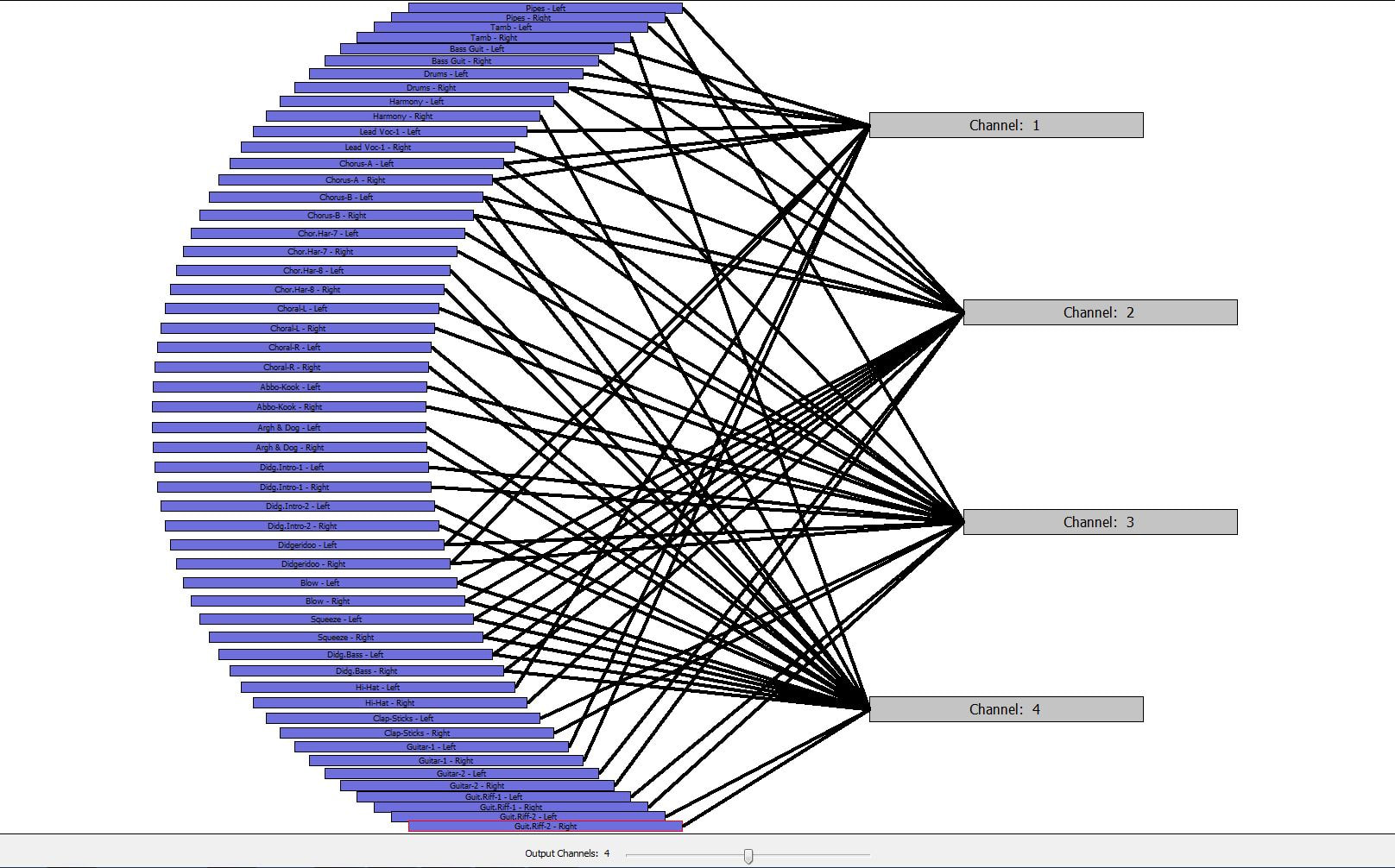
The way I see it, there’s an easy, moderate, and hard way to go about it in the GUI space. The easy way is to behave differently when you select an output device of more than 2 channels. You could switch the pan tool to become an output select (or add a separate selector next to pan with a speaker icon), where you map a particular track to “Channel 4”. The moderate way is to change the pan tool to become a “surround pan” tool, where you could either manually pan or have drop-down presets for certain things like Left Only, Center Only, LFE-Only, etc when it detects a multi-channel playout device. The hard way (which is probably the preferred method for insane people like me) is to allow for each track to map to a particular output - so when I play back multiple channels I can map Track 1 to go to Left (output ch 1), Track 3 to go to Center (output ch 3), but then also map Track 9 to also go to Center as well.
The progress and improvements I’ve seen in this app since v2 are monumental. And the only two things keeping me from finally replacing my dusty copy of Audition CS6 are the ability to playback and save multi-channel audio files. I understand you’ve got too many irons in the fire for it to make 4.0, but hopefully it could be in a point release soon after.
Thank you for all the hard work over these years - it looks like it’s paying off in a huge way!