I am brand spanking new to Audacity and recording voice passages. I have the Audiobox Go setup with the Presonus M7 microphone. I have the gain cranked and have checked all of my levels on my laptop. I can’t seem to get beyond -21dB and that’s if I really speak out. Any help is appreciated.
Your setup should have more gain/sensitivity than that but -21dB is probably OK. You can run the Amplify effect after recording and if it sounds OK, it’s probably OK. Pros often record around -12 to -18dB.
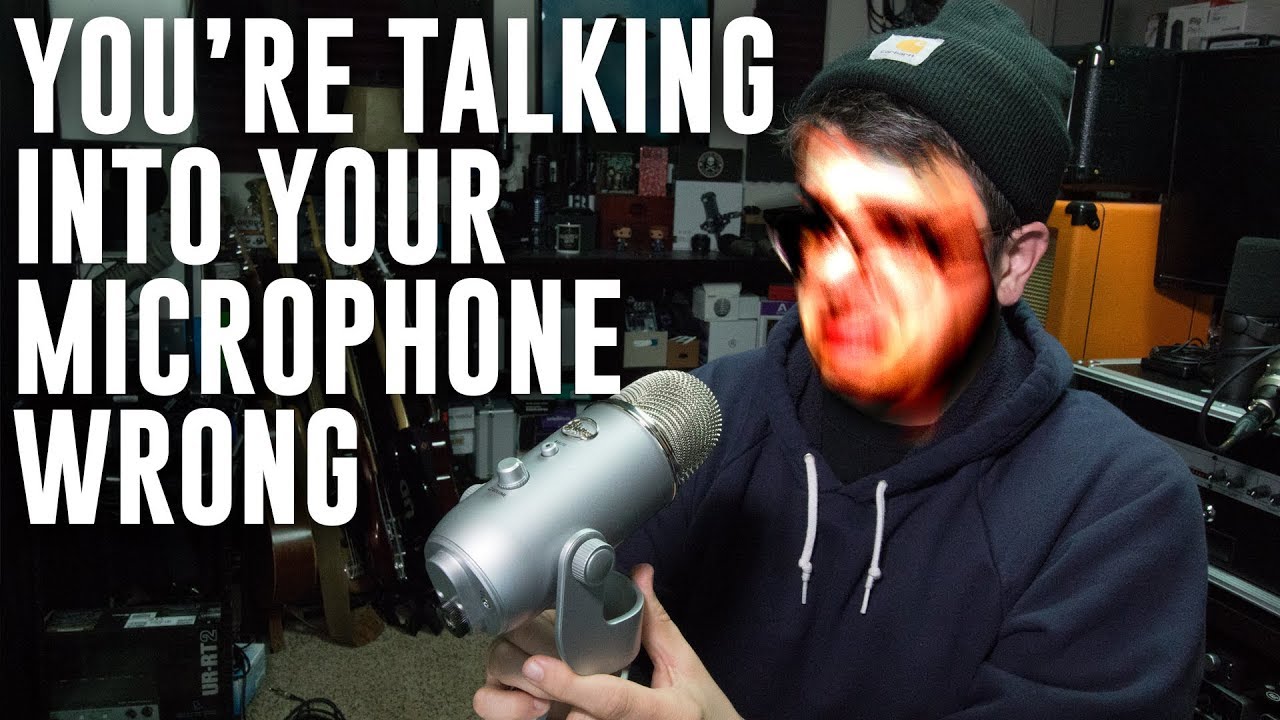
Oh… I assume you know that’s a directional (cardioid) side-address mic. Make sure you are speaking into the front side. (usually where you’re looking at the label).. Not the end or back-side.
If you don’t know this, Audacity’s recording volume slider is “hidden” under the recording meters. But it may not have any effect with a USB connection.
Make sure Windows “Enhancements” are turned OFF. They can foul-up the recording in all kinds of strange ways.
If you record in mono with a stereo interface Audacity will cut the level in half (-6dB). That’s so you don’t go over 0dB when the left & right (mic and guitar) are mixed together. If you record in stereo it will be 6dB hotter but you’ll have to delete the silent channel or otherwise deal with it.
1 Like
You can boost your performance volume relatively safely by announcing on the oblique method (B)

And get closer.
Since most of your mouth noises go straight in front, it’s a handy way to get a clean volume boost. You can’t move around while you do that, so it’s highly recommended that you wear headphones and listen to yourself.

And yes, you do have to announce into the “front” of the microphone.
Beginner microphones (from the advertisement) almost always feature restrained volume. If you get slightly low volume, the performer always thinks it’s something they’re doing wrong and work through it. They keep the microphone.
If you get too loud on a top quality, professional microphone, the microphone clips (damages) the voice and sound turns harsh, gritty, snapping, and awful. You return the microphone.
No contest.
Koz
worth checking you’re not accidentally recording from the computer’s internal mic.
Thank you! This is extremely helpful!
This topic was automatically closed after 30 days. New replies are no longer allowed.