I’m out of ideas… I don’t know what’s going on…
Do you have access to another computer you can try? Since you’ve tested the mic and you’ve tested the Hosa, I’m still thinking it’s computer configuration problem of some kind…
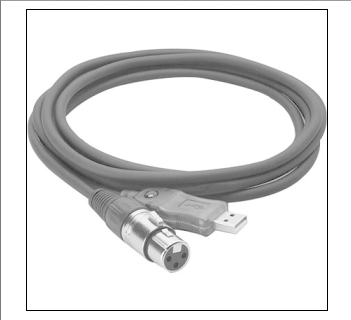
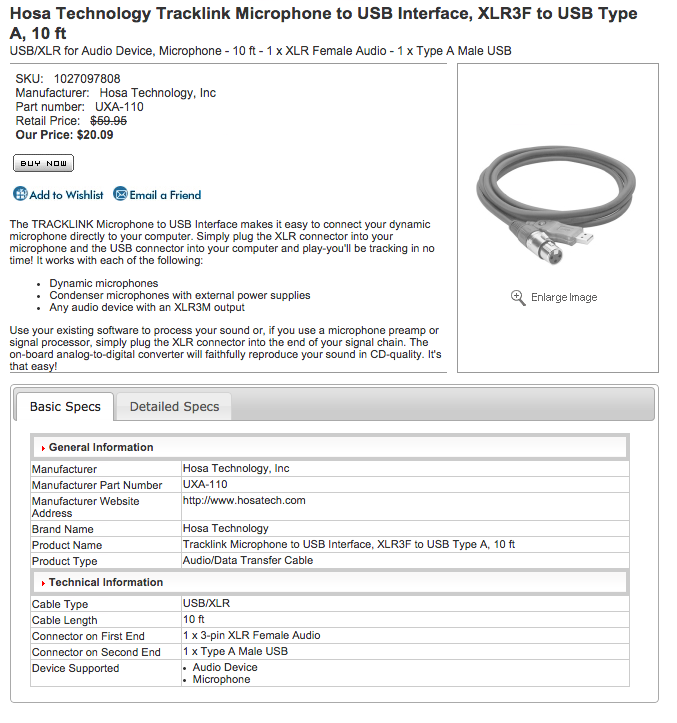
ALL good analog microphones are low-impedance balanced with XLR connectors. Your SM58 should be fine with the Hosa XLR interface, or with some other USB interface that has XLR mic inputs.
Cheap “computer mics” and older “tape recorder mics” are high-impedance unbalanced. But, the microphone input on a regular soundcard or laptop is worthless for high-quality recording because it does not interface properly with any good stage/studio mic. (And the preamp built into a soundcard or laptop is usually low-quality.)
An analog preamp would not work with the Hosa interface. You’d have to connect the preamp’s output to your soundcard’s line-input. That might solve the problem, but I have no idea what the root of the problem is.
You can test the line-input on your soundcard by connecting something and recording it (a CD player, DVD player, TV, etc.). If that works, a (working) preamp and (working) microphone should also work. (A small mixer would work too and it’s easier to find a small inexpensive mixer than to find an inexpensive stand-alone preamp.)
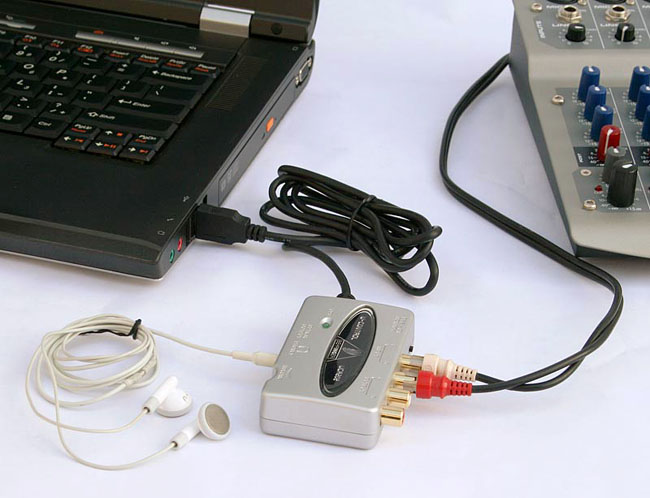
A USB interface with gain controls would allow you to adjust the levels. A mixer with a USB output would also allow you to adjust the gain. But again, I don’t know if that will solve the problems.
This seems like an analog problem. Noise is “always” an analog problem. Low signal is almost always an analog problem. The only place you have analog is the microphone and the input-side of the Hosa. But, you’ve tested the mic and you’ve tested the Hosa, so I have no idea what’s going on…
or would the preamp correct the hum? Without the hum, I could amplify the recording in Audacity.
We don’t know where the hum is coming from. If the noise get’s amplified along with the signal, it’s not going to help. If you can boost the signal before the hum comes-in, you’ll get a better signal-to-noise ratio.
Since the hum is bad, it’s unlikely that Audacity (or any other software) can remove it without damaging the signal. Noise reduction works best when you have a constant low-level backgroiund noise. (Pros still record in soundproof studios with very good equipment because there are limits to what software can do.)
 At this point we can’t tell you what to do. We are all just guessing and you won’t know what the problem is until the problem is solved. That’s ALWAYS the case… You don’t know what the problem is 'till it’s solved.