Hi All -
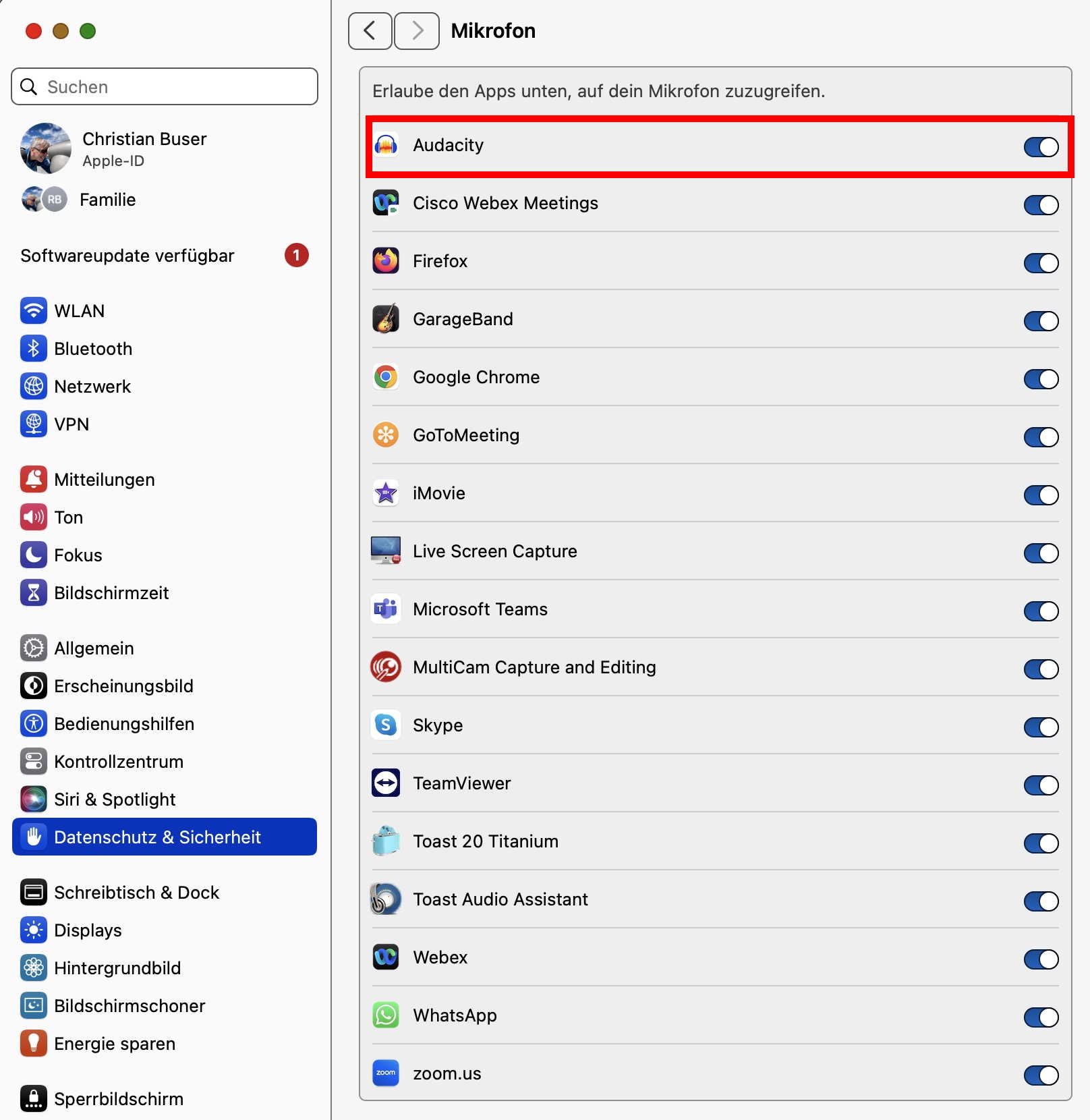
I have been through the excellent advice from Koz in a previous and “solved” thread but when I ask Audacity to Record, or Silent Record, the line is flat. Audio Setup has my Blue Yeti ticked and System Settings/Sound/Input shows the Yeti and the Input level bar is bopping about but there is nothing in Audacity.
I have a MacBook with Intel i5 processor, running Ventura 13.7.6 and Audacity 3.7.0.
Any thoughts please?
Ian.
This topic was automatically closed after 30 days. New replies are no longer allowed.