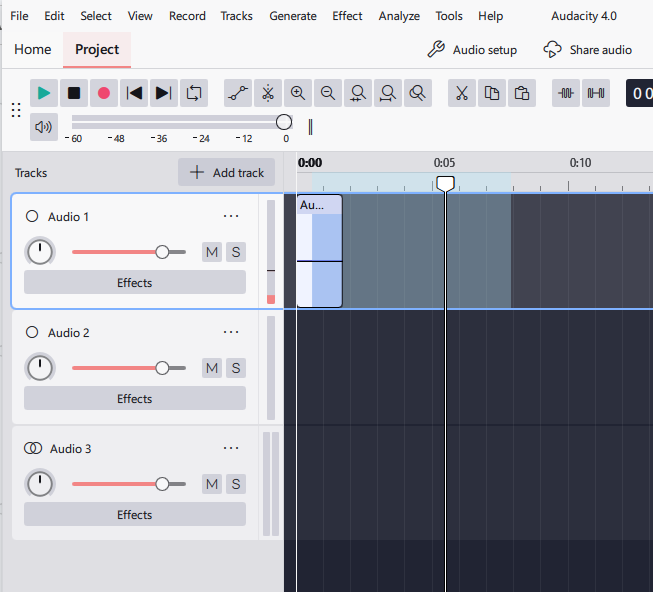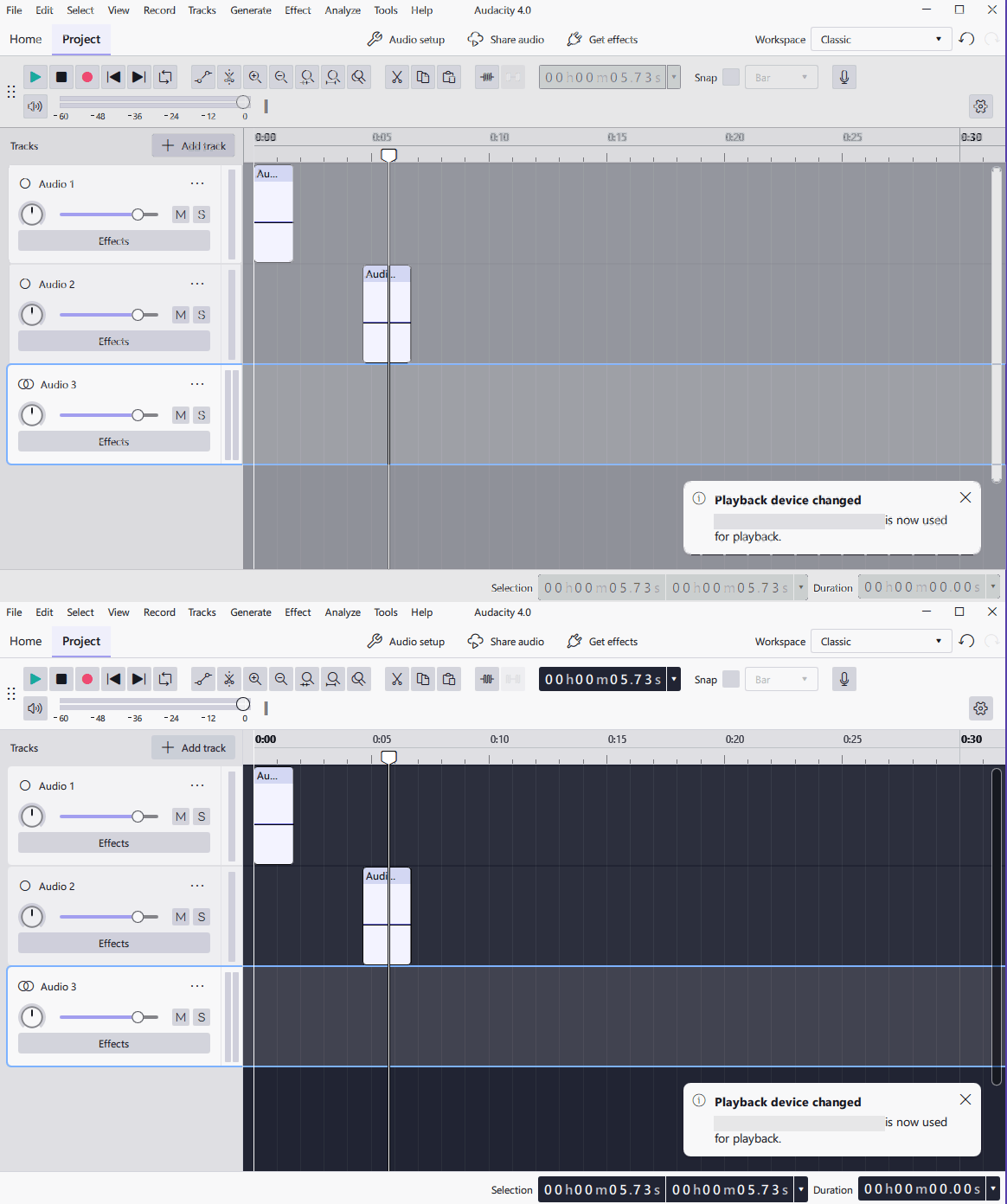
I think the dark blue background behind timeline and some dropdown menus isn’t appropriate for the Light Mode. I would have expected a lighter, yet darker than other elements color, similar to older audacity versions. From an accessibility standpoint, having to adjust from high contrast to low contrast elements within Light Mode isn’t ideal.
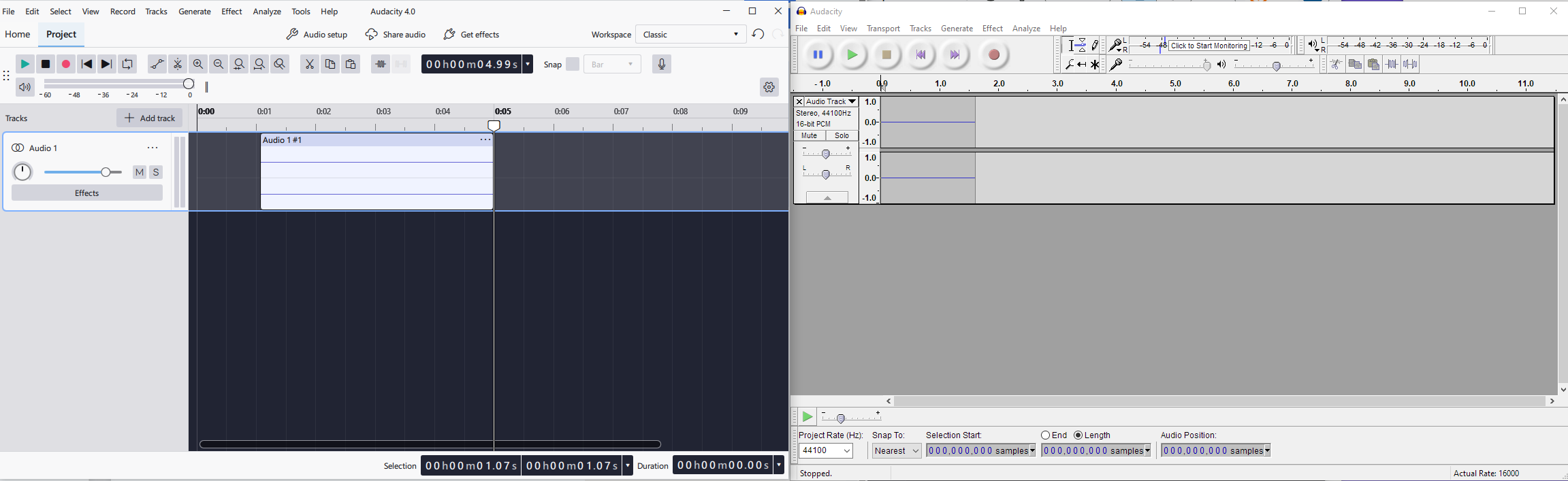
Additionally, I’d like to point out how the toolbar area below Home/Project tabs maintains the same BG color as everything above it. I feel like having a slightly dark bg area behind the toolbar helps sepearate the menus from the workspace, as can be seen in the older Audacity screenshot. Not sure if that means the buttons should have a lighter bg color to pop out, or if they should go even darker to have contrast, but the former seems to be the right move imo.
Is there a reason why the accent color isn’t the color of the selection tool? Same with track selection border, seems like it would make sense  That being said, the light mode BG colors is way more pressing of an issue.