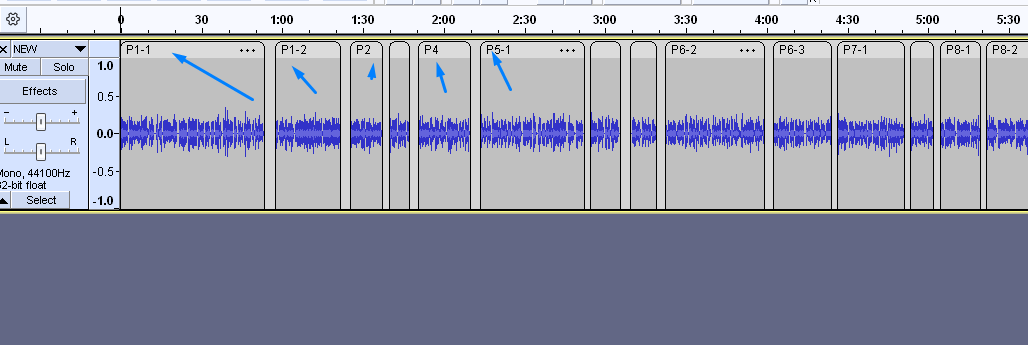
I’m having a headache with having lots of clips which have specific names and I want to batch export them retaining the clip name as the file name (wav, mp3).
From what I know I cannot export clips with clip names and have to do it manually?
Or I have to label each clip with the same name and then export the labelled clips.
Any help on how to do this quickly will be hugely appreciated. It would be great if there was an export audio option to use clip names as the file names to explore in batch.
You can easily export multiple files. You need to put a text label at the point where the new file should start (and the old ends). If you have a text file containing the names of the pieces, you can copy/paste them into the labels. Select the point where the label should go. Then copy the text and select Command-Option-V (on Mac; I don’t know the shortcut for Windows or Linux), and the copied text will be pasted into your label mark.
Then do “export multiple”. You are asked whether the files should also be numbered (useful if you record vinyl or tapes).