I understand you can use noise gate effects and also go through your file and manually silence the parts that are unneeded but for me the noise gate cuts my audio when it removes the other noise. basically we recorded voice audio with two mics (2 different tracks) but MIC1 picked up audio for MIC2 for the entire 2 hour long podcast. Is there a easy way to remove “track 2”s audio from “track 1” automatically? This would save me so much time.
Did MIC2 pick up voice from MIC1? If you got a mix like that, then there’s not a lot of hope. Audacity is not good separating individual voices, instruments, or sounds from a mixed performance.
However, if you only got the mix in one direction, there is hope.
First step, Export WAV (Microsoft) protection files of all original work. Do not depend on Audacity Projects (.AUP3) for safekeeping.
Open the show and split the left and right into individual Mono tracks, not the original Left and Right.
Make sure they are separate tracks.

Select the bottom (track 2) and Effect > Special > Invert. This should produce a sound track that will try to cancel itself from Track 1. Change Track 2 volume slowly while you listen to the composite. You should hit a point where the track 2 interference is at a very low volume.
Export that as the new(and improved) Composite.
Now delete the old track 2 and put the original track 2 in there. Composite on track 1. The new mixture should be very much better although there might still be some odd sounding interference at a very low volume.
We’ll see how other posters attack this.
Koz
We know that manufacturers try to sell you microphones based on the idea that it’s all you need to record perfect work.
I use the upside down idea. I have a good, quiet, echo-free bedroom and can produce audiobook quality voice work on my phone with Lossless (Perfect quality) Voice Memos.
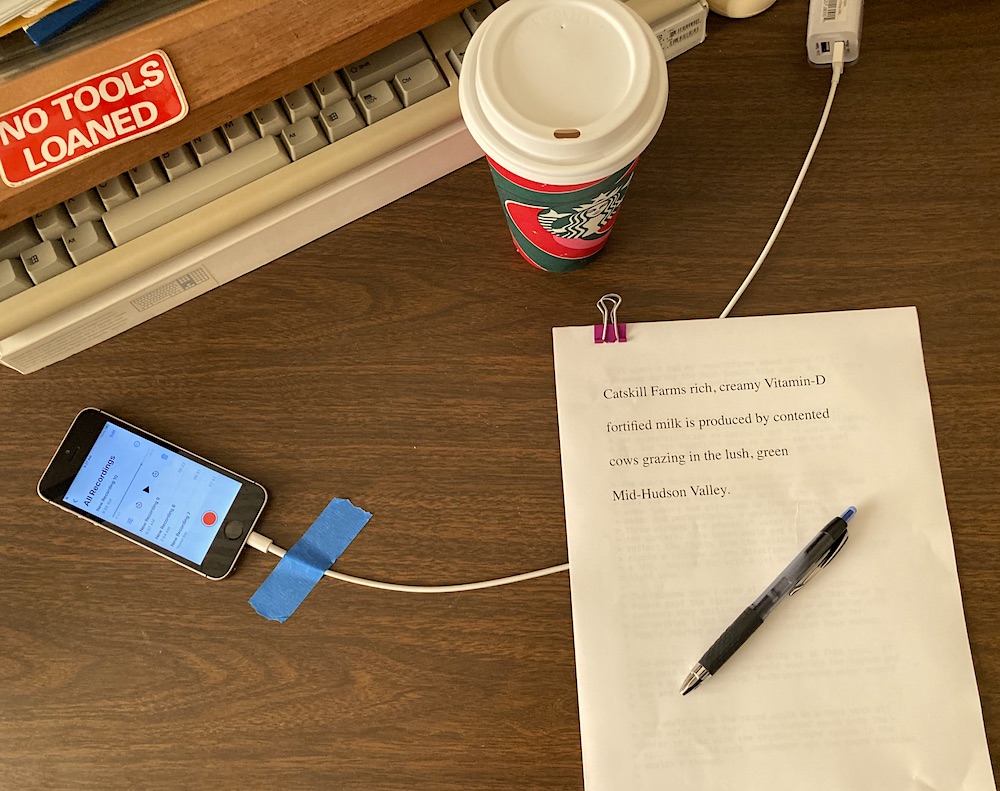
To extend that, I have been able to produce acceptable interview quality work with a quiet room and two people on both sides of a single microphone.
I think Chris’s Compressor is still available. That will even out two voices that are already close in volume.
There is no good recovery for a room with echoes.
Koz
Place an instance of both track and reverse polarity on mic 2
This should cancel the bleed on mic 1.
For more difficult situations you may need to use a stereo widener with left and right as well as asmythe and adjust
to fine tune the effect also a vocal remove VST may help .
What you are trying to do is cancel out mic 2 by rotating it 180 deg
from mic 1 and for phasing to aline it to Mic one
The phasing may need to be placed on mic 1 while mic 2 is reversed
If you have a new version of Audacity then you can perform this on the destructive VST format then go to track and mix all down to one project
After this you can take the original mic 2 and the new mic 1 and remix as
left and right or mono or any where in between using the VST stereo tool.
Going on line you may find a tool for free but in these day you can bet
you will have to dish out some greenbacks…
THis works about 90% of the time but it all depends on how much BLEED
has taked place…
COoL STUfF
Mike
This topic was automatically closed after 30 days. New replies are no longer allowed.