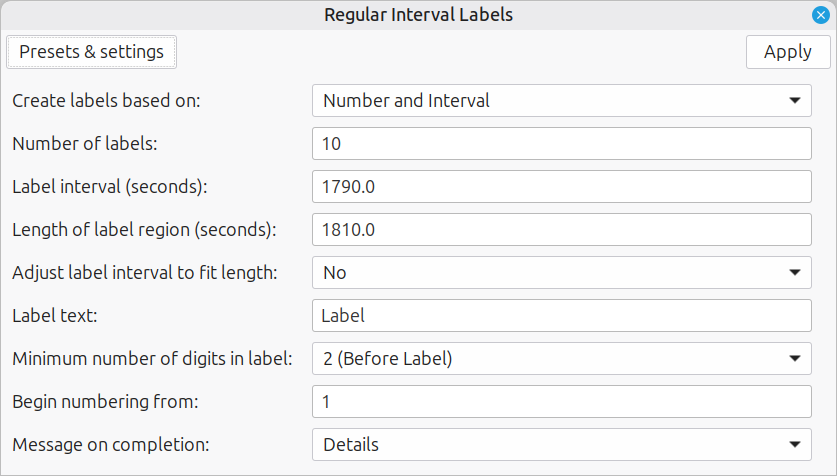
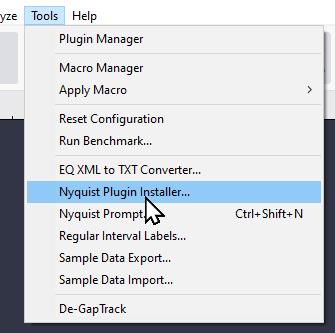
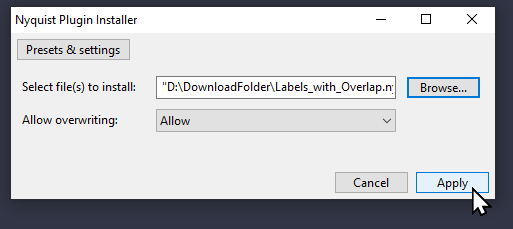
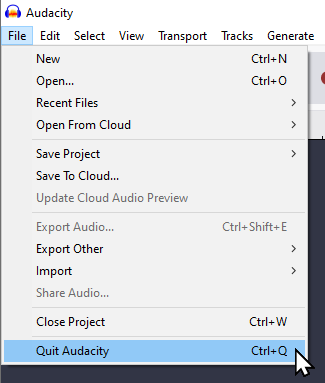
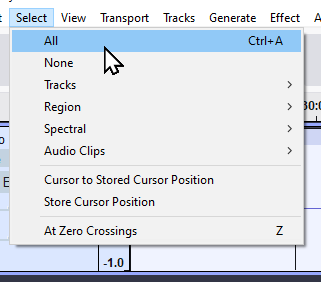
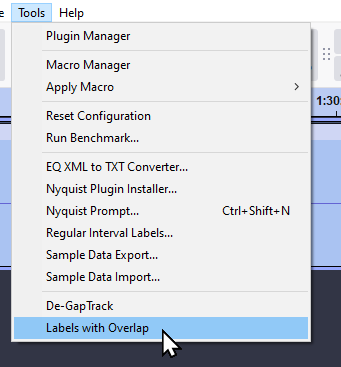
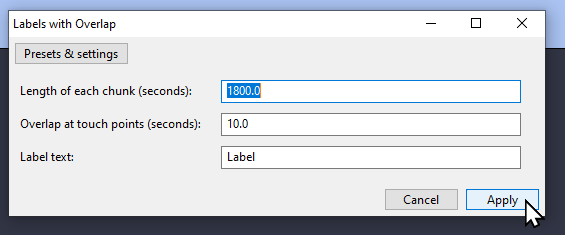
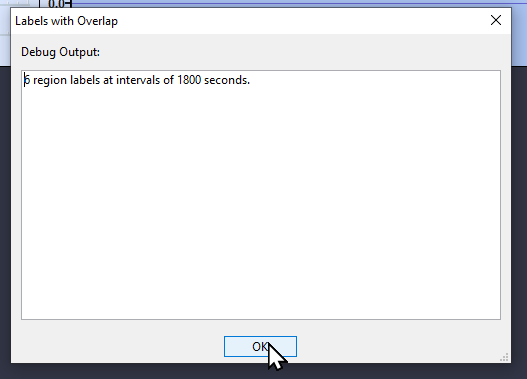
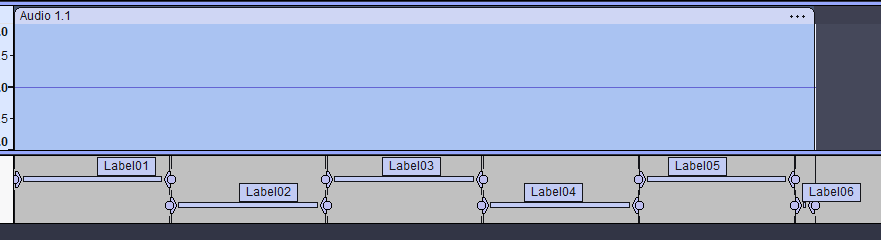
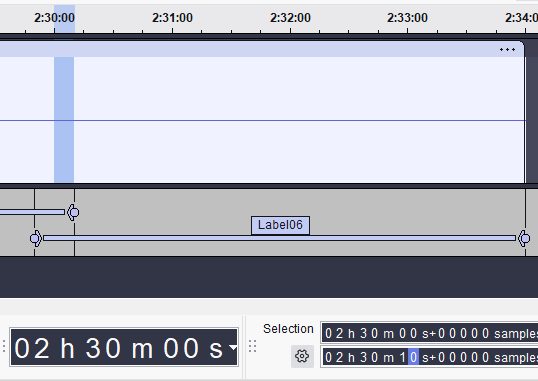
I have an audiobook (large mp3 file) that I’d like to split into 30min sections, but also have 10 seconds of overlap within each interval. So section 1 would be 0min:00sec to 30min:10sec, section 2 would be 29min50sec to 60min10sec, section 3 would be 59min50sec to 90min10sec. I understand how to use the Regular Interval Labels option to automatically split the audiofile, but can’t figure out how add in the 10 second overlaps.
It seems that AI is getting better at Nyquist (though I recognise most of that code is a copy of equalabel.ny).
One thing it missed:
$name (_ "Labels with Overlap")
That’s a “translatable header” for a plug-in that is shipped with Audacity. Header translations don’t work correctly in 3rd party plug-ins because the translations have to be built into Audacity. The correct syntax for a plug-in that is not shipped with Audacity is:
;name "Labels with Overlap"
Also, this line is wrong*, and it will prevent the plug-in working in some versions of Audacity:
$version 1
It should be version 4 because float-text widgets don’t exist in earlier versions.
;version 4
* The fact that the plug-in works in recent versions of Audacity is because Audacity is failing to validate the plug-in version.
It felt like pulling teeth. Thank you for the corrections, I also changed the header to the old (pre-2.3.0?) comment format for theoretical backwards compatibility. The post above is updated with this ‘v2’ but I’ll keep the link here as well just in case removing it from this post removes it from the server: Labels_with_Overlap.ny v2 (2.8 KB)
Awesome! @awalts If you think one of the replies in particular would help others with the same problem finding this forum thread, you can mark it as the solution at the bottom right of the post: