Hi, I’m pretty much new to using Audacity, so I wanted to try adding feedback (screechy, noisy sound effect) to an audio recording in general. First I tried using the normal command on the Nyquist prompt but it would only return “nil audio”. Then, I found the free Hysteresis plugin and I’d like to use it but I don’t know how to. It says in the help guide that I have to instantiate it on a stereo track but I don’t know what that means let alone how to do it. Help, please…
I don’t know anything about it but not all plug-ins support Audacity. (Compatibility is up to the plug-in developer.)
With paid plug-ins you’ll usually find a list of supported hosts. Audacity is rarely listed but since Audacity does support VST, sometimes they work anyway.
With free plug-ins it’s usually hit-or-miss because they usually don’t have to time or budget to test and debug on every audio editor or DAW.
Ok, I understand. But I thought Hysteresis would be compatible because it’s a part of the realtime plugins…
GlitchMachine’s Hysteresis is a 64-bit VST3 plugin should work in Audcaity3
https://support.audacityteam.org/basics/customizing-audacity/installing-plugins
NB: the current version does specify that it requires “Windows 11” … Hysteresis – Glitchmachines
(Old versions are available, but not from the manufacturer: use at own risk)
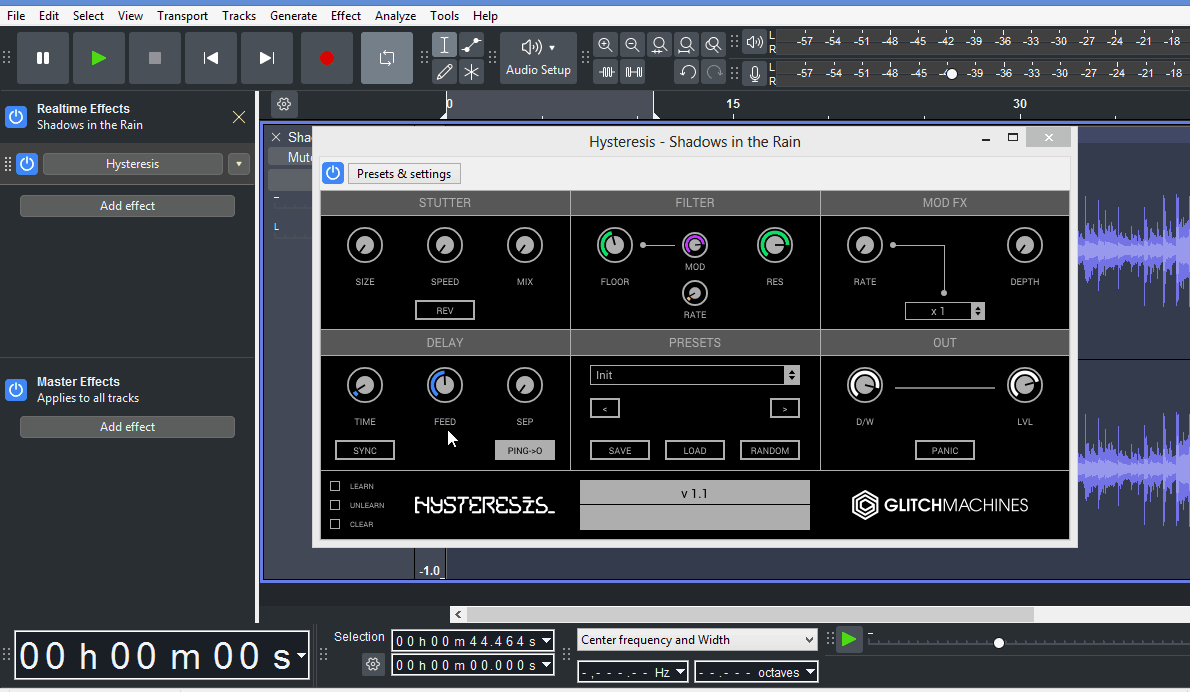
Ok, thanks. But do you know how I “instantiate it” or set it up / add the plugin (after I installed it) like there in the image?
Once you’veinstalled a VST plugin, start/restart Audacity, if successful a brief window appears mentioning the new plug-in, that plugin will then be available for use on the realtime effects list, (on the left of the screen).
Thanks, I feel like I’m getting there but at the same time I’m still confused. It still won’t show me the Hysteresis plugin on the effects list, and I made sure my Audacity is 64 bit as well as the plugin. No brief window has appeared, or anything about it…
There are two effects lists: Effect & Realtime Effects. It should appear on the VST3 submenu in Realtime effects.
(The version of Hysteresis I have is VST2. If the VST3 version is incompatible, try the VST2 version, if it is available ).
Thank you so much, I just realised it Audacity wasn’t updated so it works now (my bad  )! The only tiny problem is the feedback isn’t totally what I expected but it’s more than good enough…
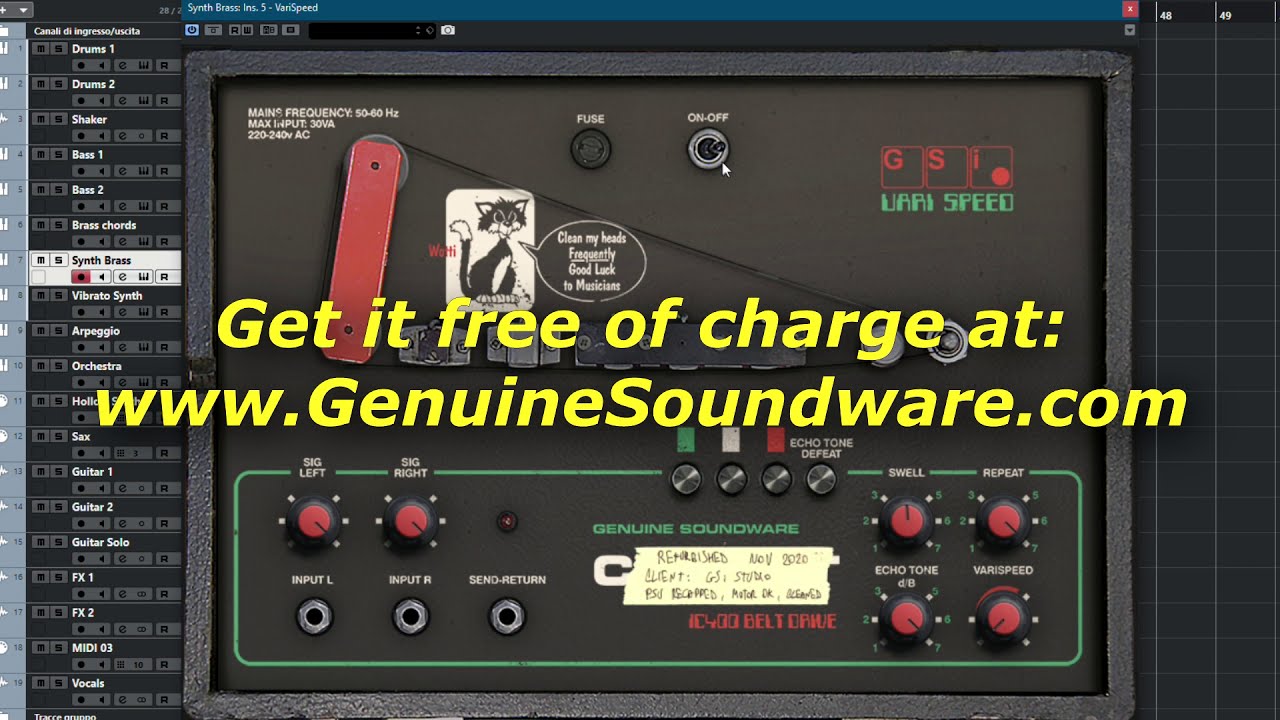
If you prefer old-school analog feedback , there’s a free plugin …
Thx once again…