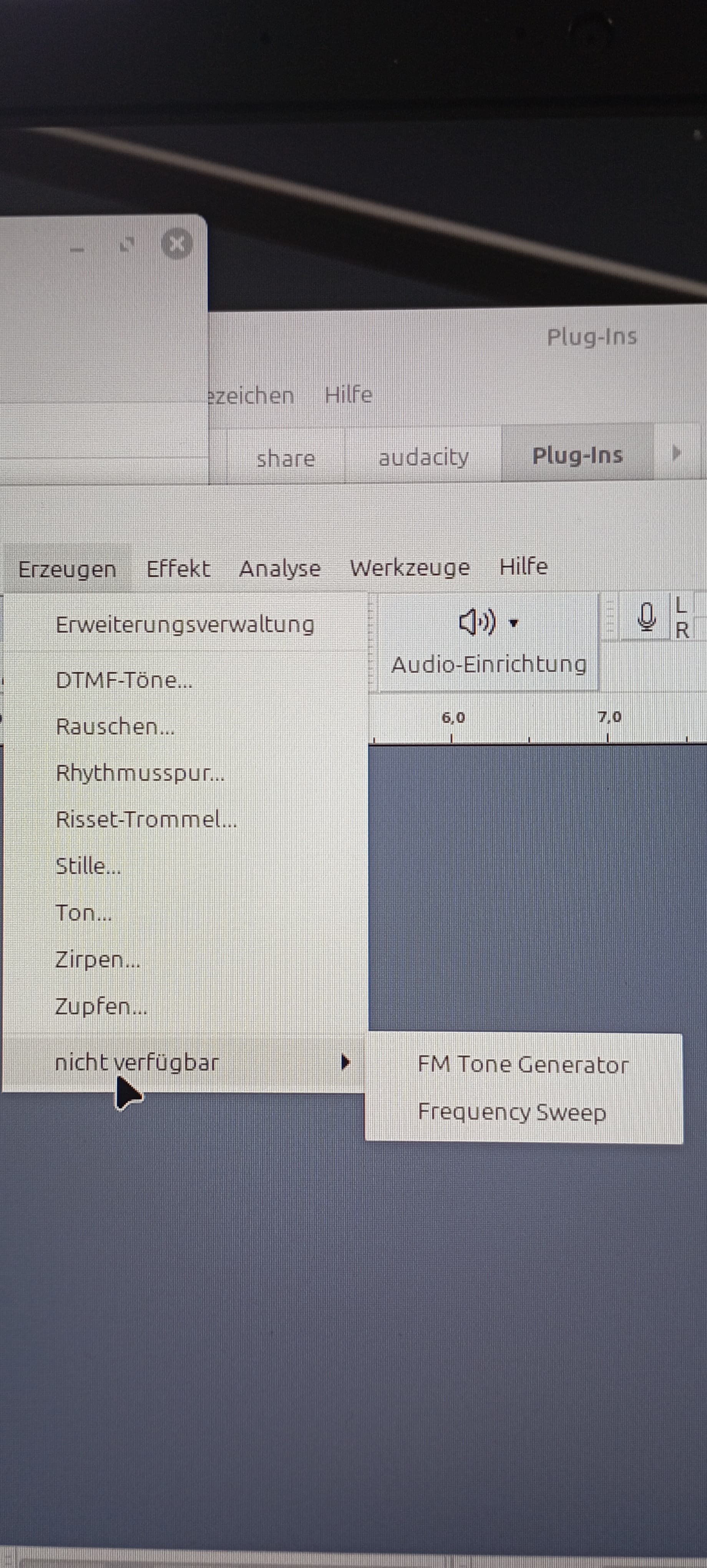
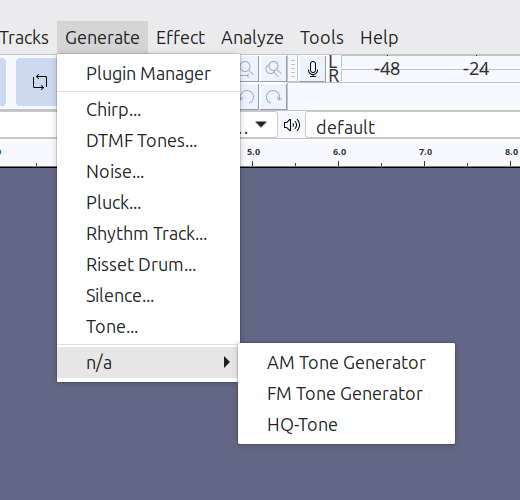
I think what you are seeing is a quirk in the new menu code. Audacity can identify a number of effect categories, and by default it sorts effects under those heading. If Audacity cannot identify a category, then if there is only one “unknown” category effect, it is listed as a separate entry, but if there are more than one “unknowns”, then they are grouped together in an “unknown” category.
Header of the second plugin:
;nyquist plug-in
;version 3
;type generate
;name “FM Tone Generator…”
What makes me confused is, that if i disable one of the plugins (no matter, which one) every thing is correct.
Only if both are activated, they do not appear in the correct menu.
i wrote a third plugin named “test” and the same header.
it does not appear in the menu too. all combinations of more than one plugin appears under “not available”
As you can see in my second example, the ;category entry was removed, but the problem still exists.
Furthermore, as i know: All lines of text starting with “;” which are not identified as keyword, are treated as comment.
So if the former ;category keyword is not supported anymore, this means : ;category is a comment. An how should a comment take influence of the position in the audacity menu?
So i think the category issue can not be the reason.
So you mean:
1 All self written plugins treated as “uncategorized”.
2 There is no way for self written plugins to categorize them.
3 And because all self written plugins are not categorized, only one plugin can be append in the main menu (e.g. under the item “generate”) correctly?
4 if there are 2 or more activated self written plugins, all of them appears in the menu as “generate”, “not available”.
5 A self written plugin can be executed, no matter if it is inserted in the menu as “available” or “not available”.
Totally confusing
From my point of view, this is a bug and not a feature. But you will know it better
The “n/a” means that the plug-in’s don’t have a defined category. I agree that it’s not totally obvious what “n/a” refers to, but it just means that menu group is a catch-all for plugin-ins that don’t have a known category. It does not mean that the plug-in isn’t available, just that it does not have a known category.
Audacity knows that the “FM Tone Generator” plug-in is a “Generate” type plug-in from the line:
I think it has been disabled because it isn’t compatible with how the menus are sorted in recent versions of Audacity. I’m no longer an Audacity developer, so I don’t have “insider knowledge” about MuseGroup’s thinking, but as far as I can tell, it is working the way that they intend it to work.