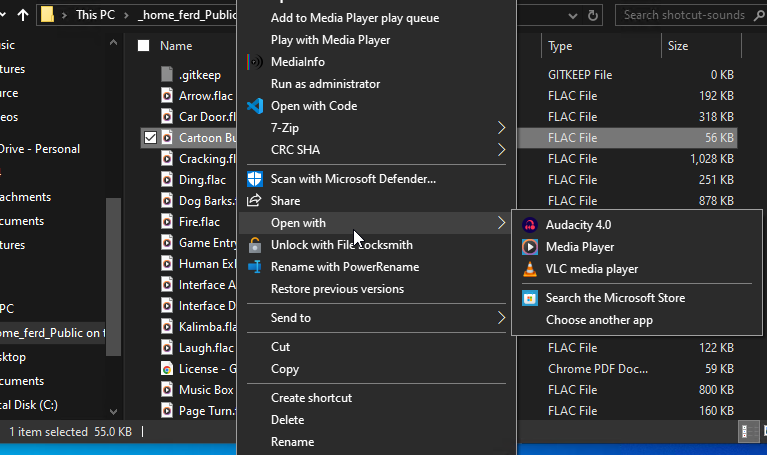
Il ne semble plus possible d’ouvrir directement, à partir de l’explorateur Windows 10, les fichiers musicaux (flac, mp3 …) dans audacity 4.0. La seule solution que j’ai trouvée est de passer par l’import !
Ai-je raté quelque chose ?. Merci
Il ne semble plus possible d’ouvrir directement, à partir de l’explorateur Windows 10, les fichiers musicaux (flac, mp3 …) dans audacity 4.0. La seule solution que j’ai trouvée est de passer par l’import !
Ai-je raté quelque chose ?. Merci
I use Windows 10 Pro 22H2, with Audacity 4 installed from download.
I checked both FLAC (shown) and OGG, in both cases my default app is some other player, but Audacity is in the Open with Explorer menu, and if I select it that audio file opens in Audacity.
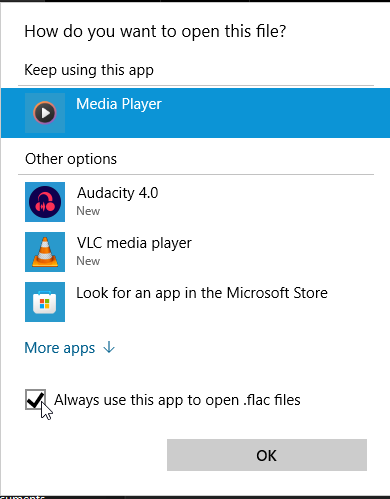
If I choose Open with > Choose another app, I can set Audacity 4 as the default for the format.
If you can import the files, then you must have FFmpeg installed, so I don’t know why that wouldn’t work for you.
Bonjour,
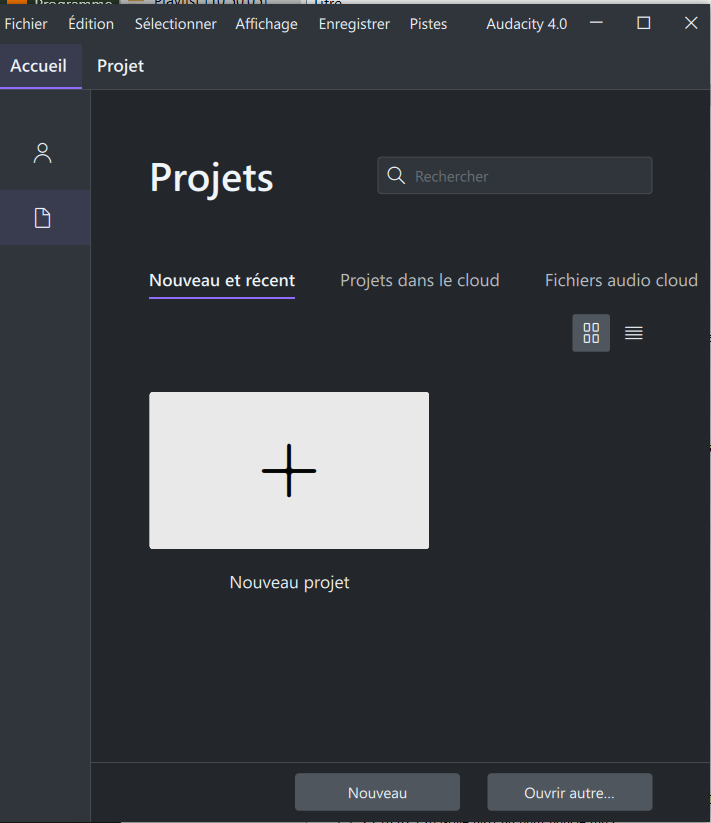
J’utilise W10 PRO Version 10.0.19045 Build 19045, Audacity 4 est associé avec M4A, FLAC et MP3, FFmpeg est installé. Lorsque je double clic sur un de ces fichiers musicaux, Audacity s’ouvre mais pas le fichier musical. Voila la fenêtre que j’obtiens :
Cordialement, B. MAURIN
Curious. I see the same thing, briefly, but then Audacity automatically switches to the “Project” tab with the file imported.
From your screenshot, “Project” is not grayed out (the way it would be if there’s no project loaded at all), which makes me think Audacity is importing the audio file — it’s just not switching tabs automatically, for some reason.
But what happens if you click on “Projet” (next to “Accueil” near the top of the window)? Perhaps the file is actually loaded there?
Merci de votre réponse. Lorsque je clique sur Projet, aucun fichier n’a été chargé. Par contre, si je clique sur projet, je peux ensuite importer mon fichier sans problème !
Je peux préciser que j’ai constaté que certains mp3 pouvait être ouverts directement alors que d’autres ne pouvaient être qu’importés !
Merci de vos réponses …