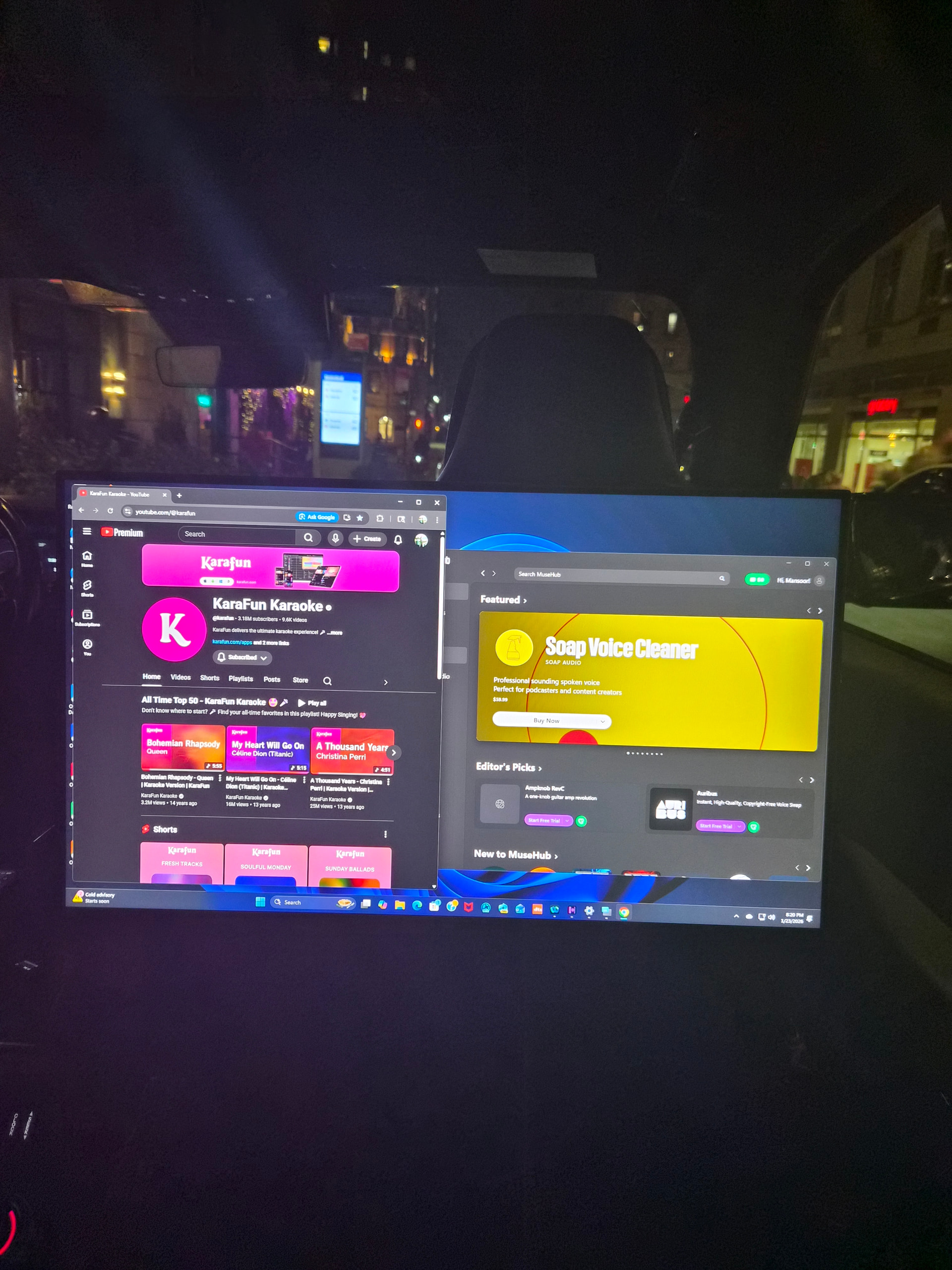
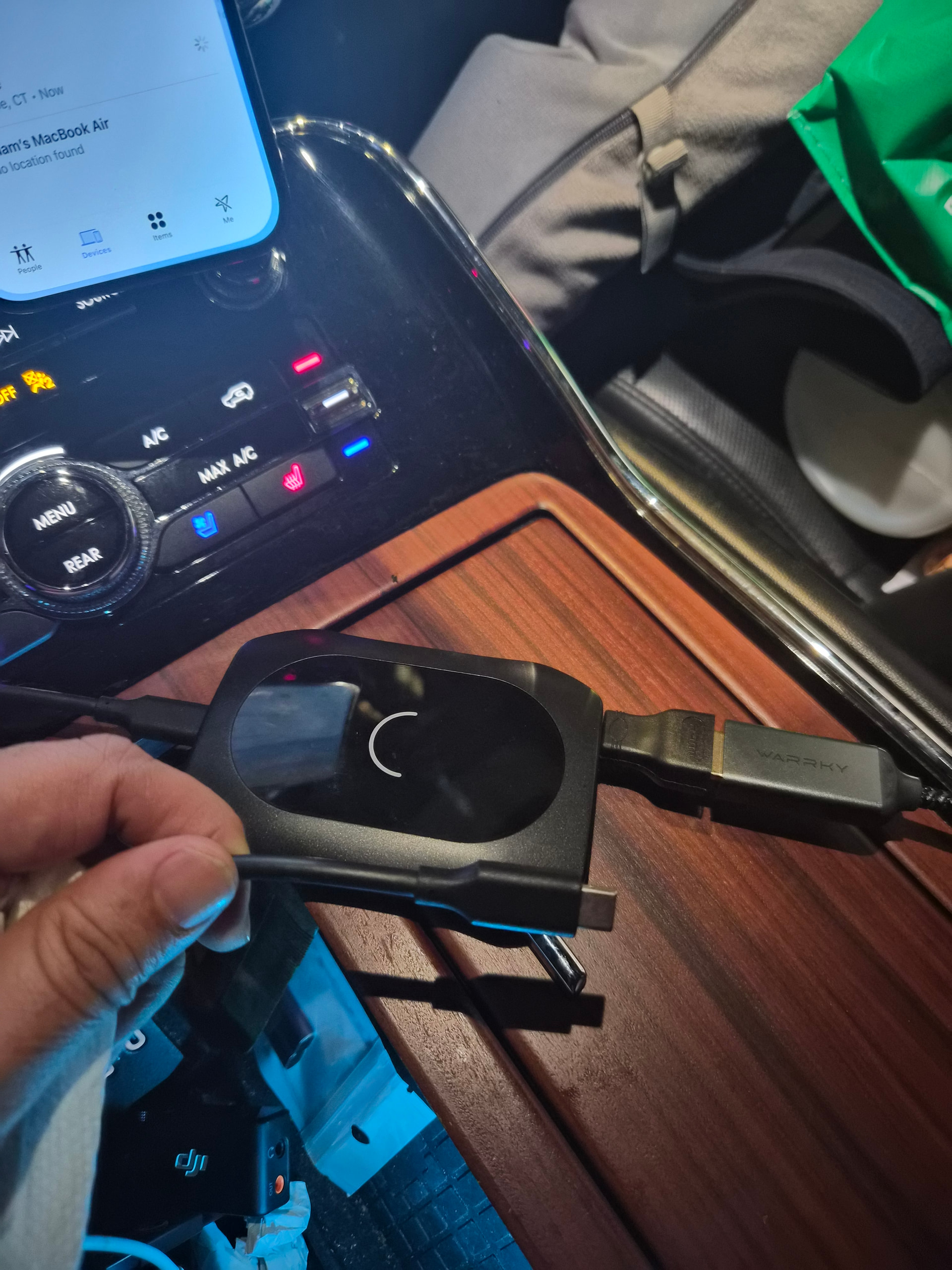
You need a small audio mixer to mix the vocals and background music. If you can’t find a line-level mixer that works on 12V there are passive mixers. The output of the mixer goes into the car amplifier.
…You don’t want to sing live through the computer because there is latency (delay through the computer).
In these new vehicles I can not install any mixer in to the vehicle amplifier.
This vehicle only has input of Type C and USB, which reads Android Auto and Apple car play. The new vehicle doesn’t have Aux input option No More.
Currently Iam using Android Auto adapter which has HDMI input to Type C, so whenever my clients watch movies, the sound come out from HDMI to Type C Android Auto adapter.
I attached the picture how the sound is playing in the vehicle through th HDMI adapter.
I went to the largest audio store “B&H Photo Video” in NYC, they sold me a DJI Mic 2 and told me to download the Audacity in Windows.
They said, with Audacity software will fix all kind of issues even any kind of sound delays.
And now I don’t know to how operate Audacity software in Windows to combine microphone sound and the karaoke from Windows.
In these new vehicles I can not install any mixer in to the vehicle amplifier.
This vehicle only has input of Type C and USB.
Usually limos are highly customized… I’m surprised there is no AC power outlet. Or a customization service could install a Karaoke or DJ system, or whatever you want (if this is your vehicle and you’re allowed to modify it).
If the microphone is working I don’t know why it stops working when you run the Karaoke application. Normally, the Windows Mixer can play more than one source at once.
And now I don’t know to how operate Audacity software in Windows to combine microphone sound and the karaoke from Windows.
Audacity is an audio editor and recording application, not really designed for real-time use (or untrained users). Audacity is not going to help you with this.
VB-Audio or VAC may help you, but I really think you need a hardware solution.
 in windows PC using DJI Mic 2.