I recorded an episode last night, when I went to save the file, I got an error message (didn’t screen shot that one - ugh!). Since last night I’ve been trying to recover the project file with no luck. The error message when I try to recover is “Audacity wasn’t able to read the file in /Users/Name//Library/.” In the log I can read “File_Error”, “Audacity failed to read from a file in /.”, “runtime_error”, “Sqlite3.rc”: “101”, “SqliteSampleBlock::Load::step” (among other bits, im not a programmer so not sure which bits to share - but I can share whatever you need!).
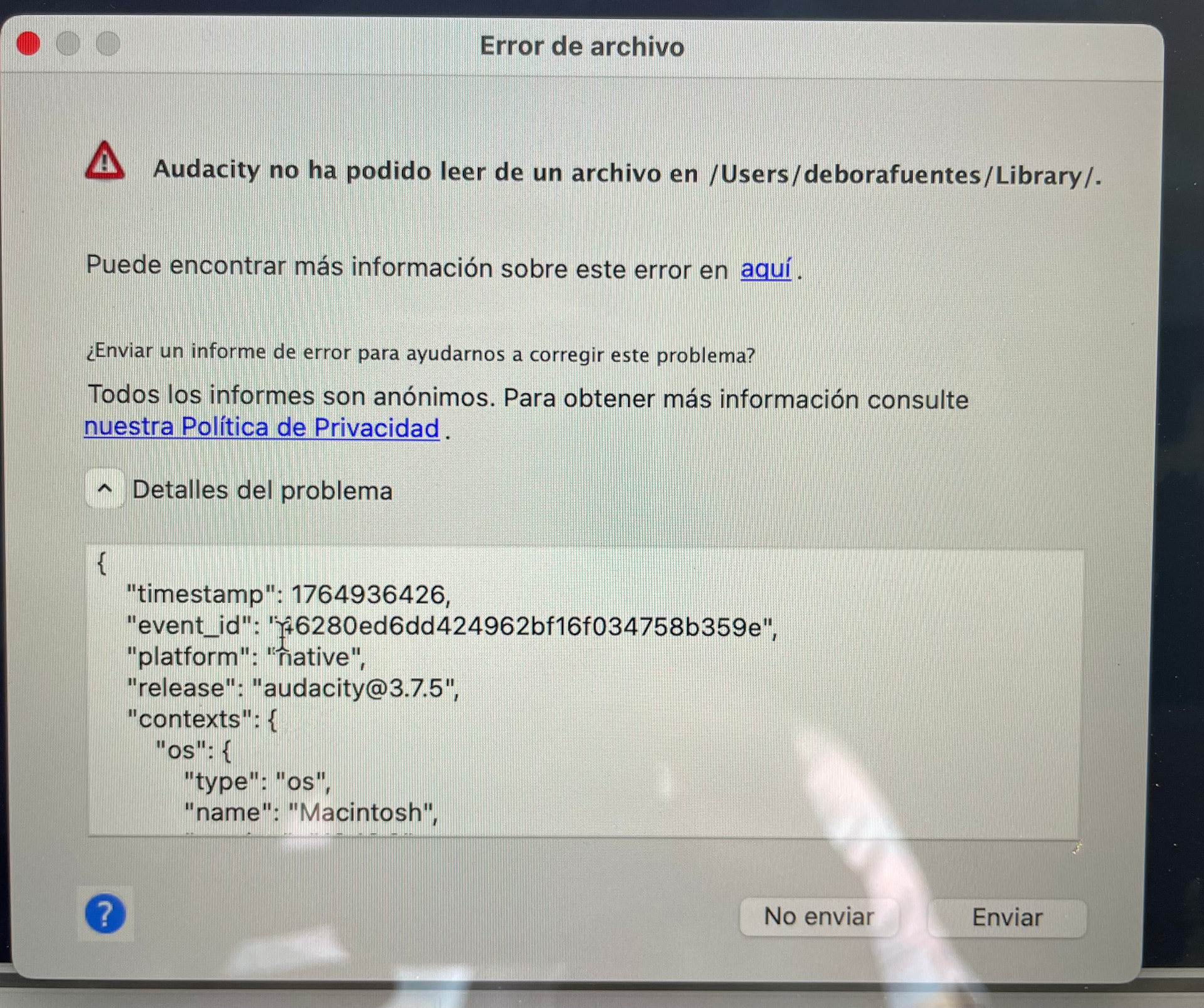
There are some project repair tools but they don’t run on macOS and your screenshot suggests that is what you are using? How big is the project file, please?
Not sure file size, but recording time was about 01:20:00
Are you willing to share the project file with me to see if I can fix it?
I wish I could! But I don’t have a file - all I have is the Audacity error message and the automatic recovery prompt that then prompts the error log I shared. I tried searching for .aup3 files, looked into the application files, and tried searching by date for anything that could pop up - but came up empty handed.
Oh dear, sorry to hear that.
Thanks for trying! I think I’ll have to use the camera audio and see how the !%# to make the final edit palatable. If anyone has any suggestions to make camera audio decent, I’ll be eternally grateful!
I am willing to try to improve the camera audio if you share that instead.
@DeboFue could you check /Users/deborafuentes/Library/Application Support/audacity/AutoSave/ folder if there are any files?
This topic was automatically closed after 30 days. New replies are no longer allowed.