Remember this is a forum. Users across earth contributing when they get to it. It’s not a Help Desk.
It can be a little bit of a chore getting the software to stop “helping you.”
These are two responses from up the forum.
Also make sure Audacity is the only program running. Close all your known applications and restart the machine.
In extreme, disconnect your network. If you do, pay attention to error messages complaining about disconnecting your network.
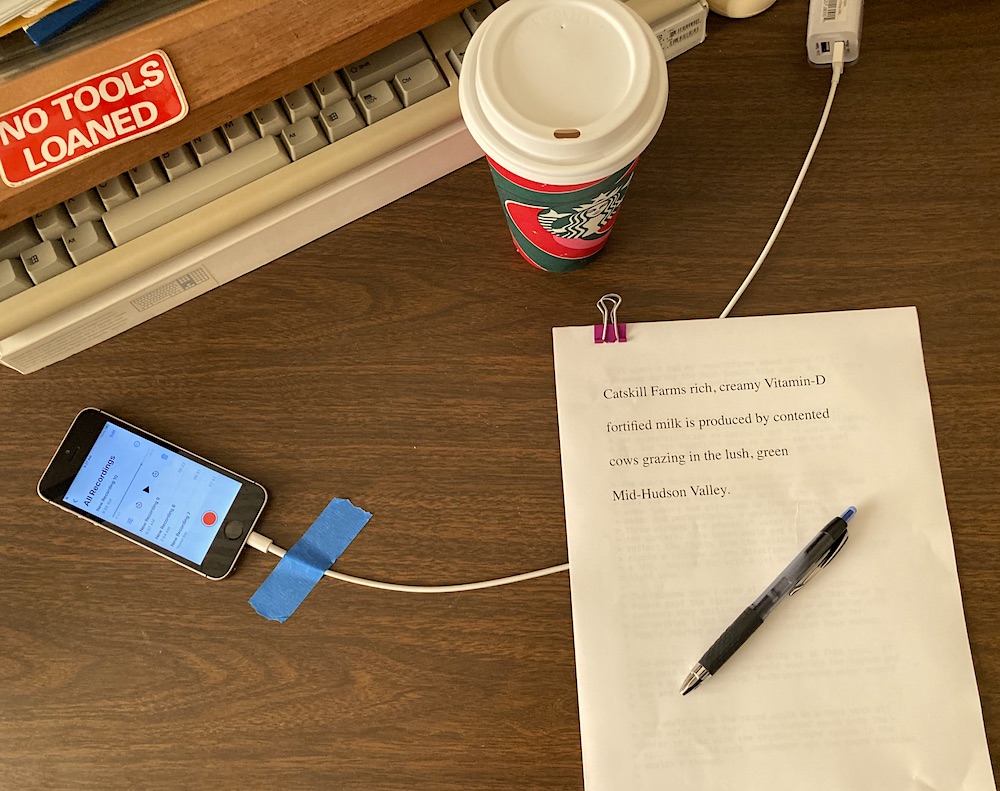
There’s a list of computer-y things that can interfere with live, ordinary voice recording. That’s why I recommend not recording on the computer. Stand-alone sound recorders and even your phone can do a very nice job.
If you use your phone, make sure your i…
This is how I recorded that test.
There’s a couple of tricks to it, but that and a quiet room are about it.
Post back if you find one of those that work. My money is stepping back to 3.4.2. 3.4.2 will not fix damaged sound tracks, but it won’t make any new ones.
Koz