Hello all- for my recording earlier this week, I did Not have the right mic selected in a platform I use called Zencastr; it sounds like it only recorded thru my laptop’s mic as opposed to the shure mic I set up through my mixer.
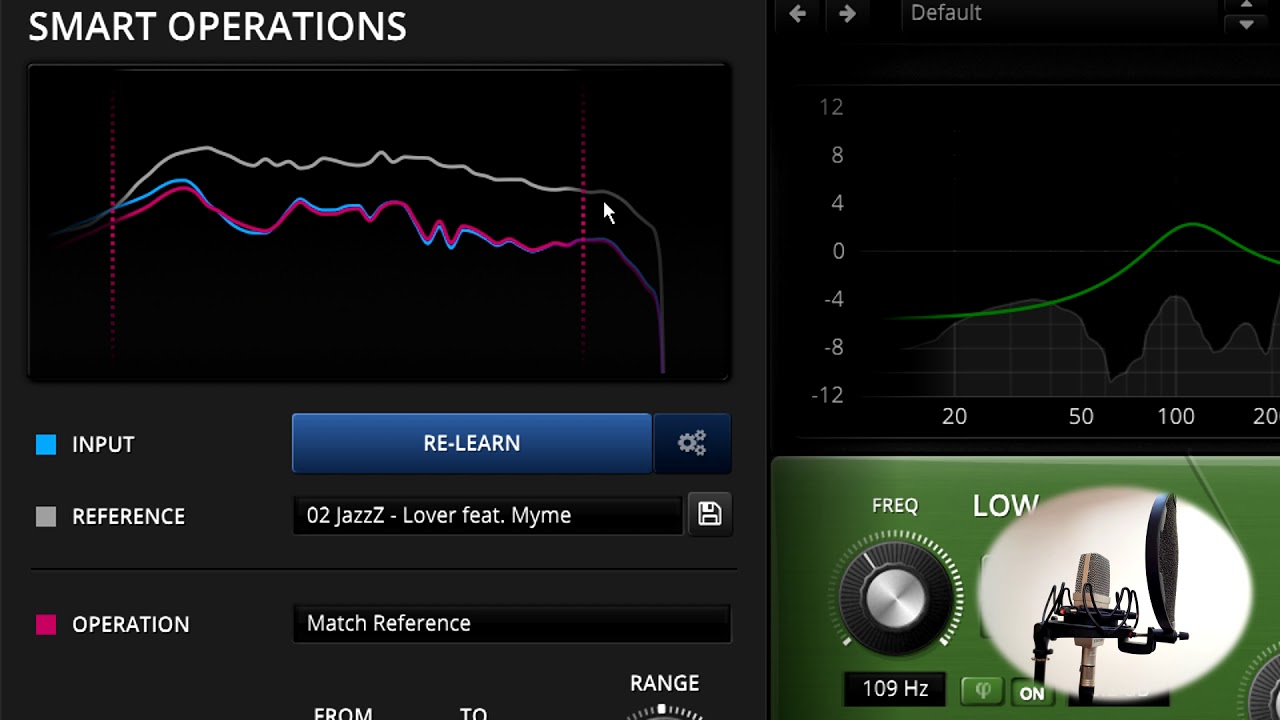
My ask is simply what tools you would recommend to minimize the canned sound and get it closer to what it should have been via the external mic- what suggested EQ and compression chains would you recommend for the attached clip?
I’m hearing room echoes. The laptop is responding to your direct voice as well as the voice bouncing from the walls and arriving late.
Echoes are rough. You are asking repair software to remove your voice from itself. This is me waiting for someone who knows modern software patch methods. I don’t know any native Audacity tools that can help.
I’m actually really happy with the adobe enhance tool. I recommend it to anyone stuck with a recording using lower quality/built-in computer mic. Many thanks @Trebor for the recommendation