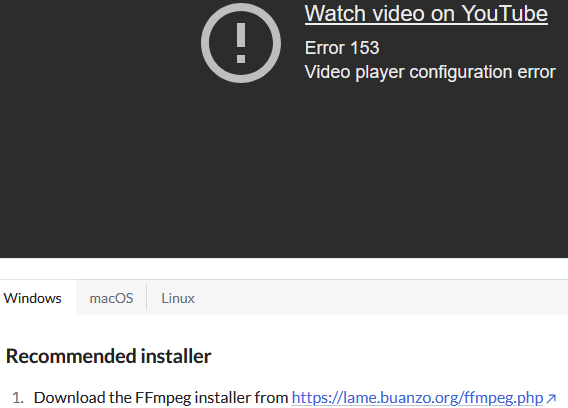
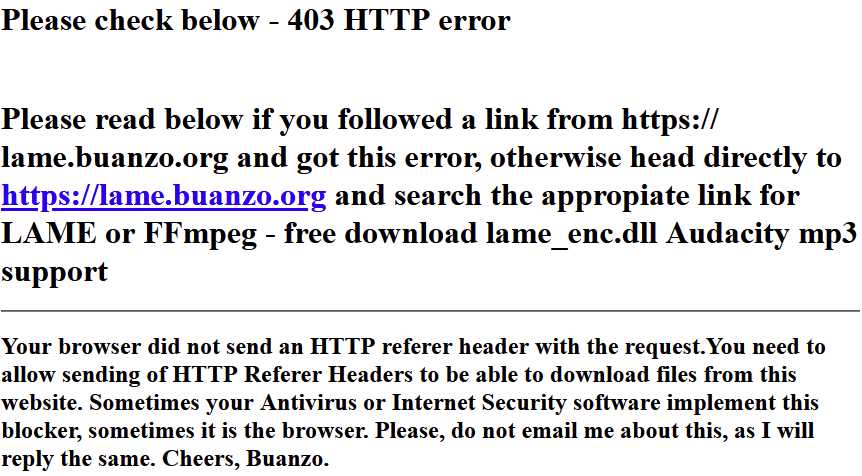
Followed the link in Help to download FFmpeg but it just gave me a 403 error.
Followed another chain of links which led back to the same place.
Tried Github & downloaded a zip. Unzipped but no “Install” exe there, just the three - ffmpeg.exe, ffplay.exe & ffprobe.exe along with a lot of html files in a “doc” folder + a “presets” folder. Is that it? Is this the “library”? Should I run one of the above .exe? Or place the lot in another folder to point to from Audacity?
Even the YouTube video on the Support page gives me an “Error 153 - Video player configuration error”.
(I’ve been working for years with several other A/V tools from Adobe through DaVinci Resolve without these hangups.)
Windows 10.