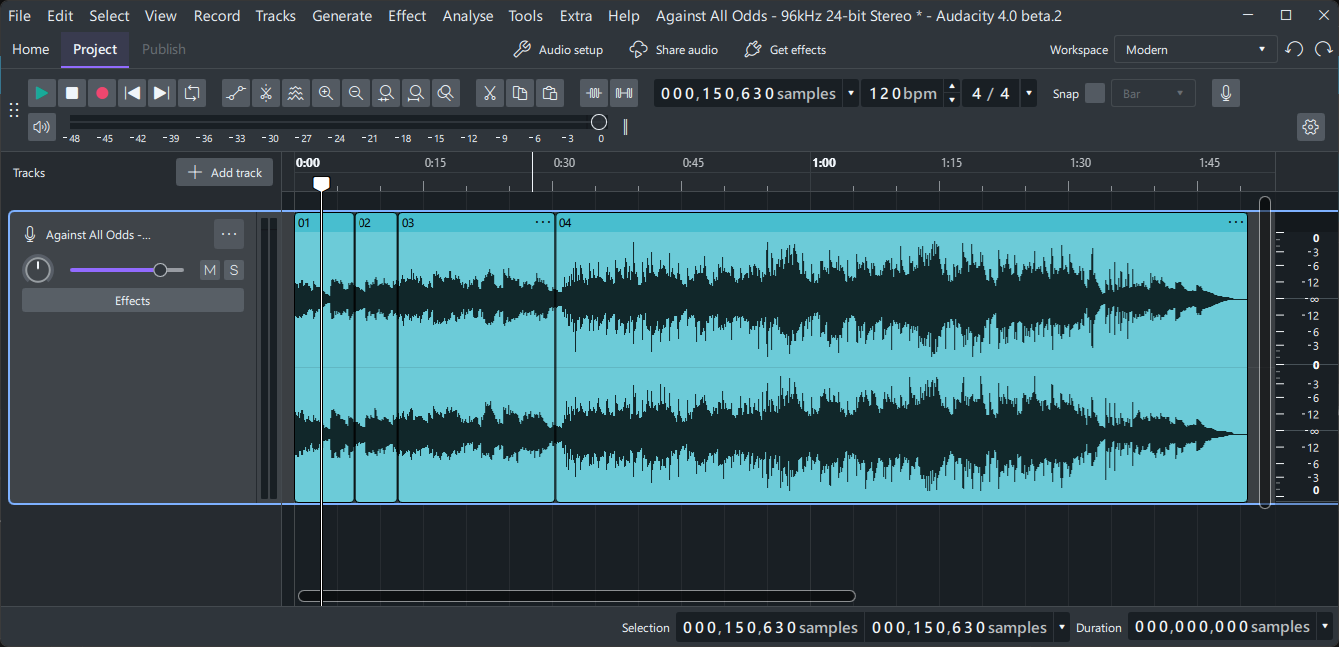
Currently in Audacity 4.0 Alpha 2 there is no shortcut to move the cursor directly between clips. This makes navigation in multi‑clip projects slower and less intuitive.
Problem:
When working with multiple clips on the same track, I need to manually click or scroll to move between them. There is no keyboard shortcut or menu option to jump to the previous or next clip.
Proposed Solution:
Add shortcut keys to jump to the previous/next clip.
Add a “Jump to Previous Clip / Jump to Next Clip” option under the Tracks menu.
Benefit:
This would greatly improve workflow efficiency in multi‑clip projects, making navigation faster and reducing interruptions during editing.
When there is less dependency on the mouse and more keyboard shortcuts available, the workflow becomes significantly faster.
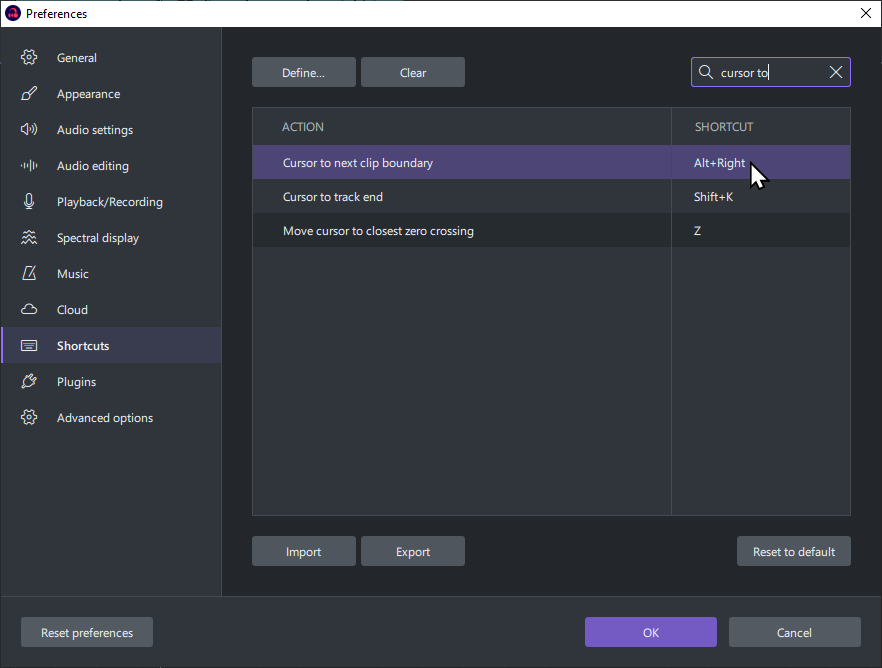
Interestingly, there is a “Cursor to next clip boundary” binding that I couldn’t find in the menus (not assigned by default) but it doesn’t seem to do anything in audacity 4 beta 2 (neither with the shortcut ‘Alt+ArrowRight’ nor with ‘A’).
In Shotcut and Audition, ALT+ArrowRight and ALT+ArrowLeft are the shortcuts for the desired functionality.
you also can enter into a keyboard navigation mode by pressing tab, and then cycle through clips with the arrow key and select clips with enter and move clips with ctrl+arrows
Yes, please resolve this issue. This behavior is very annoying. I Edit a podcast and my flow for content edit its done from back to front, and I start with 90 minutes tracks
I rely heavily on the 3.7 Transport menu: Cursor to > Previous Clip Boundary and Cursor to > Next Clip Boundary. To the extent that I assigned the “Q” and “W” keys to them.
The Select menu has Audio Clips > Previous Clip and Audio Clips > Next Clip, which are also very useful.