Hi, my idea its to select a specific frequences, not all the audio. For example: This audio here doesn’t allow me to work with the noise because there are main frequencies every 60 milliseconds, but if I could select specific parts of the spectrum I could do it
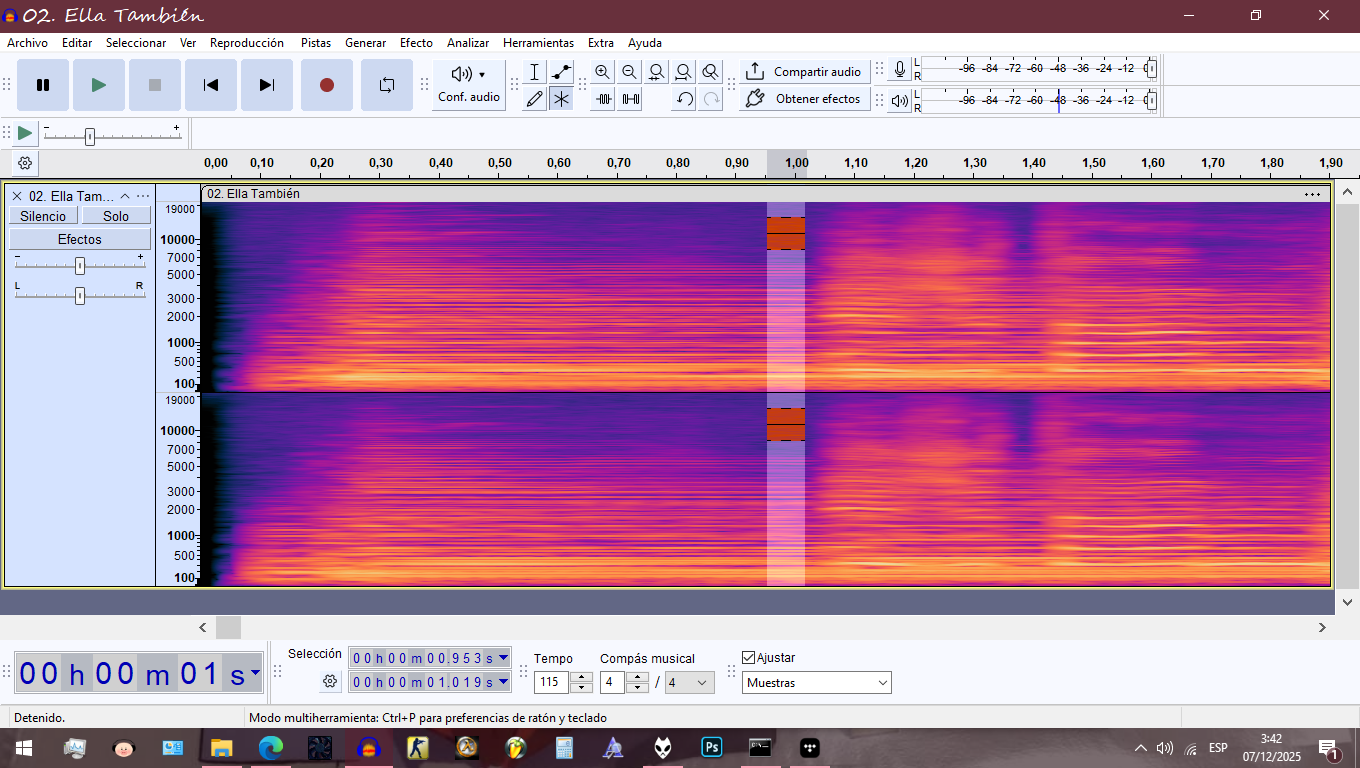
Copy the selection, apply spectral bandpass to isolate the noise, then use as noise profile.
Can you show me a step by step? or at least an image of the spectral bandpass option?
Another way, without installing a plugin, use spectral delete to remove the parts of the spectrum you don’t want noise reduction from your noise-profile audio.
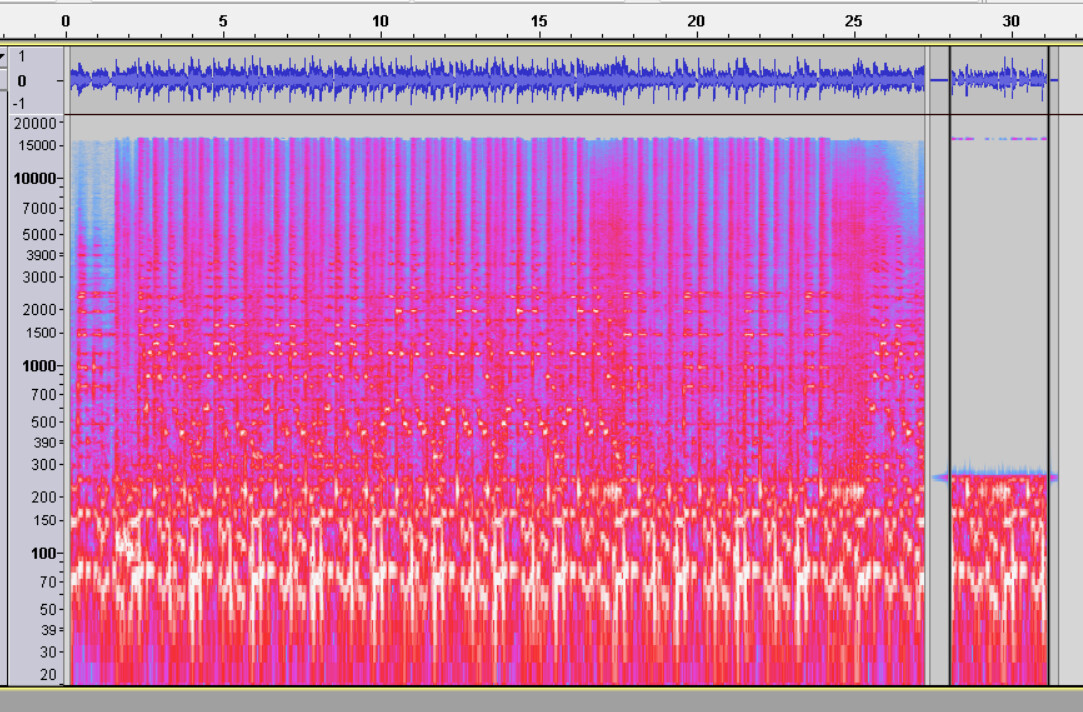
What’s the production or show?
Do you know what the noise is or where it’s coming from? Sometimes a forum posting will drop us in the “middle of the movie” with no back story or history and it might be really valuable to know everything.
Koz