I thought this would be easy. I have opened a stereo file with two channels (left and right).
I want to save (export) the left channel only into a separate file (with the left channel playing in both channels of the export (left and right).
I want to do the same process for the right channel: save (export) the right channel only into a separate file (with the right channel playing in both channels of the export (left and right).
However, the many different ways I try this with Audacity, I get a ghastly result of either both channels combined into mono on the export, only one channel showing up (left/left or right/right), or the left channel exported correctly, but the right channel exports with no audio.
What are the exact steps with Audacity to export a stereo file’s left and right channels separately into mono files?
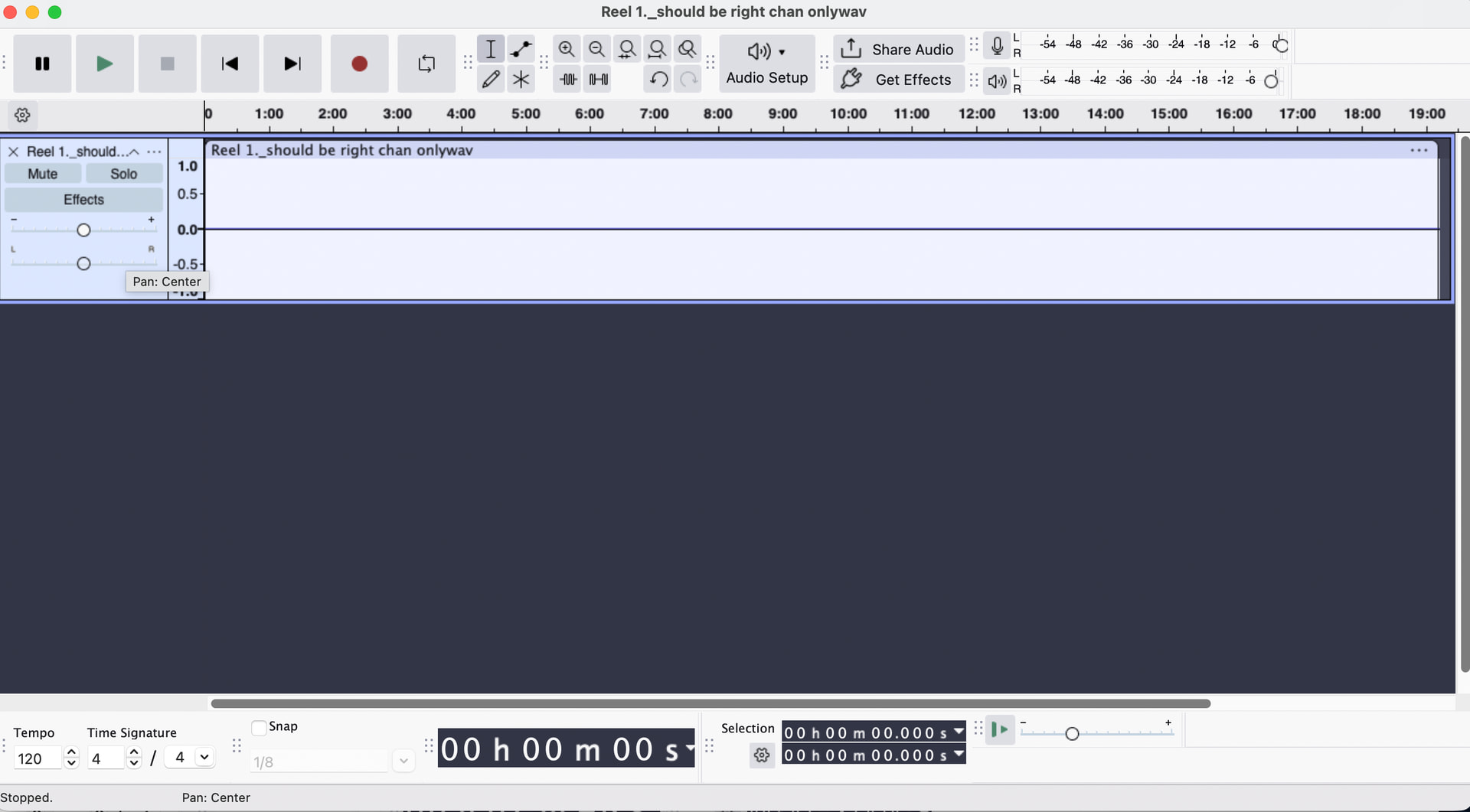
OK thanks Steve, I succesfully saved the left channel to a separate file with the steps you provided. However, going thru the same steps (muting left, un-mute right) for the right channel, exports a file with no audio.
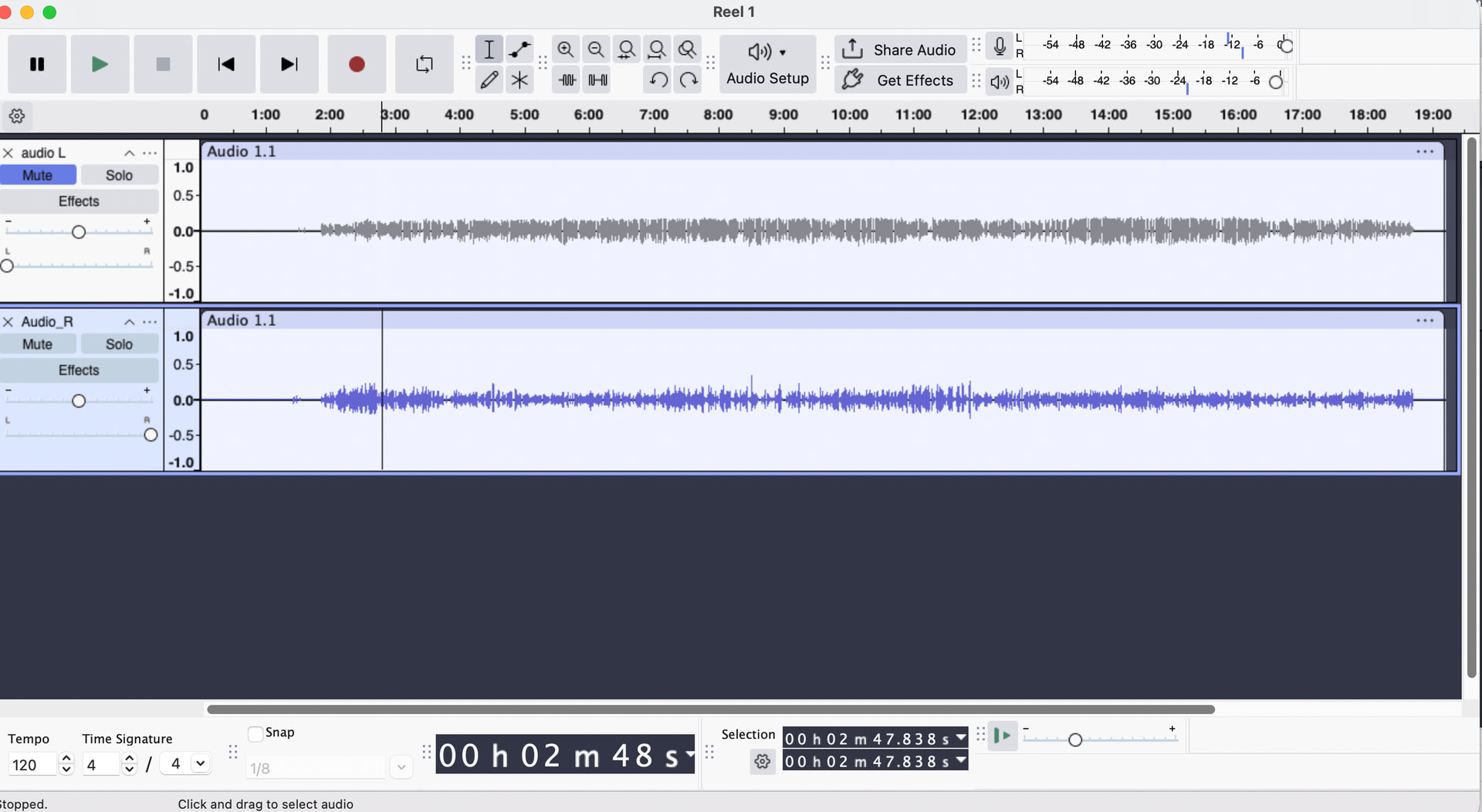
Here’s the Audactity screen right before exporting the right channel (showing left channel muted).
It looks like you did “Split Stereo Track” instead of “Split Stereo to Mono”. To correct for this, move the pan controls on both tracks to the center. Then try exporting the right-channel track.
As Bill wrote, it look like you used “Split Stereo Track” rather than “Split Stereo to Mono”.
The difference is that “Split Stereo track” pans the left channel all the way to the left and the right channel is panned all the way t the right. On the other hand “Split Stereo to Mono” creates two mono tracks that are centre-panned.
Allright, I first selected “make stereo track” (clicking the three dot menu in the upper track) to put both tracks back to stereo. Then, clicked the 3 dots again and selected “split stereo to mono” which splits each track out separately (both center panned in the left side track window).
Then, muted the right channel (lower track), and chose File, export audio, with channels at “mono”, export range “entire project”, and the left channel succesfully exported.
Conversely, I un-muted the right channel (lower track), muted the left (upper track) and exported mono and it is now saved correctly as just the right channel in a separate file. Hooray!
I don’t know why such a difficult time with this originally? Perhaps, because the term “split stereo to mono” puts the idea in my head that both tracks will be combined into one monophonic track (left and right channel summed together), which I don’t want.